

- Install
- <100
- Category
- Puzzle
- Last updated
- 2026 October 25
- Size
- 27 MB
View antivirus results
| Antivirus | Status |
|---|---|
| Eset | Clean |
| Symantec | Clean |
| ClamAv | Clean |
| Comodo | Clean |
| GooglePlayProtect | No result |
Needs further review: this scanner has not returned a result for this version of the app. | |
| McAfee | Clean |
| FSecure | Clean |
| Kaspersky | Clean |
| ZonerMobileSecurity | No result |
Needs further review: this scanner has not returned a result for this version of the app. | |
| DrWeb | Clean |
App screenshots
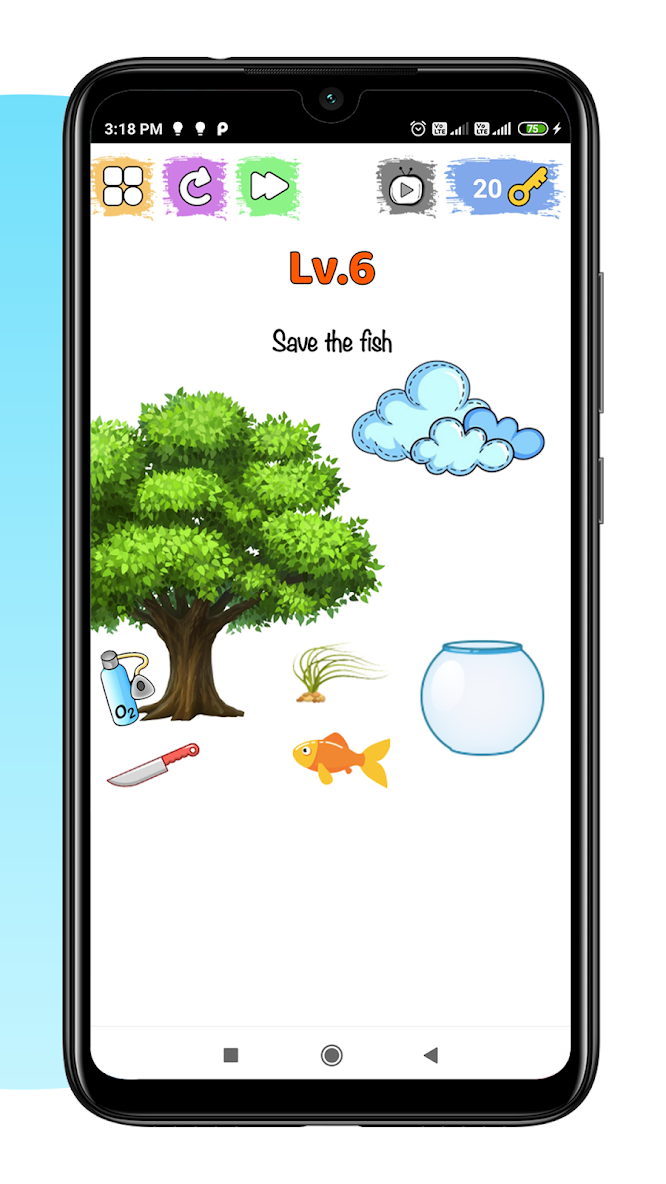


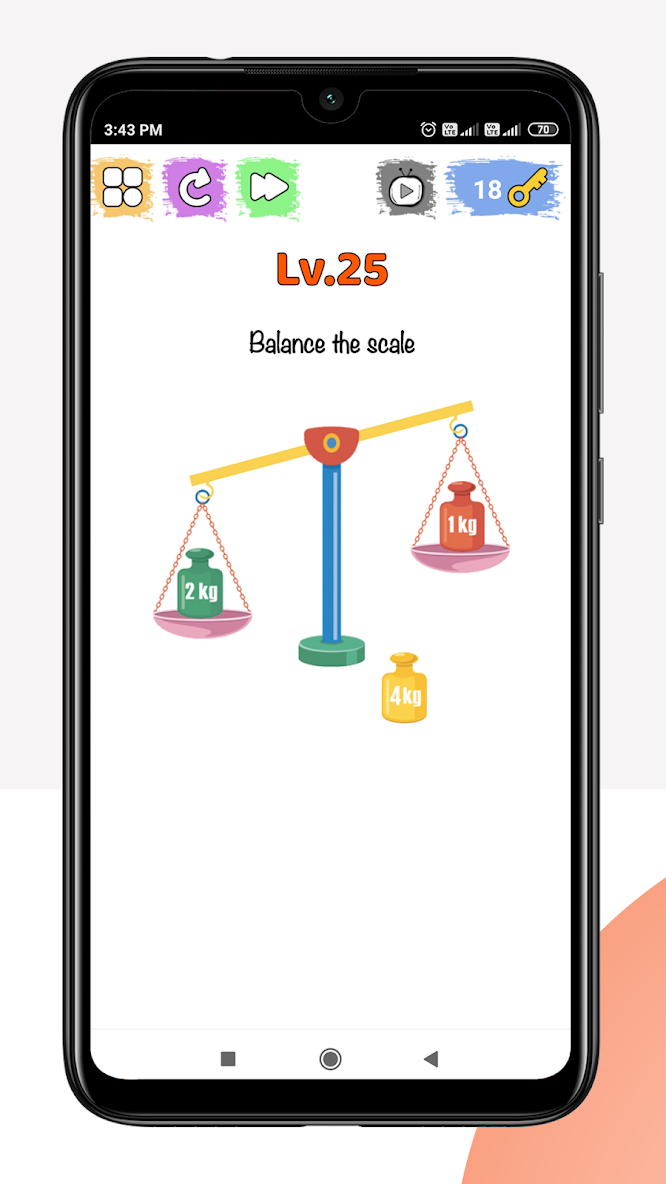


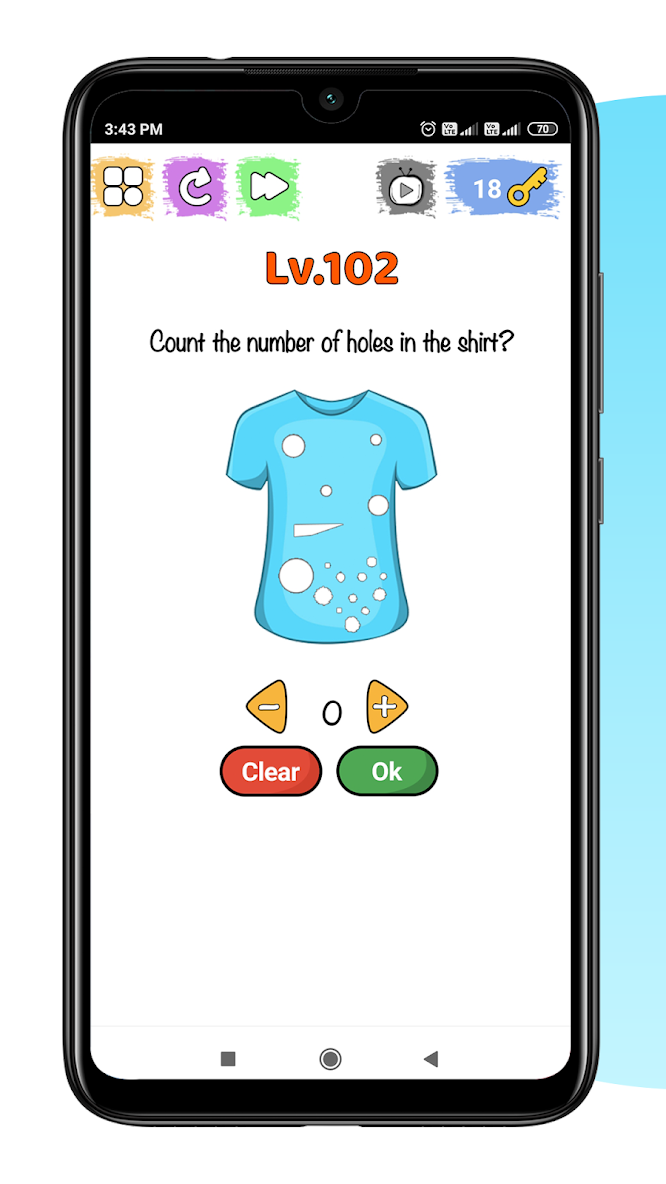
About this app
Brain Fun Tricks is a collection of 110 interactive brain teasers for people who enjoy puzzles with an unexpected answer. Look closely at each scene, question your first idea and try a different approach.
A picture can hide a clue. A word in the question can become part of the solution. Sometimes moving the scene matters more than picking the obvious answer.
PUZZLES YOU CAN TOUCH
Tap objects, drag pieces and swipe through illustrated challenges. Help characters solve small problems, find what is hiding in a scene, and work out what the question really asks. Some puzzles use shaking on supported devices.
A MIX OF CLEVER CHALLENGES
Work through visual riddles, counting questions, number puzzles and odd-one-out scenes. Match an object to its shadow, rearrange what you see or look for a detail you missed. Each level gives you a different situation to explore.
MAKE YOUR WAY THROUGH 110 LEVELS
Start with Play now and continue from your saved progress. The level selector shows the puzzles you have reached, so you can revisit an unlocked challenge and try it again. Later levels open as you advance.
TRY A NEW APPROACH
Use Restart when you want a fresh attempt at the current scene. After solving a puzzle, replay it or move on to the next one.
HINTS WHEN YOU NEED A NUDGE
Reveal a clue using a key. Skipping a level costs two keys. When a reward video is available, completing it earns one key. Reward videos need an internet connection and depend on ad availability.
SET THE MOOD
Choose a light, dark or system theme. Turn background music, sound effects and vibration on or off in Settings. Progress and preferences are saved on your device.
The app contains advertising. Hints and skips use the available key balance.
Read the question, explore the picture and see which surprising solution you can uncover next.


