

View antivirus results
| Antivirus | Status |
|---|---|
| McAfee | Clean |
| FSecure | No result |
Needs further review: this scanner has not returned a result for this version of the app. | |
| Symantec | Clean |
| ClamAv | Clean |
| Kaspersky | Clean |
| Eset | Clean |
| DrWeb | Clean |
| Comodo | Clean |
| ZonerMobileSecurity | No result |
Needs further review: this scanner has not returned a result for this version of the app. | |
| GooglePlayProtect | No result |
Needs further review: this scanner has not returned a result for this version of the app. | |
App screenshots



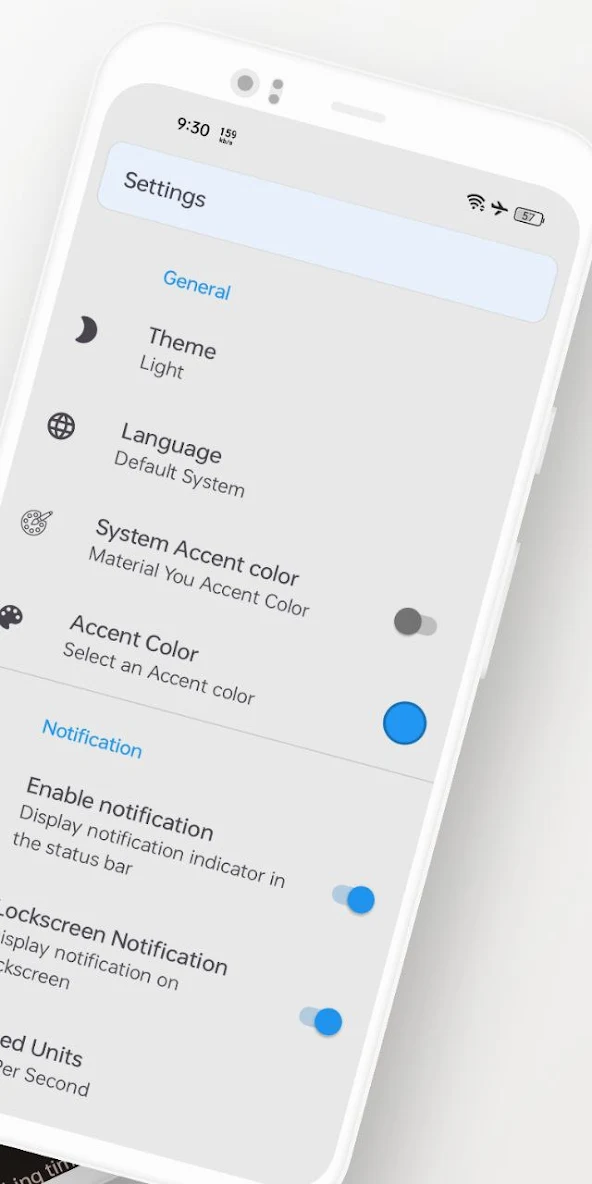
About this app
BitVelo – Internet Speed Meter & Usage Monitor
Experience full control of your network with BitVelo, the ultimate app for tracking real-time internet speed, app data usage, and history — all in one clean and powerful tool.
Top Features:
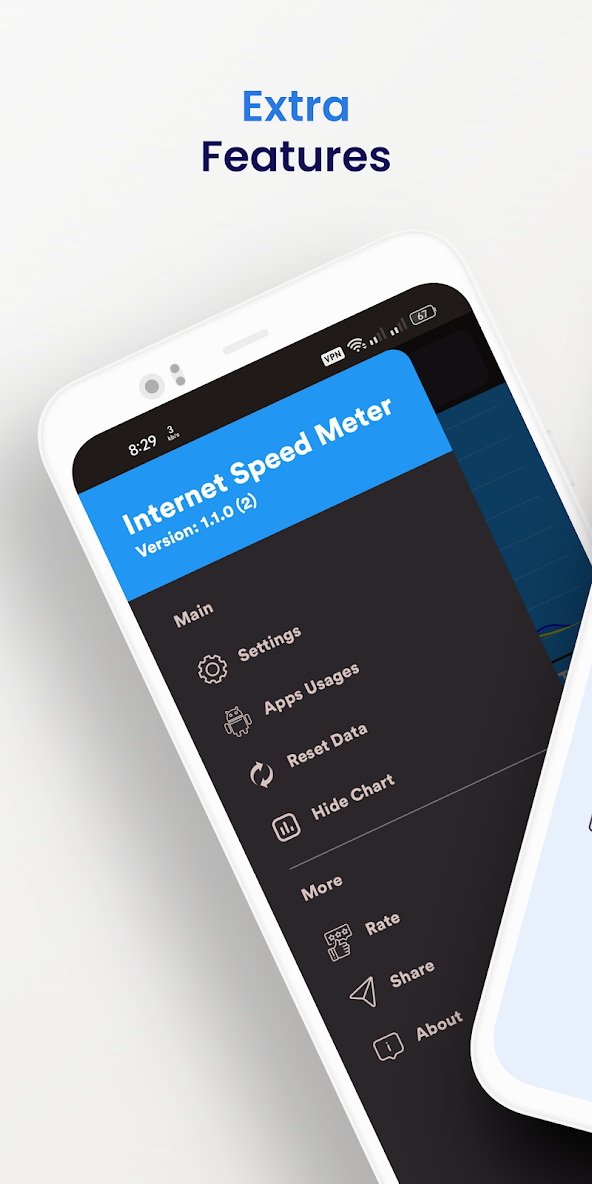
• Real-time Speed Monitoring – View live download & upload speed right on your status bar and through a floating window.
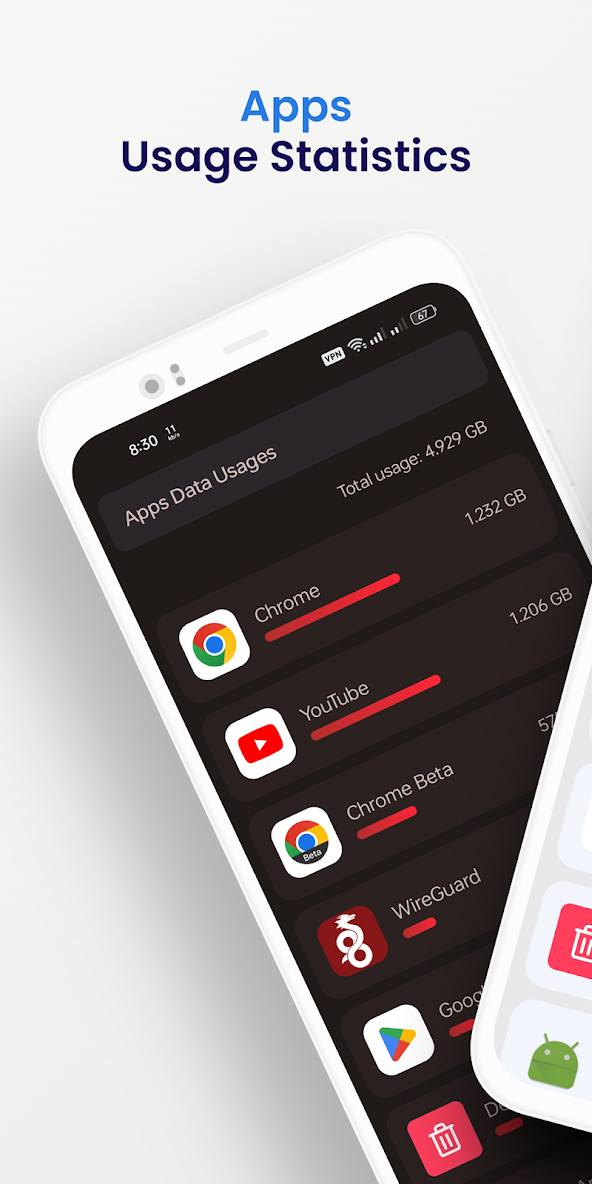
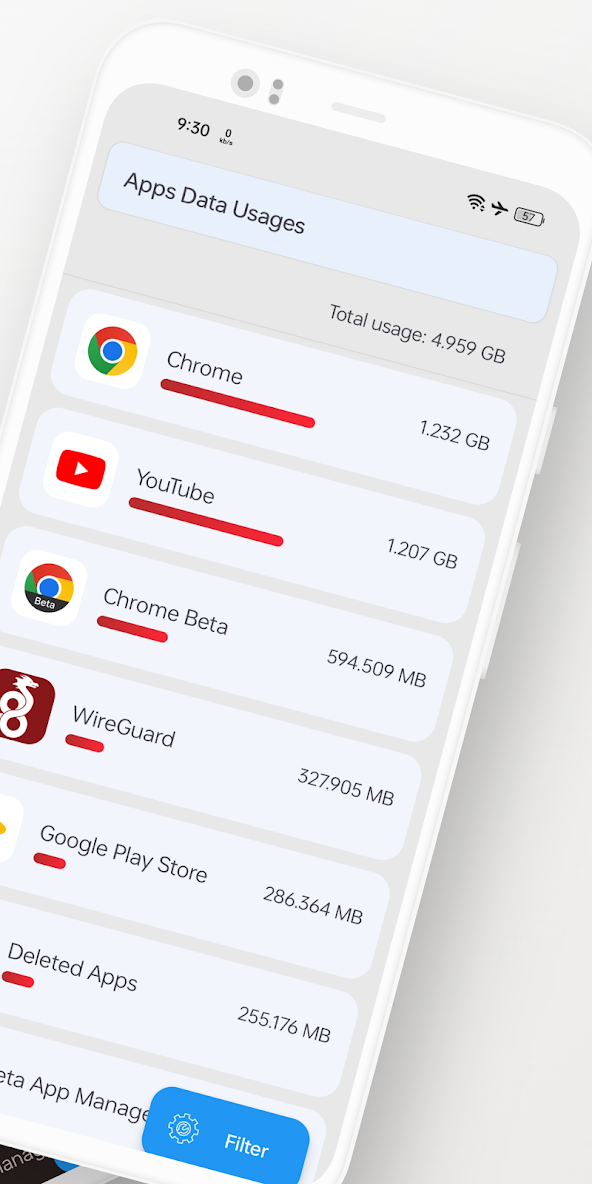
• Per-App Network Usage – See how much data each app uses in real-time or over a selected duration.
• Usage History – Track and analyze your daily, weekly, and monthly data usage.
• Advanced Floating Monitor – Always know which app is using your internet with the floating speed window.
• Supports All Networks – WiFi, 4G, 5G, and mobile data.
• App Network Blocking – Block selected apps from accessing the internet to save mobile data, prevent unwanted apps from consuming data in the background, and enhance privacy.
Bitvelo uses the Android VPNService to route traffic to itself, so it can be filtered on-device instead of on a server. Only one app can use this service at the same time, which is a limitation of Android.
Why Choose BitVelo?
Stay informed and avoid overages. Whether you're a heavy streamer, mobile gamer, or simply want better control over your internet – BitVelo gives you transparency, control, and performance.
What’s new
Bugs fixed
Performence improved


