- Install
- <100
- Category
- Photography
- Last updated
- 2026 October 11
- Size
- 106 MB
View antivirus results
| Antivirus | Status |
|---|---|
| Symantec | Clean |
| GooglePlayProtect | Clean |
| FSecure | No result |
Needs further review: this scanner has not returned a result for this version of the app. | |
| ClamAv | Clean |
| Kaspersky | Clean |
| Eset | Clean |
| DrWeb | Clean |
| ZonerMobileSecurity | No result |
Needs further review: this scanner has not returned a result for this version of the app. | |
| Comodo | Clean |
| McAfee | Clean |
App screenshots


About this app
Video Editor Guru is a complete product in itself. It has features like trimming, video compression, Slow Motion Fast Motion Videos and trans coding (compress and convert to MP4).
Easily save all your edited videos and share them on any social networking platforms like Facebook, Twitter, Instagram and more.
Features:
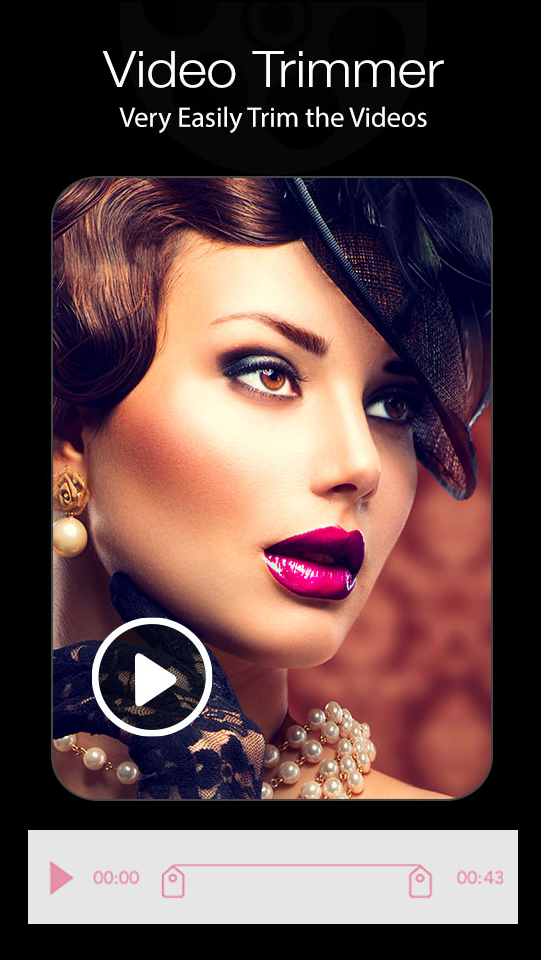
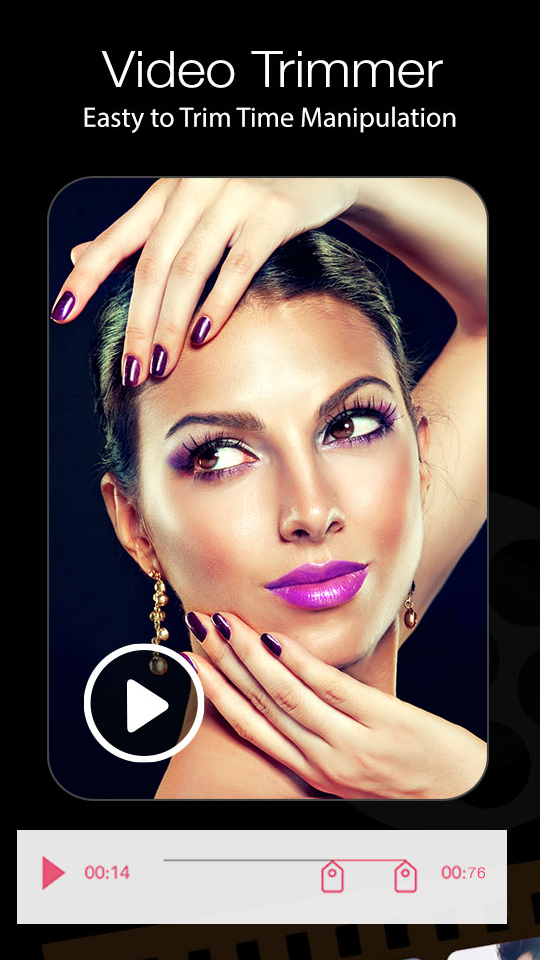
+ Video Trimmer: Trim your videos to remove unwanted parts
+ Video Compressor: You can compress size of the videos so that you can easily share them. You can set frame rate, size of video and quality low/medium/high
+ Slow Motion Fast Motion Videos: Easily make 1x, 2x, 3x, 4x, 5x and more time slow motion videos or fast motion videos.
+ MP4 to video merger function is included
+ Reverse: You can easily make reverse videos here
+ Video Rotate: Rotate videos (Quick Rotation without encoding or True Rotation with encoding). You can rotate your videos to 90 degrees, 270 degrees and 180 degrees
+ Filters: You can add black and white filter, vintage filters and even give fade in fade out animation to your video
If you have any problems, please feel free to contact us via email.
Video Editor: Edit videos easily with powerful tools and creative effects.
AI Effects for Video Editing: Enhance videos with smart AI-powered effects.
Animation Outline Effect: Add stylish animated outlines to your videos.
New Filters: Give your videos a fresh look with new creative filters.
Photo Editor: Create stunning photos with easy-to-use editing tools.
New Editing Tools & Effects: Explore new tools and effects for creative edits.
Improved Photo Editing Experience: Enjoy smoother and more intuitive photo editing.
Splitter: Split a video into multiple parts quickly and easily.
Overlay: Add and layer multiple images over your video.
Your feedback is welcomed and highly appreciated.
What’s new
Video Editor
AI Effects for Video Editing
Animation Outline Effect
New Filters
Photo Editor
New Editing Tools & Effects
Improved Photo Editing Experience
Splitter
split video in multiple part
Overlay
Apply overlay with multiple images