View antivirus results
checking the app
App screenshots
About this app
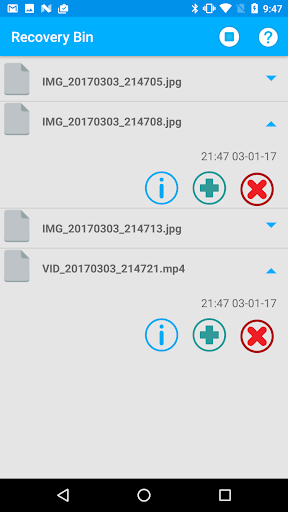
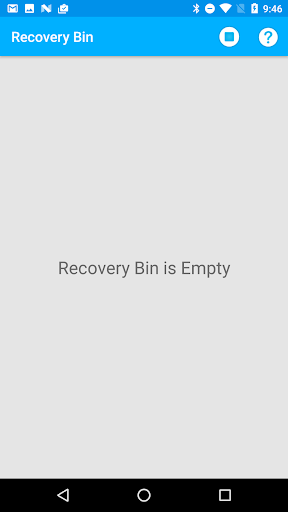
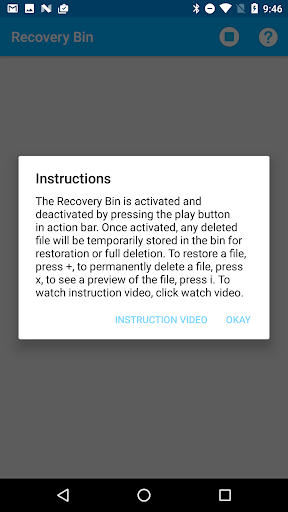
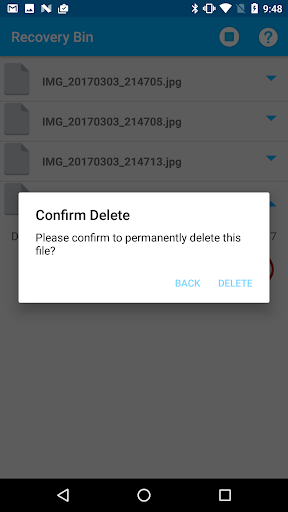
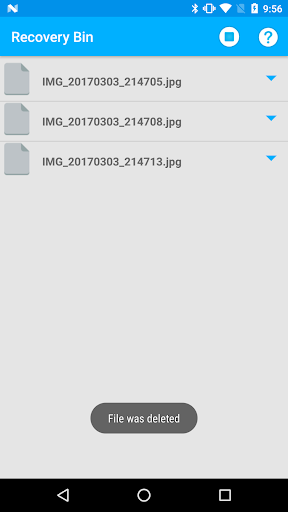
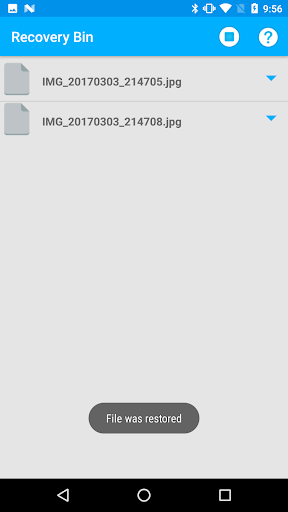
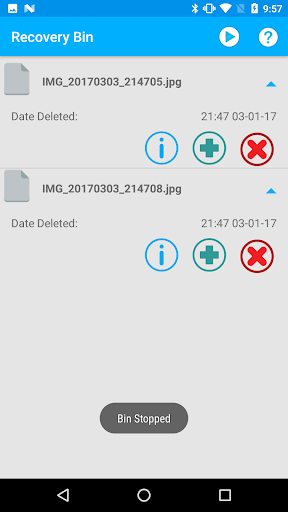
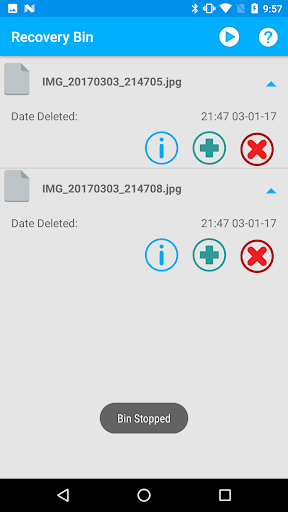
This App works exactly like the recycle bin on your computer. The Recovery Bin is activated and deactivated by pressing the play button. Once activated, any file you delete will appear in bin for restoration or full deletion.
-Restores full quality Videos and Images, low storage/memory requirements
-Fully respects user privacy: Never asks for personal information and no files are backed up to any servers
-Works in the background even if the app is swiped away, or phone restarted.
-user can turn the Bin on/off with 1 button, or un-install with no strings attached
-1 button restore or delete, preview files before delete
Note: files are restored to where they were located. Use galley app or any file browser to view restored photos and videos.
Other Apps by me: https://play.google.com/store/apps/developer?id=AA-Android+Apps
Instruction Videos: https://www.youtube.com/watch?v=VyeqnJrj38s
What’s new
Version 3.6-4.4 [05-28-2026] fix crash bug
Version 3.1-3.6 [02-23-2023] Fixed navigation issue on Android 11+ broken
Version 3.0-3.0 [09-18-2022] Added 15 Languages, Instruction Videos
Version 2.6-2.9 [09-14-2021] Fixed navigation issue
Version 2.0-2.5 [09-04-2019] Fixed major issue with app crashing
Version 1.8-1.9 [08-22-2018] Fixing Bug for Android 8 and 9 devices
Version 1.3-1.8 [03-03-2017] Fixed Major issue for android 7
Version 1.0-1.2 [01-31-2016] Functioning Recycle Bin