

View antivirus results
| Antivirus | Status |
|---|---|
| DrWeb | Clean |
| FSecure | No result |
Needs further review: this scanner has not returned a result for this version of the app. | |
| Symantec | Clean |
| Kaspersky | Clean |
| Eset | Clean |
| Comodo | Clean |
| McAfee | Clean |
| ZonerMobileSecurity | Clean |
| GooglePlayProtect | Clean |
| ClamAv | Clean |
App screenshots
About this app
To use quick scan, you can add QR Code Reader icon to your Quick Settings menu.
Features of QR Code Reader:
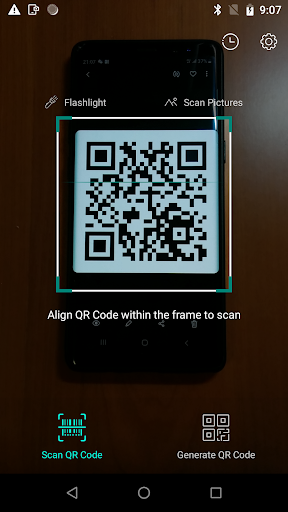
• Scan QR Codes, quickly read all QR Codes.
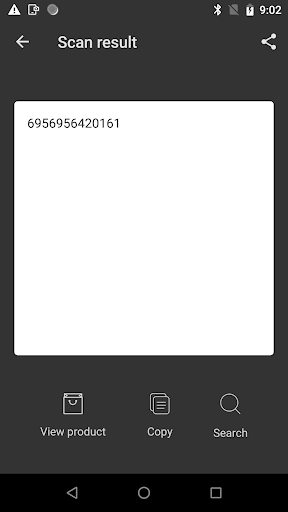
• Barcode Scanner.
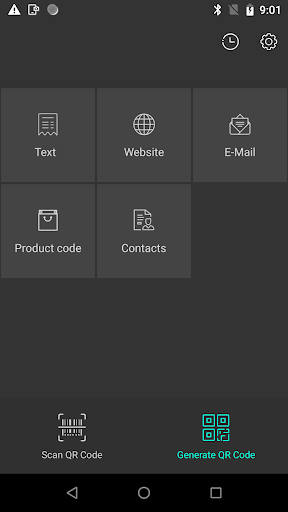
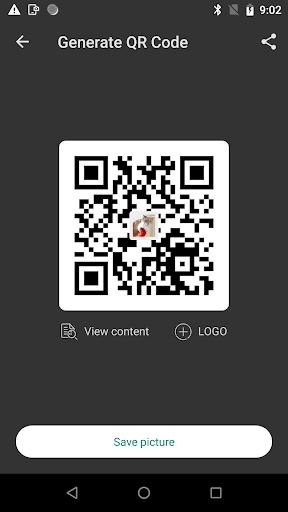
• Create custom QR code.
• Create Contacts QR code to share.
• Flashlight supported for low-light environments.
• Recognize code within pictures.
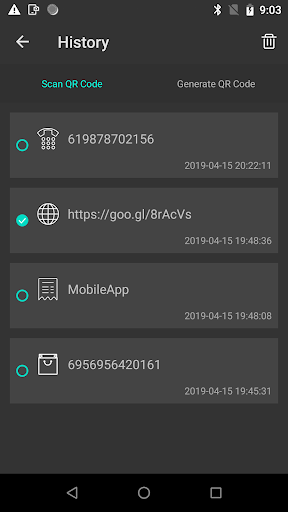
• Scan/Generate history supported.
• Support Quick Settings for quick scan.
Usage Guide:
1. Open QR Code Reader App.
2. Align the Code, QR Code Reader will automatically recognize any QR code/Barcode.
3. If the code contains a text, you can instantly see, or if the code contains URL, you can open the browser to the site.
What’s new
Bug fixes and performance improvements.


