

- Install
- 1.5 K
- 17
- 4.6
- Category
- Personalization
- Last updated
- 2026 June 21
- Size
- 8 MB
View antivirus results
| Antivirus | Status |
|---|---|
| McAfee | Clean |
| FSecure | No result |
Needs further review: this scanner has not returned a result for this version of the app. | |
| Symantec | Clean |
| ClamAv | Clean |
| Kaspersky | No result |
Needs further review: this scanner has not returned a result for this version of the app. | |
| Eset | Clean |
| DrWeb | Clean |
| Comodo | Clean |
| ZonerMobileSecurity | Clean |
| GooglePlayProtect | Clean |
App screenshots
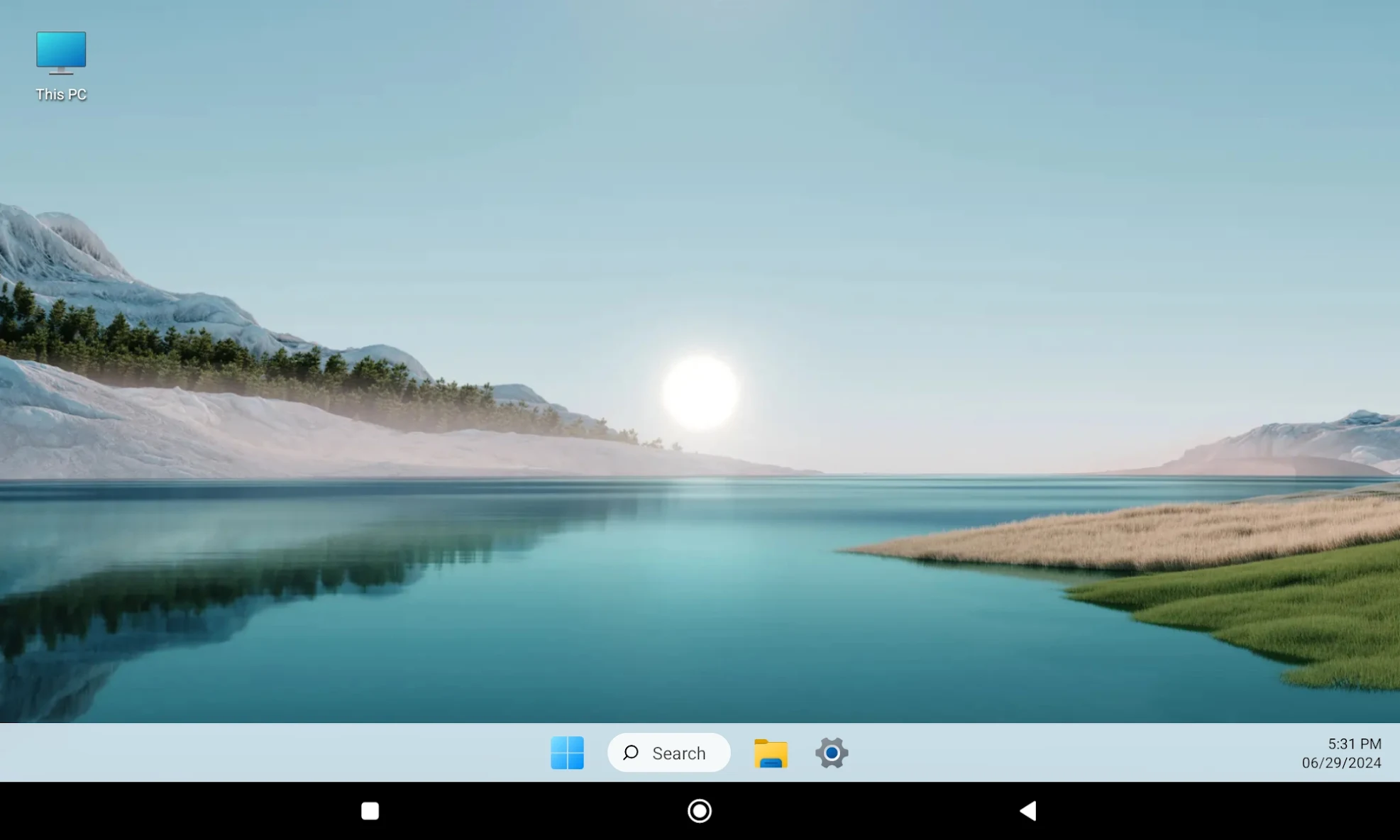
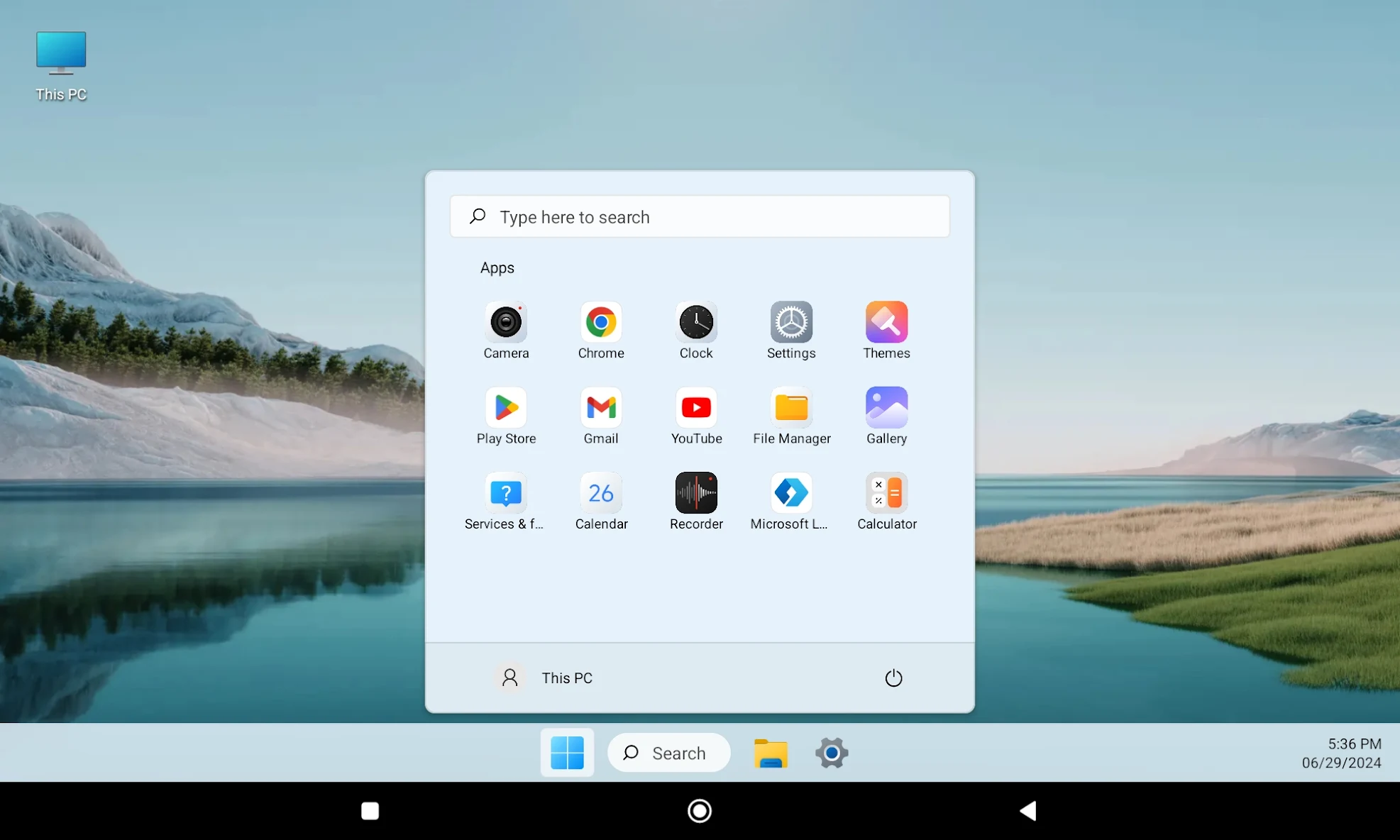
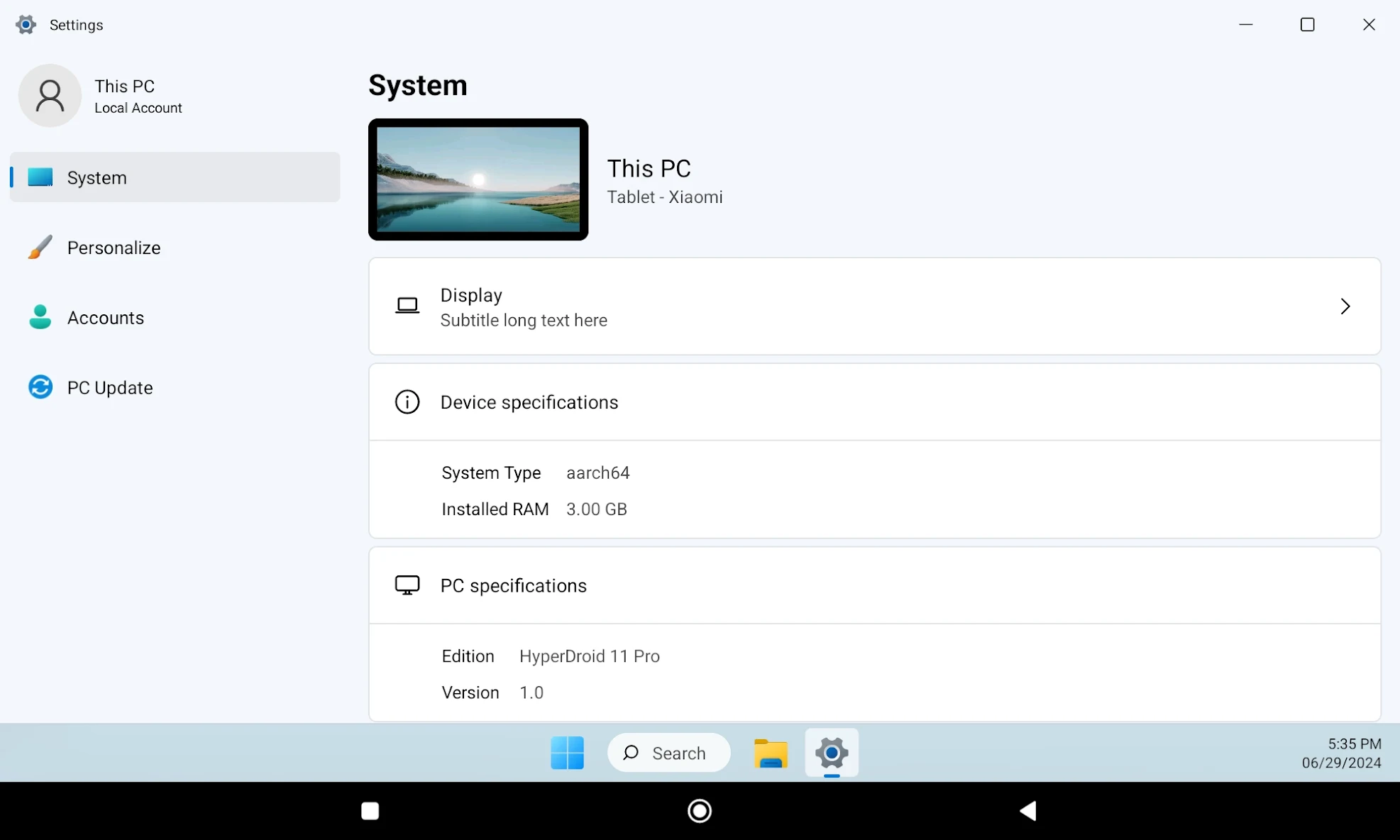
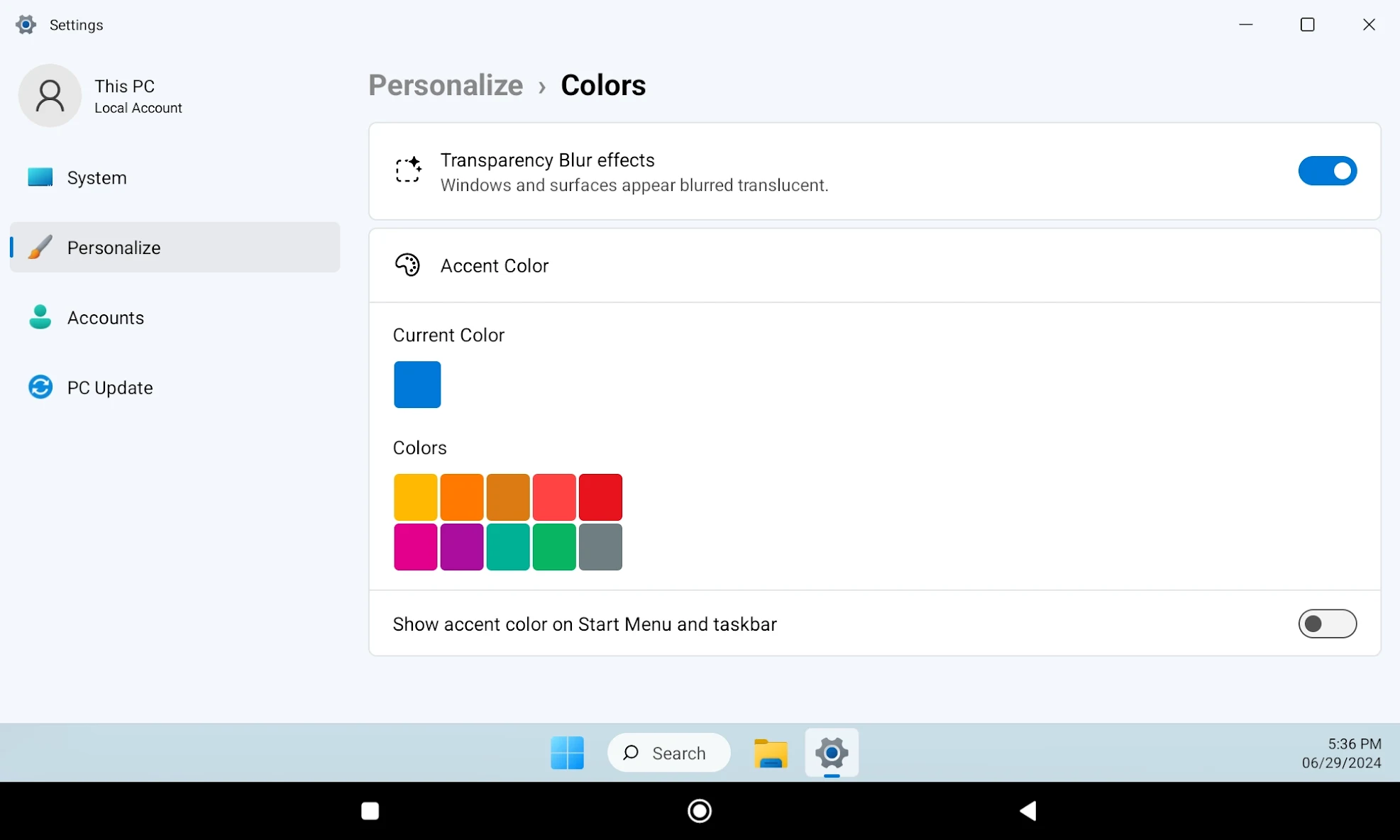
About this app
Introducing the Win 11 Style Launcher – Turn your phone into a complete desktop experience, capturing the essence of a personal computer right on your handheld device. Enjoy the seamless integration of desktop functionality and mobile convenience, transforming your Android into a powerful, efficient, and stylish device.
What’s new
Major UI Improvements,
The app can now be set as the default launcher via:
Settings > System > Default Launcher > Enable as Launcher.
Improved UI


