

View antivirus results
| Antivirus | Status |
|---|---|
| Kaspersky | Clean |
| Comodo | Clean |
| GooglePlayProtect | No result |
Needs further review: this scanner has not returned a result for this version of the app. | |
| ClamAv | Clean |
| FSecure | No result |
Needs further review: this scanner has not returned a result for this version of the app. | |
| DrWeb | Clean |
| ZonerMobileSecurity | No result |
Needs further review: this scanner has not returned a result for this version of the app. | |
| McAfee | Clean |
| Symantec | Clean |
| Eset | Clean |
App screenshots
About this app
Game Booster keeps your games and useful gaming controls in one place.
FEATURES
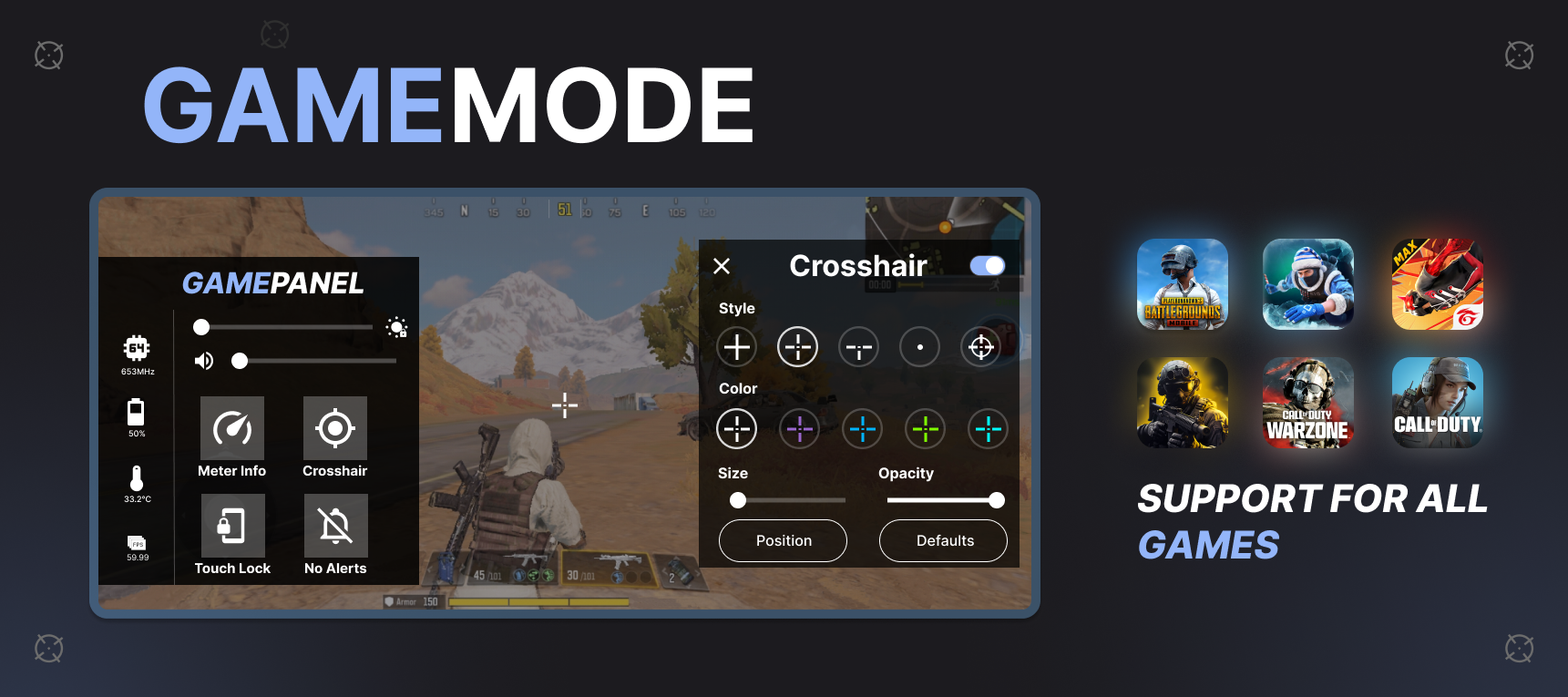
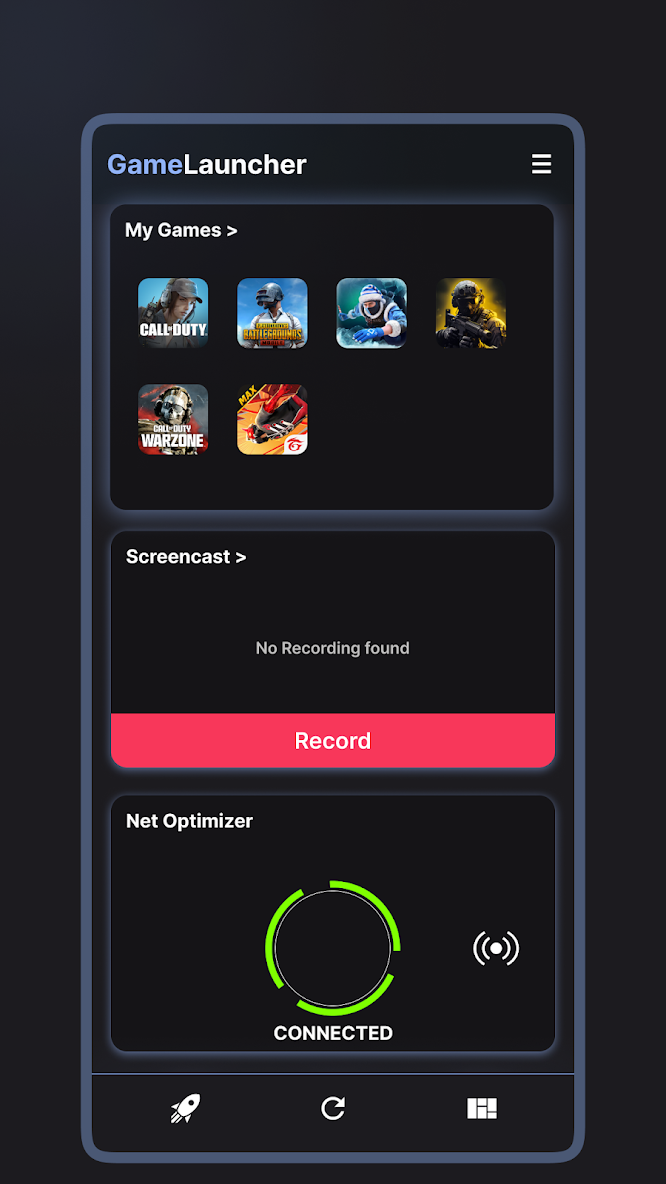
• Create a personal game library and launch games quickly.
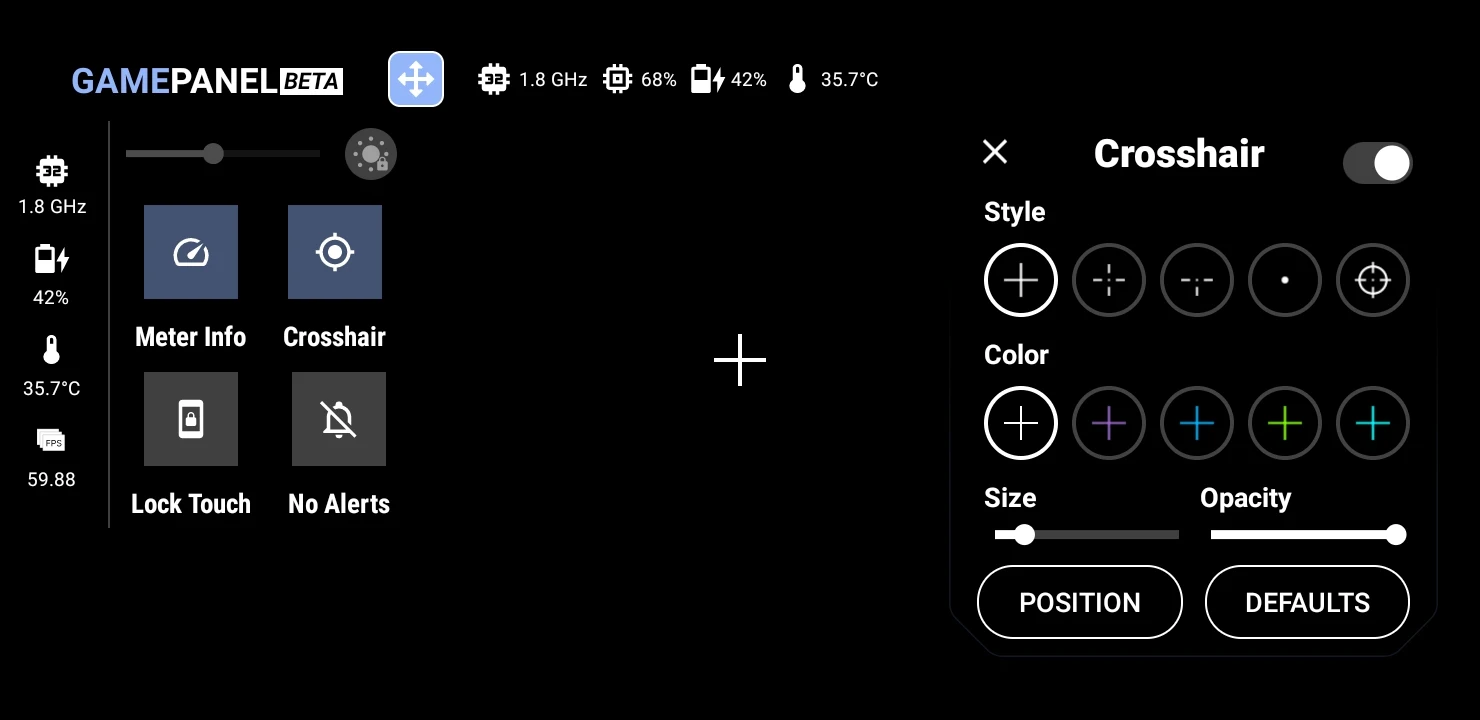
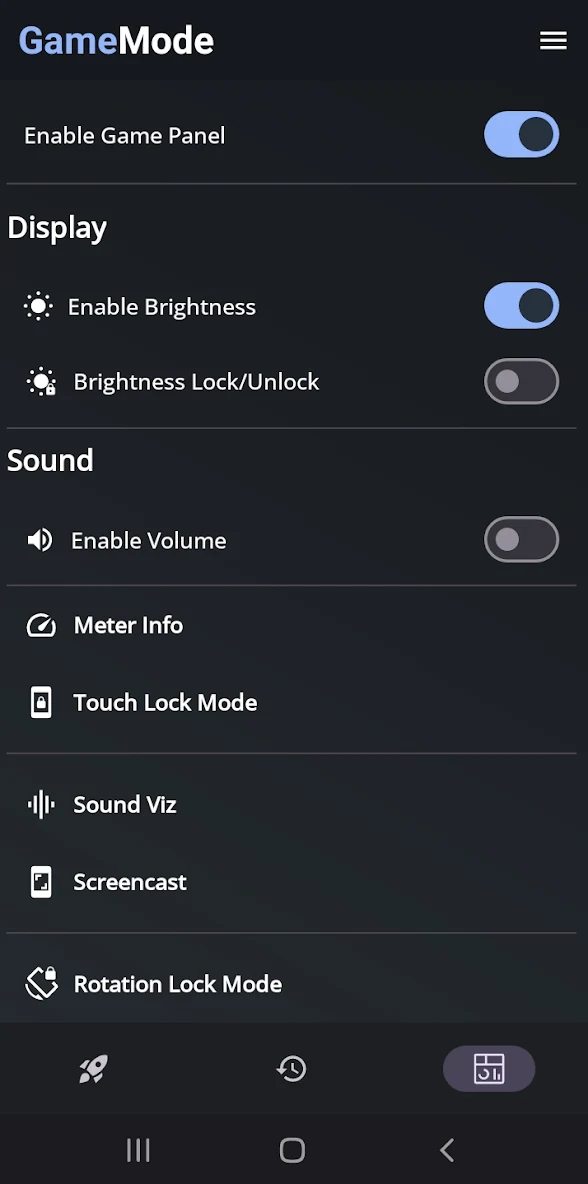
• Control brightness, volume, screen rotation and touch lock.
• Use a customizable crosshair, performance information, sound visualizer and supported haptic controls.
• Take screenshots and record gameplay.
• Apply a selected DNS server through Android’s local VPN interface.
NETWORK OPTIMIZER
The Network Optimizer does not route traffic through a remote VPN server and does not guarantee lower ping, faster internet or better game performance.
IMPORTANT
Game Booster does not modify games, provide cheats, change game files or guarantee higher FPS. Features depend on your device and Android version. Some tools require overlay, recording, notification or VPN permissions.
Support: devayulabs@gmail.com
What’s new
Fixed Meter Info visibility and dragging, restored crosshairs after permission screens, and made panel mode changes apply immediately. Improved screen recording after pause and resume.


