View antivirus results
| Antivirus | Status |
|---|---|
| Kaspersky | Clean |
| FSecure | No result |
Needs further review: this scanner has not returned a result for this version of the app. | |
| Eset | Clean |
| ZonerMobileSecurity | No result |
Needs further review: this scanner has not returned a result for this version of the app. | |
| McAfee | Clean |
| Symantec | Clean |
| Comodo | Clean |
| GooglePlayProtect | No result |
Needs further review: this scanner has not returned a result for this version of the app. | |
| ClamAv | Clean |
| DrWeb | No result |
Needs further review: this scanner has not returned a result for this version of the app. | |
App screenshots
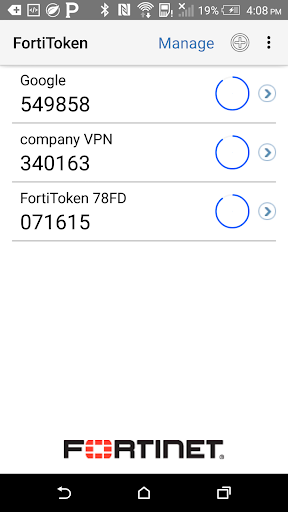
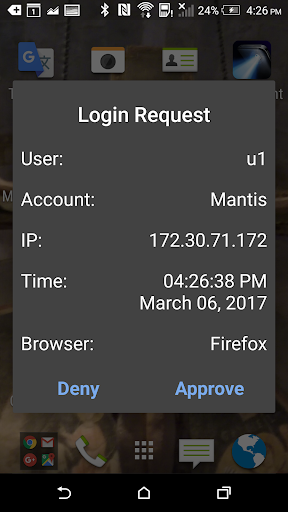
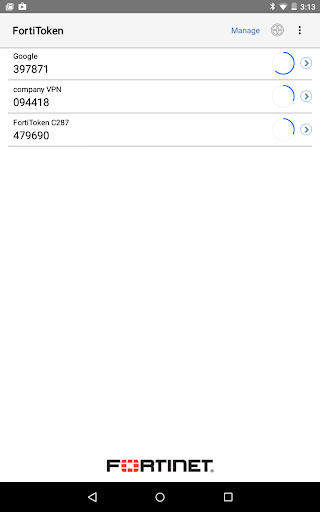
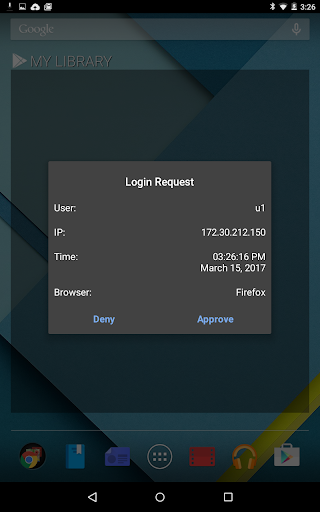
About this app
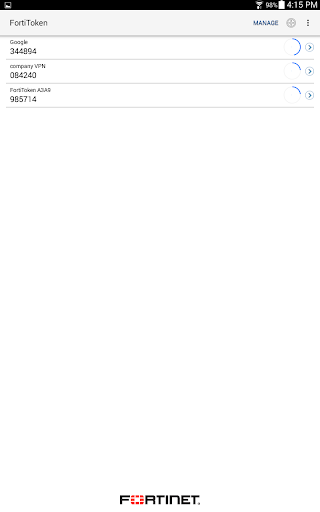
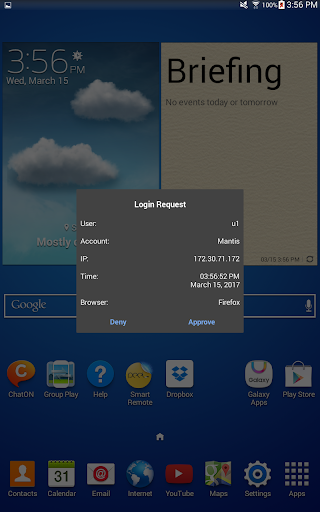
FortiToken Mobile is an OATH compliant, event-based and time-based One Time Password (OTP) generator application for the mobile device. It is the client component of Fortinet’s highly secure, simple to use and administer, and extremely cost effective solution for meeting your strong authentication needs. You will need to use FortiOS, FortiAuthenticator or FortiToken Cloud as for OTP validation server/service.
Privacy and Control:
FortiToken Mobile cannot change settings on your phone, take pictures or video, record or transmit audio, nor can it read or send emails. Further, it cannot see your browser history, and it requires your permission to send you notifications or to change any settings. And, FortiToken Mobile cannot remotely wipe your phone. Any visibility FortiToken Mobile requires is to verify your OS version to determine app version compatibility. Sensitive information, such as Email Address or Token seeds may be entered during manual installation of FortiToken tokens, 3rd Party tokens, and Token Transfer.
While FortiToken Mobile cannot change any settings without your permission, the following permissions are relevant to FortiToken Mobile operations:
• Access to camera for scanning QR codes for easy token activation
• TouchID/FaceID: used for app security, respectively.
• Access to the Internet for communication to activate tokens and receive push notifications
• "Send Feedback by Email", to automatically populate the "Sender" field
• Internally share files between applications to prepare an attachment to be sent by email for "Send Feedback by Email"
• FortiToken must keep the phone awake while it is upgrading the internal database to avoid data corruption.
By downloading and Installing FortiToken Mobile, you agree with all terms stated above.
OS Supported: Android 5.0 through Android 11.
What’s new
- Redesigned lock screen — cleaner biometric and app-PIN unlock with on-screen keypad
- Simpler token adding — tap "+" to scan a QR code directly, with an inline "Enter Manually" option
- Improved token search — rebuilt search bar with reliable tap-to-focus and one-tap clear
- Stability fixes — fixed a startup freeze, and OTP digits clipping on small screens