

View antivirus results
checking the app
App screenshots
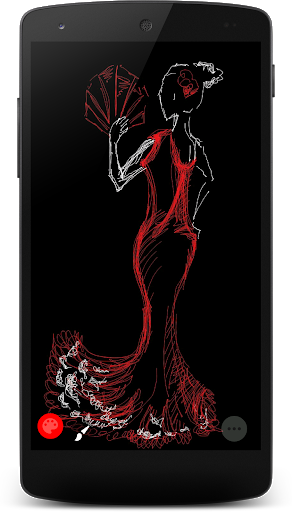
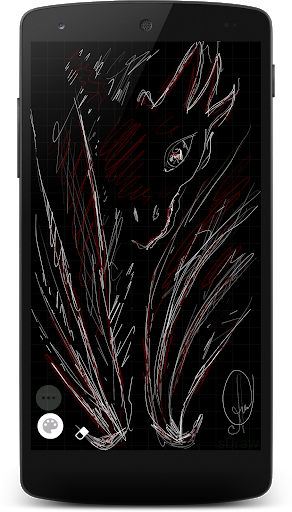
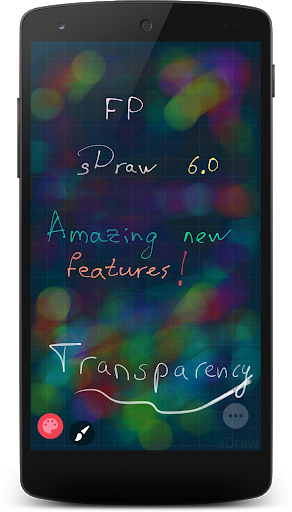
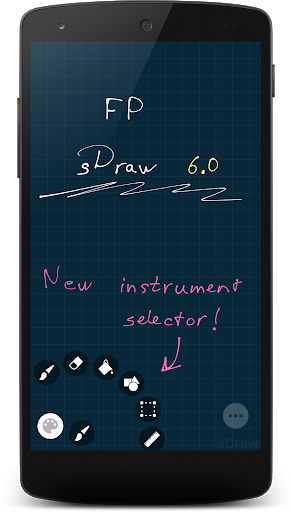
About this app
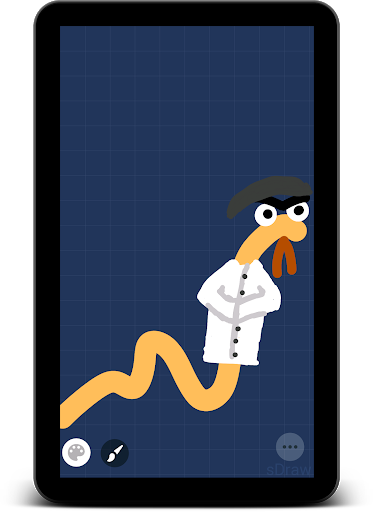
sDraw is a compact app for drawing, sketching and editing images. Capture an idea, draw an illustration, annotate a photo or make a meme. It works offline without ads and supports both modern and older Android devices.
Draw your way:
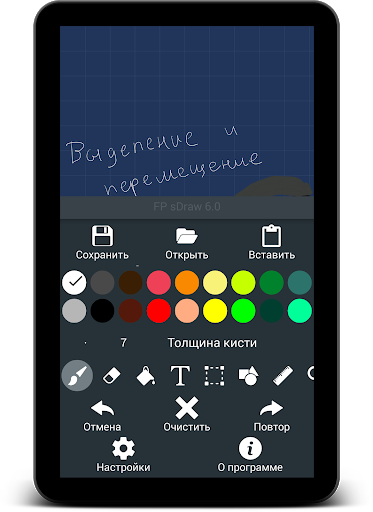
🖌 Brush, coloring brush and eraser with customizable tips, from pencil and airbrush to decorative stamps.
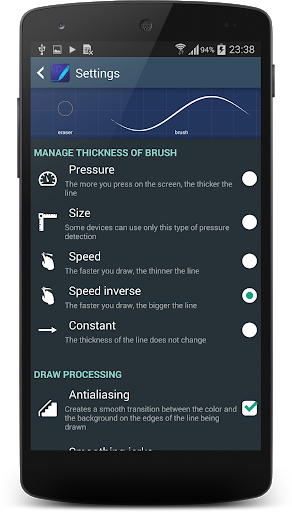
✨ Default tips and your own My tips list. Adjust shape, stamp spacing, scatter and opacity, and response to drawing speed or pen pressure.
📚 Layers with opacity control, duplication, reordering and merging.
🏺 Flood fill and lasso fill.
📏 Lines, dashes, arrows, shapes and a ruler.
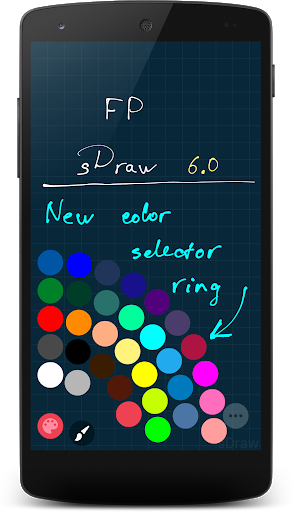
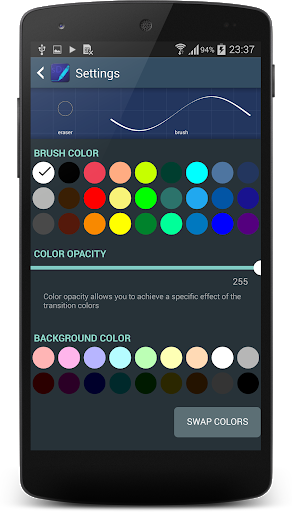
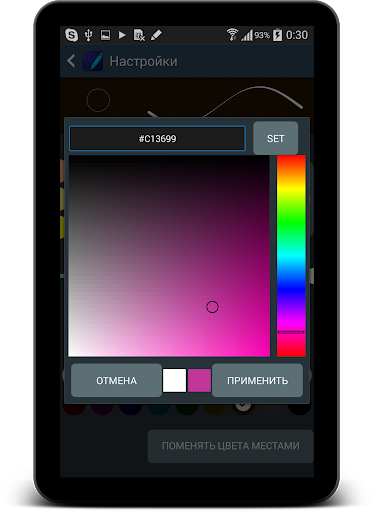
🎨 Palettes, color shortcuts and an eyedropper for quick color selection.
Work with images:
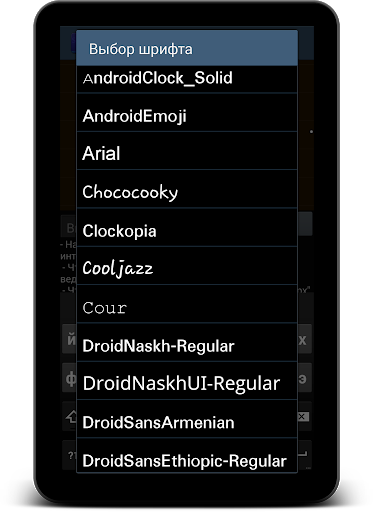
🅰️ Text with outlines and frames, plus custom font import.
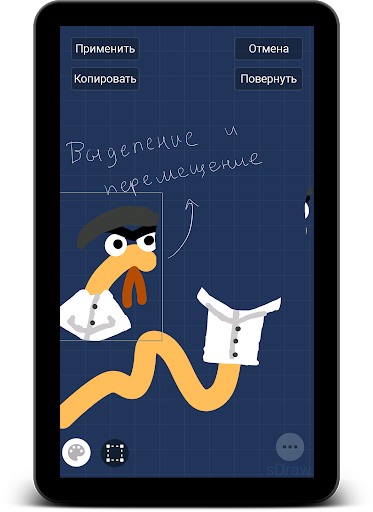
🖼️ Insert photos, crop, select with a lasso, rectangle or ellipse; move, scale and rotate fragments.
🌫 Blur, liquify, mosaic, background removal, and layer hue and brightness adjustments.
🔲 Pixel art mode, several grid types and export with enlargement without smoothing.
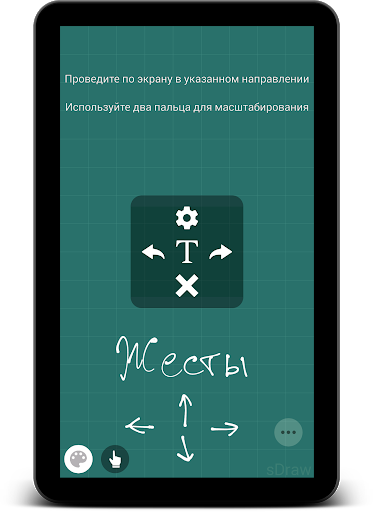
🔄 Resize the canvas, zoom and rotate with two fingers.
Save and share:
💾 Projects with layers, autosave for recovery and the option to preserve undo history.
📤 Export images as PNG and JPEG, drawings as PDF; import and export layers using OpenRaster (ORA).
📦 Transfer projects via ZIP, and import and export tips and settings.
🎞 Create speedpaint videos from saved drawing history.
Make yourself comfortable:
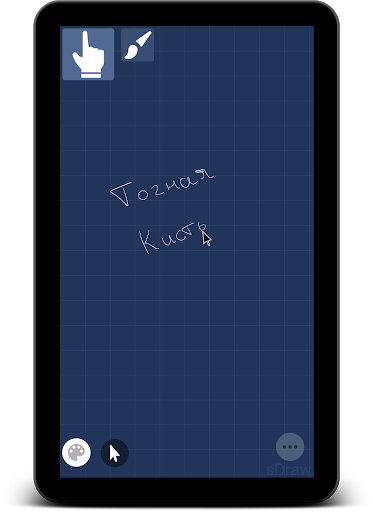
✍️ Stylus support and the Accurate brush with a cursor for drawing with your finger.
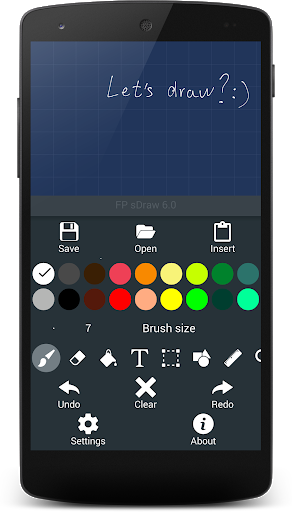
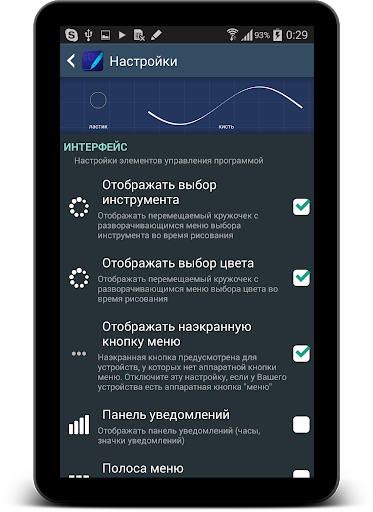
⚙️ Customize the toolbar, palette, gestures and volume-button shortcuts.
📱 Banner mode displays your drawing and protects it from accidental touches.
The main tools are available in the free version. Pro is a one-time purchase that supports development: it removes purchase reminders and the limit on adding to My tips, and lets you disable the “sDraw” watermark. Projects are fully compatible between Free and Pro.
🍞 Small, fast and always at hand 😊
What’s new
- Tips for the brush, eraser and line tools! Customize each tip, choose from 17 default tips or create your own.
- A separate frame makes it easier to grab text, images, shapes and selections with your finger.
- French, Italian, Polish, German and Belarusian translations.
- New Banner tool.
- Improved memory management.
- Many small improvements.


