View antivirus results
checking the app
App screenshots


About this app
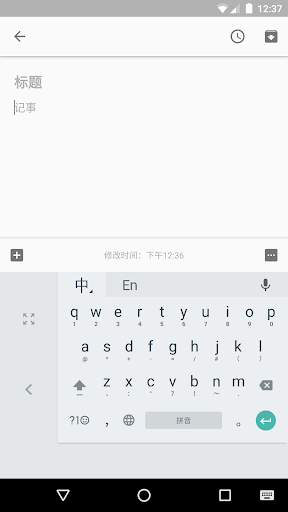
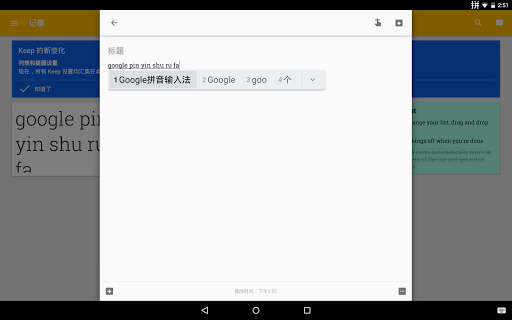
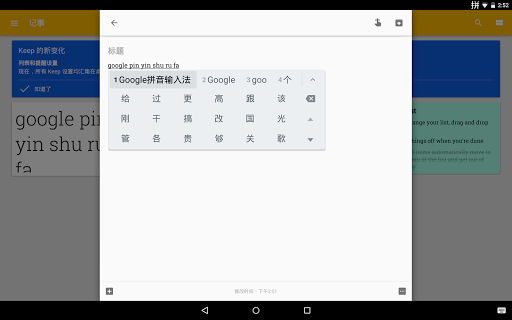
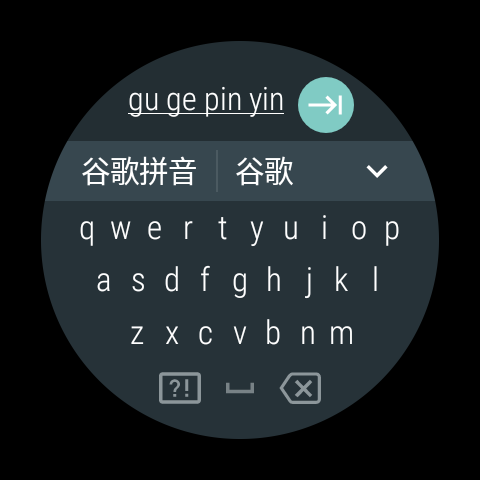
The Google Pinyin Input is an input method (IME) optimized for typing Chinese on Android.
The app offers a variety of methods for fast and easy input of Chinese characters.
Key features:
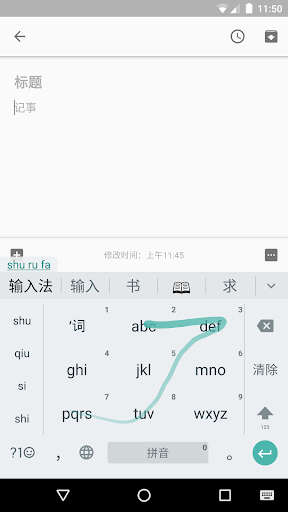
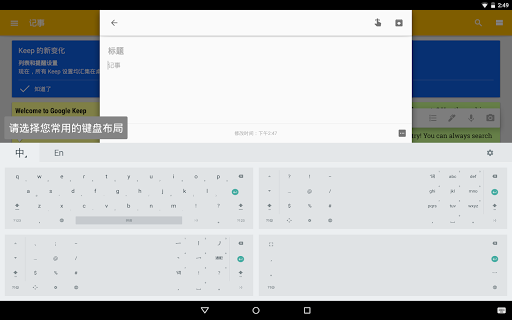
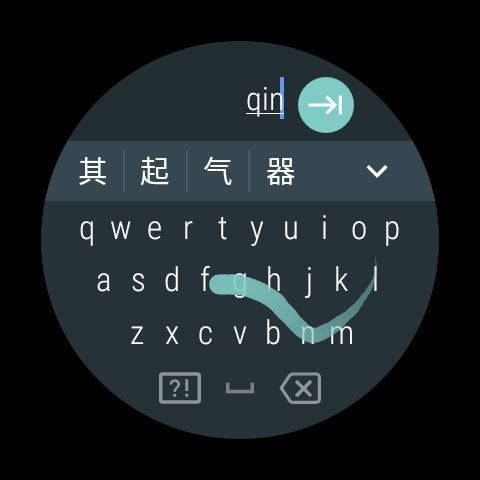
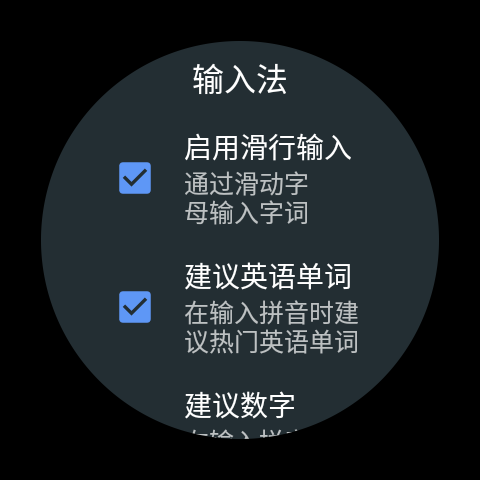
- QWERTY Pinyin keyboard with gesture typing and intelligent correction
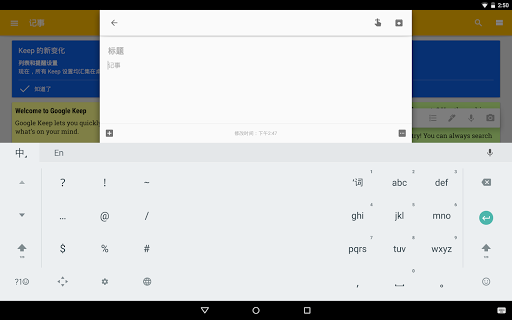
- 9 key Pinyin keyboard with gesture typing
- Stroke keyboard
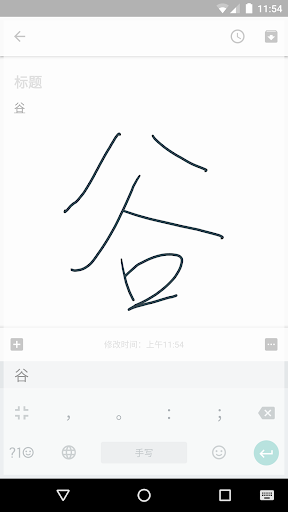
- Full screen and half screen handwriting keyboard
- Latin keyboard
- Fuzzy pinyin
- Double pinyin
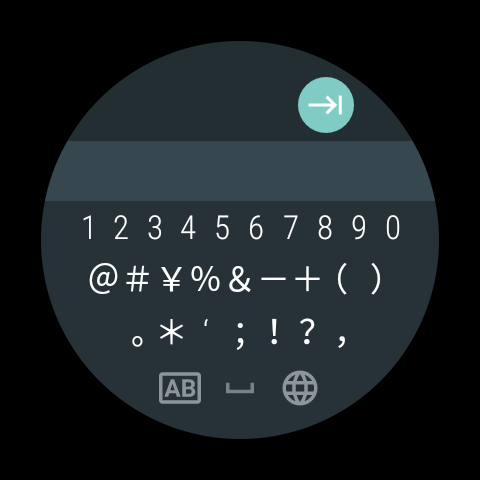
- Optimized UI for different screen sizes
- Voice input
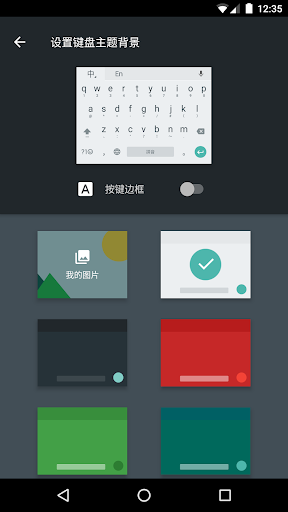
- Themes
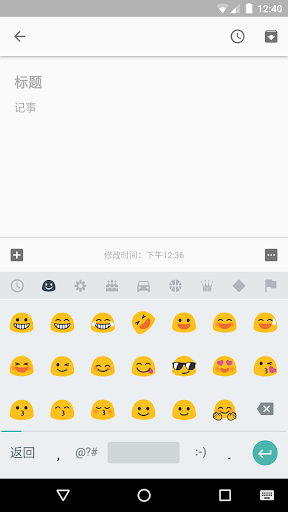
The app supports both simplified and traditional Chinese characters, as well as punctuation, emoticons, Latin characters and digits. Voice input is network-based in order to provide highly accurate matches.
Note: To be used on your Android device, the input method must be enabled in "Settings" → "Language & Input".
For typing Cantonese, you could download the Google Cantonese Input:
https://play.google.com/store/apps/details?id=com.google.android.apps.inputmethod.cantonese
For typing traditional Chinese by Zhuyin or Cangjie, you could download the Google Zhuyin Input:
https://play.google.com/store/apps/details?id=com.google.android.apps.inputmethod.zhuyin
What’s new
- Add the quick access menu
- Some keyboard layout changes