

- Install
- 420
- Category
- Tools
- Last updated
- 2026 June 18
- Size
- 28 MB
View antivirus results
| Antivirus | Status |
|---|---|
| McAfee | Clean |
| FSecure | No result |
Needs further review: this scanner has not returned a result for this version of the app. | |
| Symantec | Clean |
| ClamAv | Clean |
| Kaspersky | No result |
Needs further review: this scanner has not returned a result for this version of the app. | |
| Eset | Clean |
| DrWeb | Clean |
| Comodo | Clean |
| ZonerMobileSecurity | Clean |
| GooglePlayProtect | Clean |
App screenshots



About this app
PDF reader, PDF viewer for android and image to PDF converter is a powerful all-in-one app designed to help you open PDF files, view PDFs, convert images to PDF, and save PDF files easily on your mobile device. Whether you need a PDF reader app for Android, a smart PDF viewer, or a JPG to PDF converter app, this PDF maker gives you everything in one place — read PDFs, view documents, convert images to PDF, and save files easily with one powerful app. Instantly access invoices, ebooks, reports, contracts, and notes with smooth scrolling with better reading experience using this image to PDF converter – PDF maker app.
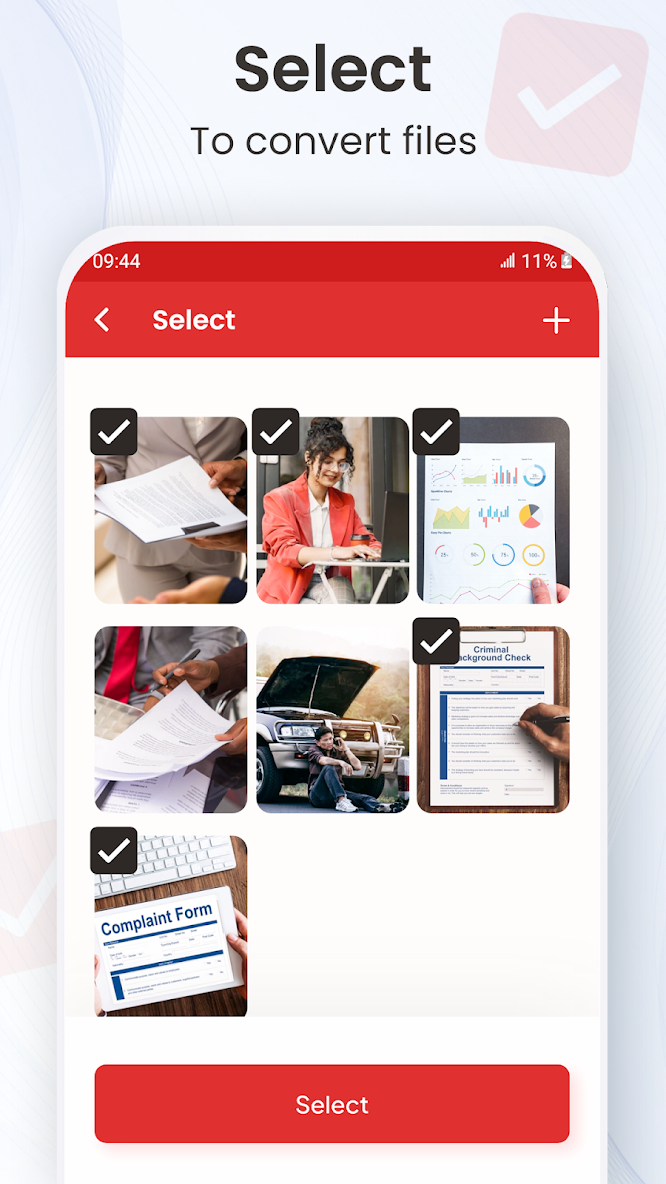
With the built-in Image to PDF Converter, you can quickly convert JPG to PDF, and other photo formats into high-quality PDF documents. Combine multiple images into a single PDF file, rearrange pages, and save PDF files securely on your phone. This makes it perfect for scanning documents, creating assignments, storing receipts, sharing forms, and managing office paperwork without any hassle.
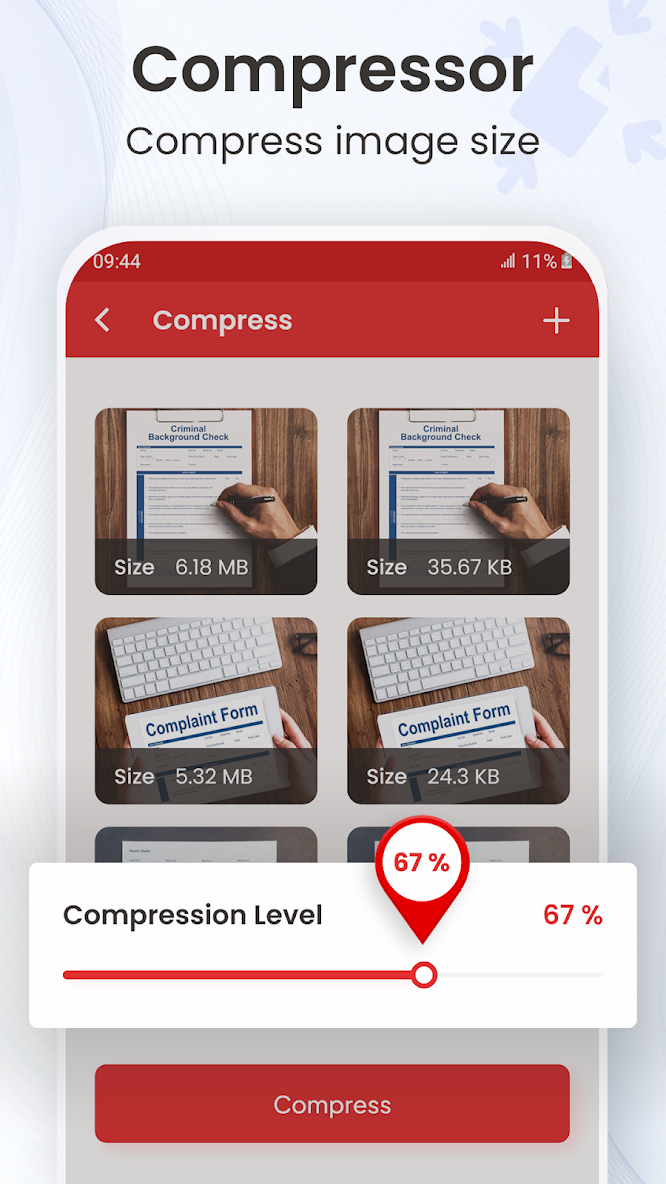
This PDF Reader & PDF Viewer app also works as a complete PDF manager, allowing you to save PDFs, compress PDF files, rename documents, and share PDFs instantly. Whether you’re a student, business professional, or everyday user, this image to PDF converter app – PDF maker helps you manage all your documents easily, securely, and efficiently — anytime, anywhere.
Privacy policy:
https://imageconverter.gurrutechnology.com/privacy.html
Contact us:
support@gurrutechnology.com
What’s new
🔹 Optimized features for better usability
🔹 Smoother experience
🔹 Bug fixes and performance improvements


