

- Install
- 22 K
- 54
- 2.9
- Category
- Personalization
- Last updated
- 2026 November 9
- Size
- 41 MB
View antivirus results
checking the app
App screenshots





About this app
Themed Control Panel for Android
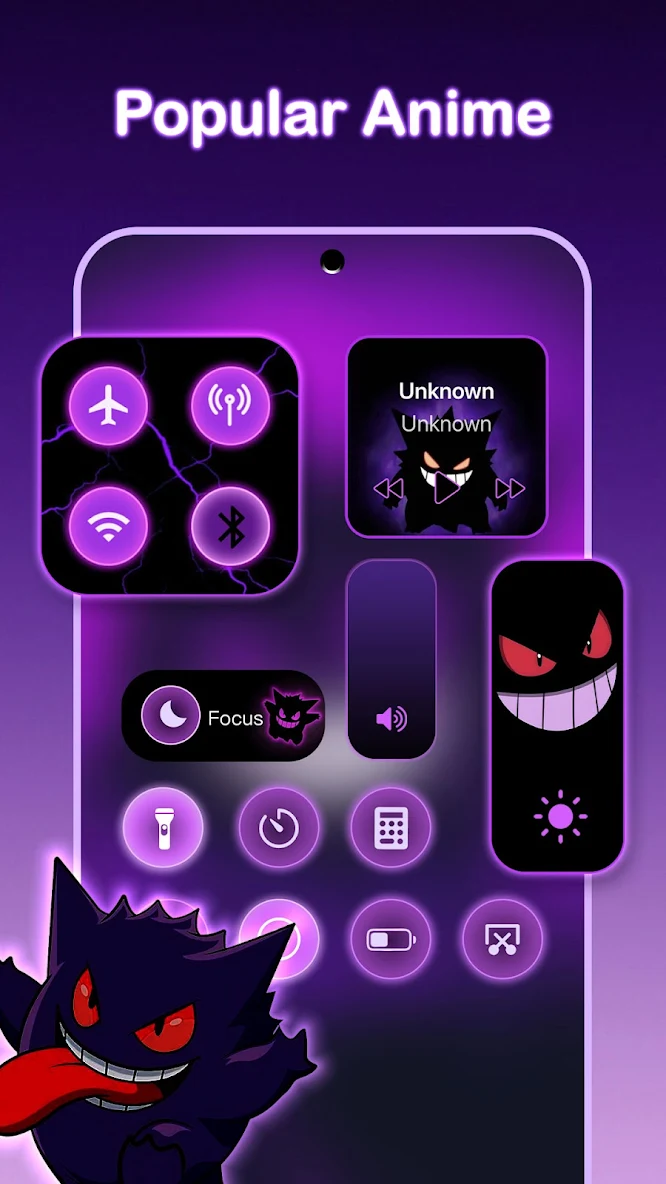
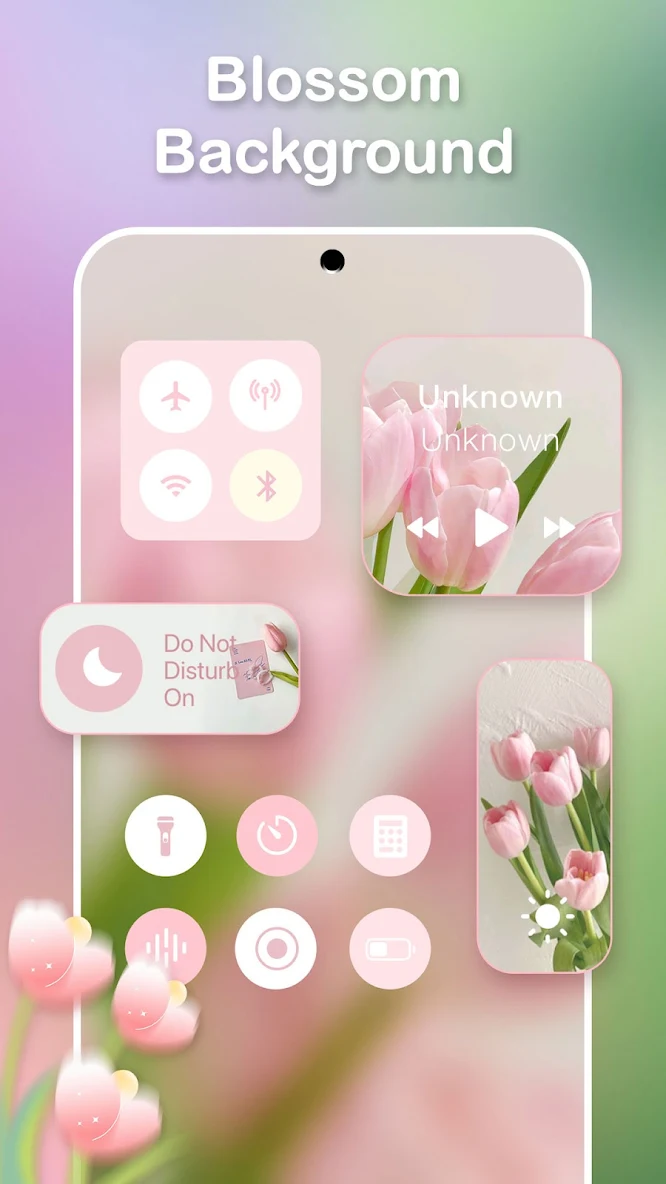
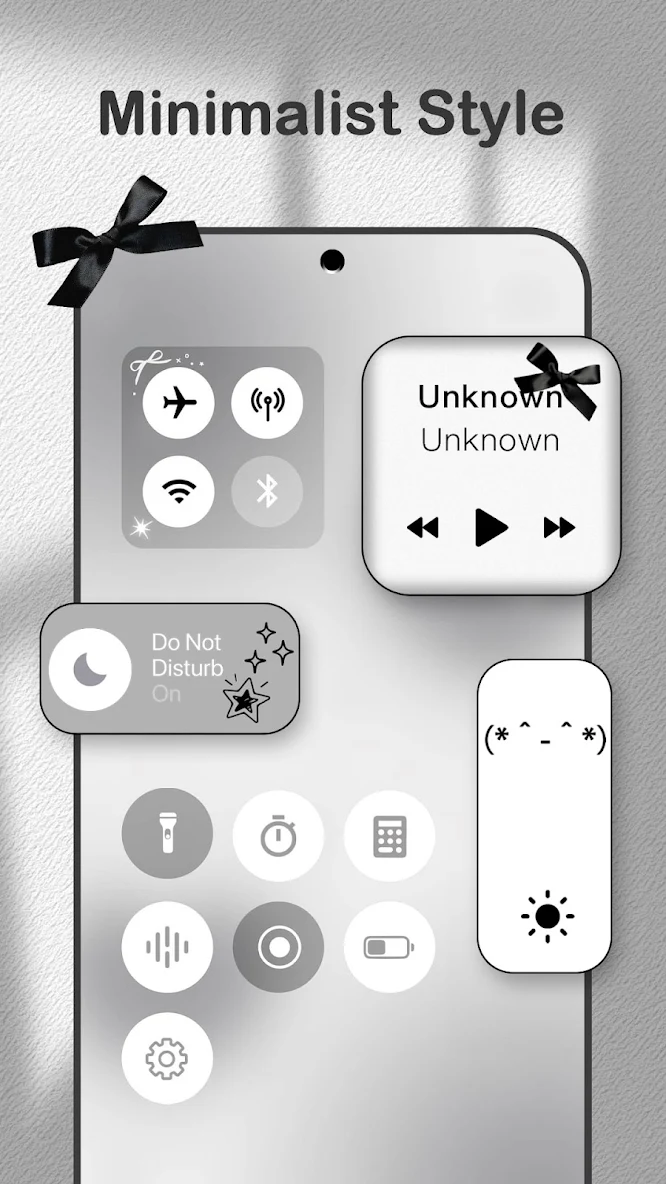
Control Widget is a designed quick settings panel that merges elegant control with unlimited personalization. Inspired by modern mobile aesthetics, Control Widget transforms your Android device into a canvas for your creativity – putting stylish, one-tap access at your fingertips.
🫧 Themes That Transform Your Experience
Curate your style from thousands of options:
✓ Aesthetic Collections: Anime, K-pop, neon gradients, minimalism, soft coquette, sports, festivals, and TV/film themes.
✓ Live Style Updates: Switch panels anytime to match your mood and home screen.
✓ One-Tap Magic: Entire control panel transform instantly – what you see is what you get.
🎀 Status Bar, Part of the Same Theme
Control Widget lets you DIY the strip at the top of the screen so it belongs with your panel — not a separate, generic bar.
✓ Panel-Matching Decor: Drop still or motion stickers onto the status bar to echo the look you picked for controls
✓ Charging Look That Moves: Battery art that shifts as the level changes, so the bar stays in character while you charge
✓ What Shows, and Where: Rearrange, hide, or space status icons until the bar sits cleanly with your control layout
🦋Smart tools meet stunning design:
Brightness & Volume: Smooth sliders for perfect adjustments.
⭑.ᐟ Wi-Fi, Bluetooth & Airplane Mode: Connect or disconnect in a snap.
⭑.ᐟ Do Not Disturb: Silence distractions instantly.
⭑.ᐟ Screen Tools: Capture screenshots, record screens, lock rotation.
⭑.ᐟ Flashlight: Light up the dark with one tap.
⭑.ᐟ Cleanup Tool - Free Up Storage Space.
Permission Information:
Photos and Videos Access Permission
Control Widget uses MediaStore APIs and related media permissions to provide wallpaper customization and Cleanup Tool features.
These permissions allow the app to:
• Display and manage media selected by users
• Help users choose images for wallpapers, icons, and DIY designs
• Find and manage media files selected for cleanup
We only access media files when you use related features. Your personal files are not uploaded, collected, or shared.
🍓Why Control Widget?
→ All-in-One Access: Wi-Fi, sound, music, brightness, and more in a single swipe.
→ Your Vision, Realized: Request custom themes – you can take part in your own design.
→ Sleek & Sync-Ready: Perfectly complements any wallpaper, icon pack, or widget.
Ready to elevate your control panel aesthetic? With Control Widget's stylish layouts, and personalized controls, it's your ultimate customization companion. Explore, choose your favorite design, and take your Android's quick-settings panel to the next level!
☎️Help & Support
Control Widget is devoted to provide the best product and services for our customers. Feel free to email us.
⚠️Note About Application Access
This app uses Accessibility Services to display the control panel on your Android screen. Enable Accessibility Services to use features like music and volume control. Allow Foreground Service to use screen recording and screenshots. Rest assured, this app does not disclose any user information or store any data related to Accessibility Services.
What’s new
New Version Released!
- Enhanced stability and bug fixes for better performance.


