View antivirus results
| Antivirus | Status |
|---|---|
| Symantec | Clean |
| ZonerMobileSecurity | No result |
Needs further review: this scanner has not returned a result for this version of the app. | |
| DrWeb | Clean |
| Kaspersky | Clean |
| FSecure | No result |
Needs further review: this scanner has not returned a result for this version of the app. | |
| McAfee | Clean |
| Eset | Clean |
| Comodo | Clean |
| ClamAv | Clean |
| GooglePlayProtect | No result |
Needs further review: this scanner has not returned a result for this version of the app. | |
App screenshots
About this app
SmPlan is a flexible to-do list, task planner, and reminder app that helps you manage your routines, plan your schedule, and organize your daily tasks in a clear and simple way. Stay productive and keep track of your completed and pending tasks.
Tasks and Organization
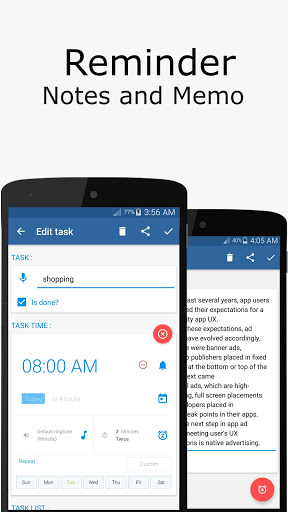
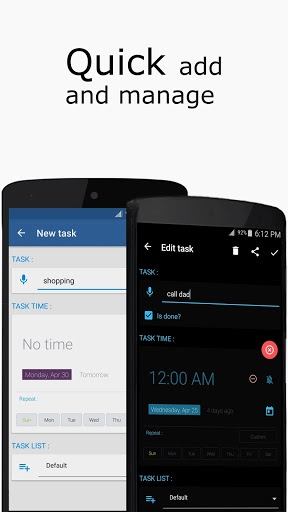
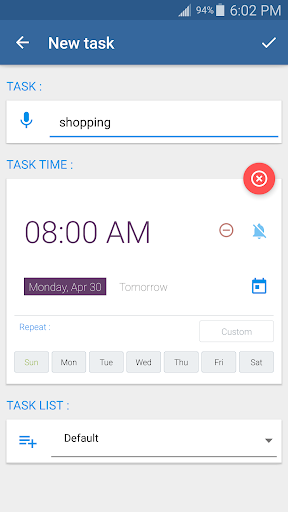
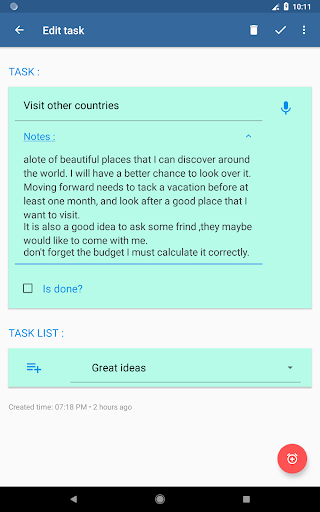
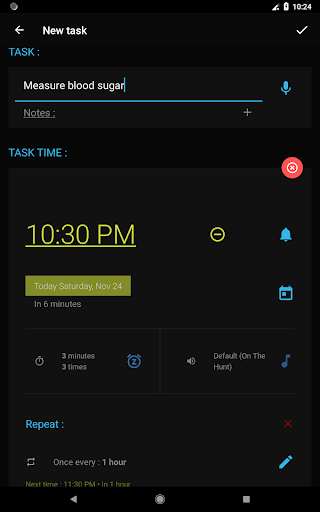
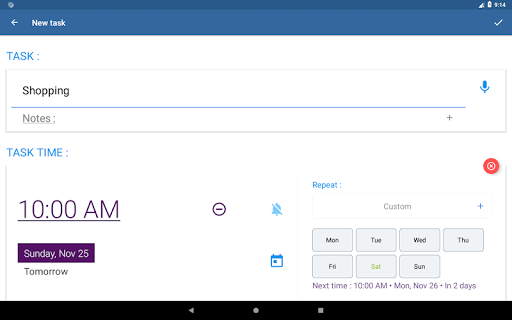
Create tasks with no date or time, set a date without a time, or schedule a specific date and time. Add notes and reminders, or quickly add multiple tasks.
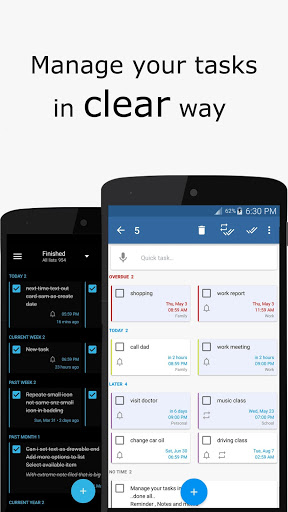
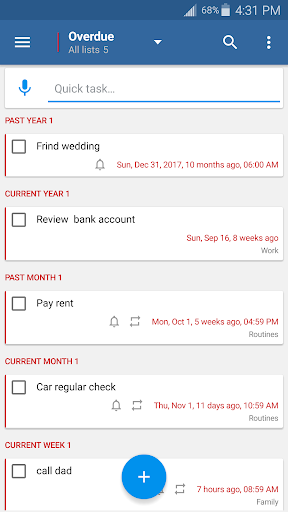
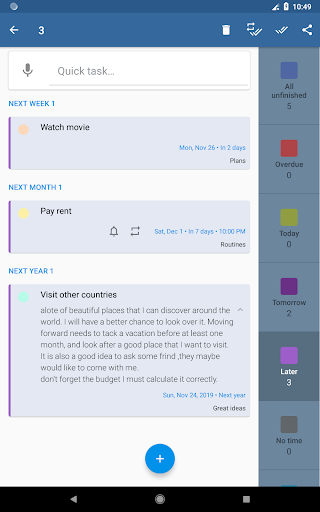
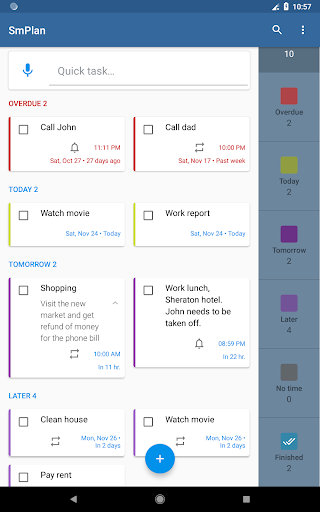
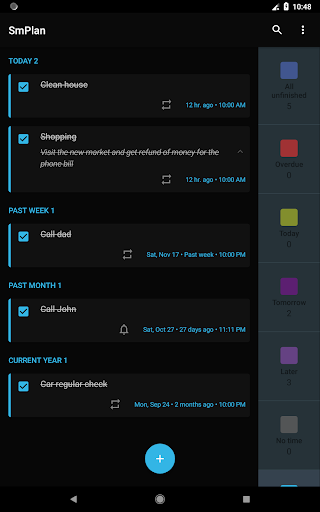
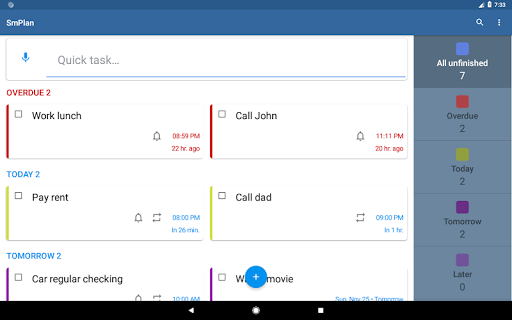
Tasks are organized by Overdue, Today, Tomorrow, Later, and No Time, making it easy to see what needs your attention. Completed tasks are clearly distinguished from pending tasks.
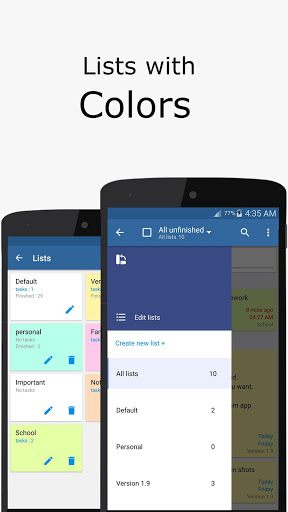
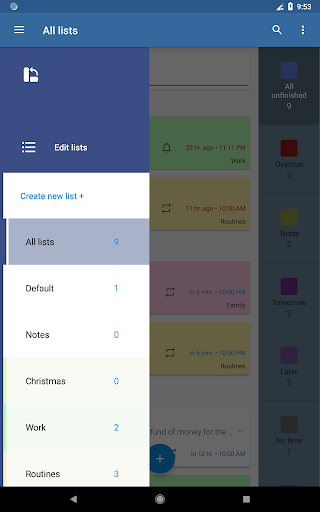
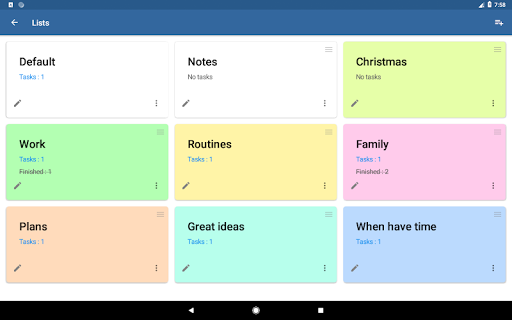
Organize your tasks into colored lists, archive lists when needed, and easily search, filter, sort, move, share, complete, or delete tasks.
You can also track the number of Today and Overdue tasks in the status bar.
Reminders, Alarms and Routines
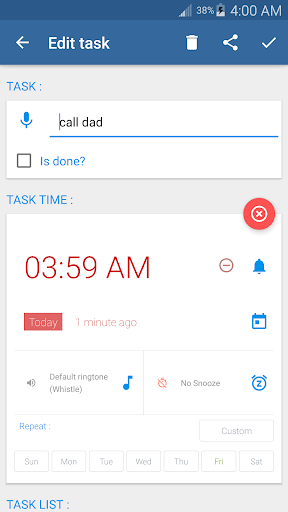
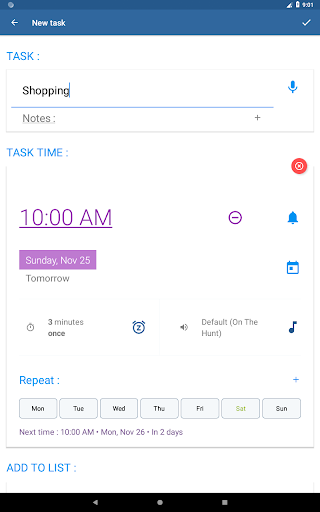
Set one-time or repeating reminders so you don't miss important tasks. SmPlan includes advanced alarm options, snooze, custom ringtones, vibration, adjustable alarm settings, and full-screen alarms. You can also configure alarms to work even when your phone is in silent mode.
Create recurring tasks for your routines on selected weekdays or at flexible repeat intervals in minutes, hours, days, weeks, months, or years. You can also set an end date for recurring tasks.
Quick Task Management
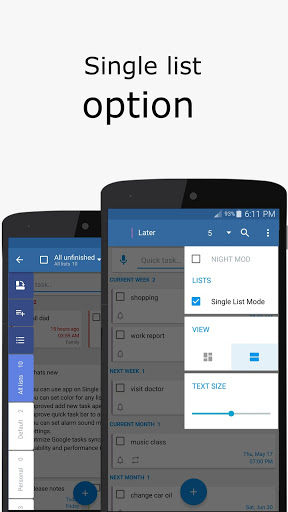
Manage your tasks quickly with the Quick Task Bar and voice input. Select multiple tasks at once to move, share, complete, or delete them together. You can also filter tasks by list, time period, or status and browse all your tasks in a single list.
Google Tasks and Local Backup
Optionally sync your tasks with Google Tasks.
You can also export your data to a local backup file and import it later to restore your data or transfer it to another device.
Customize SmPlan
Choose a light, blue, or dark theme, adjust task text size and display options, and view your lists and tasks in list or grid mode. Arrange your lists in a custom order and choose how they are displayed.
Home Screen Widget
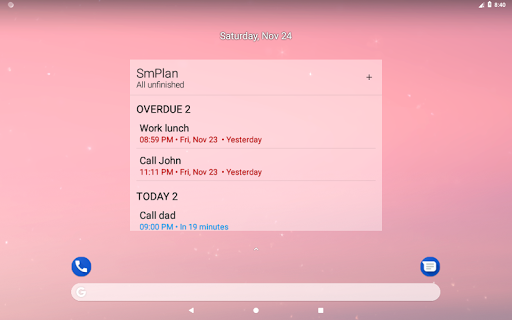
Add a customizable home screen widget to quickly view your tasks. Display tasks from specific lists or different time periods, group them by time period, and customize the widget's appearance.
SmPlan gives you a simple and flexible way to manage tasks, set reminders, build routines, and stay organized.
What’s new
• Improved stability and performance.
• General improvements and bug fixes.