

View antivirus results
| Antivirus | Status |
|---|---|
| McAfee | Clean |
| Symantec | Clean |
| ZonerMobileSecurity | No result |
Needs further review: this scanner has not returned a result for this version of the app. | |
| ClamAv | Clean |
| Eset | Clean |
| FSecure | No result |
Needs further review: this scanner has not returned a result for this version of the app. | |
| DrWeb | Clean |
| Kaspersky | No result |
Needs further review: this scanner has not returned a result for this version of the app. | |
| GooglePlayProtect | No result |
Needs further review: this scanner has not returned a result for this version of the app. | |
| Comodo | Clean |
App screenshots




About this app
Stop worrying about the pickpockets or mobile thieves around you while traveling or public places. Pocket Sense application will ease your tension with our smart solution. Install the Pocket Sense app and enable the Pocket Sense mode.
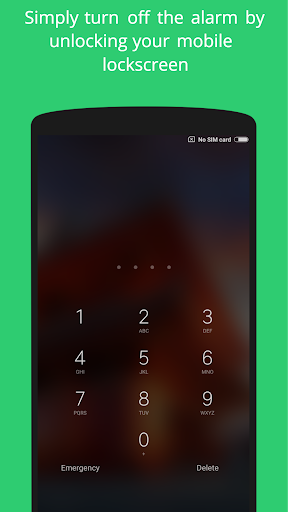
That's it! Now, You will get notified through an alarm if any mobile thief takes the mobile out of your pants pocket. You can turn off the alarm simply by unlocking the mobile or by turning off the pocket sense mode.
Do you charge your mobile at your workplace or dorm room? Do you want to know when someone accesses your mobile? Enable Charge Sense mode in the app. You will get notified through an alarm while someone disconnects the mobile from charging.
Features :
1. Pocket Sense Mode - Notifies you through an alarm if someone takes the mobile out of your pockets.
2. Charge Sense Mode - Notifies you through an alarm if someone disconnects your mobile from charging.
3. Motion Sense Mode - Notifies you through an alarm if someone accesses the mobile from where you placed it.
4. You can delay the alarm for few seconds to stop getting triggered instantly.
5. Adjust the sensitivity of the sensors
Note: Pocket Sense mode will not work well in the mobiles with the flip cover.
What’s new
Minor bug fixes


