View antivirus results
| Antivirus | Status |
|---|---|
| Kaspersky | No result |
Needs further review: this scanner has not returned a result for this version of the app. | |
| McAfee | Clean |
| FSecure | No result |
Needs further review: this scanner has not returned a result for this version of the app. | |
| ClamAv | Clean |
| DrWeb | Clean |
| Comodo | Clean |
| Eset | Clean |
| GooglePlayProtect | No result |
Needs further review: this scanner has not returned a result for this version of the app. | |
| Symantec | Clean |
| ZonerMobileSecurity | No result |
Needs further review: this scanner has not returned a result for this version of the app. | |
App screenshots
About this app
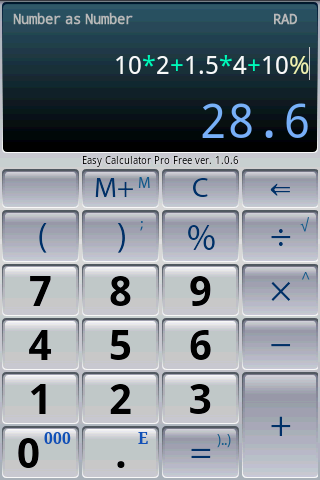
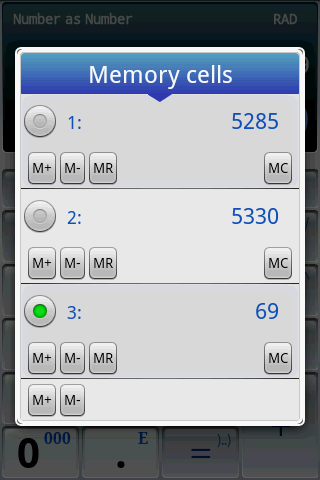
Easy Calculator Pro is an intuitive yet exceptionally powerful calculator designed for everyday tasks, advanced mathematics, and scientific computations. Use it as a clean pocket calculator with memory and percentage functions, or unlock its full potential as an engineering and scientific workstation.
The live as-you-type expression display ensures you always see the complete formula and never lose track of your calculations.
Key Features:
• High-precision computing: Up to 40 significant decimal digits (far beyond standard 15-digit calculators).
• Smart expression editing: Real-time syntax highlighting and instant error detection for effortless corrections.
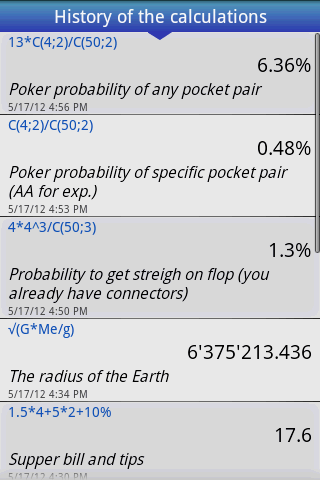
• Full calculation history: Review previous operations, attach custom notes, export via email, or reload expressions back into the editor.
• Comprehensive percent tools: Instant calculations for discounts, sales tax, tips, and markups.
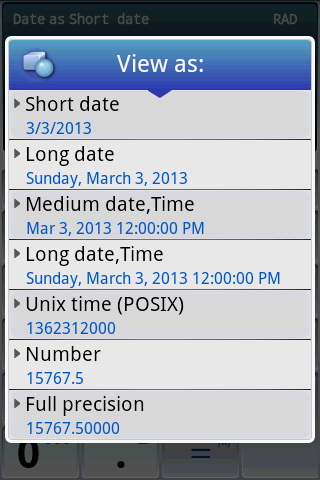
• Flexible formatting: View results as standard decimals, fractions (e.g., 1.125 -> 9/8 or 1 + 1/8), percentages, dates, or hexadecimal/octal/binary notations.
• Engineering & scientific tools: Trigonometry, radians, degrees, and Degree-Minute-Second (DMS) formats (d°m.m' and d°m'.m).
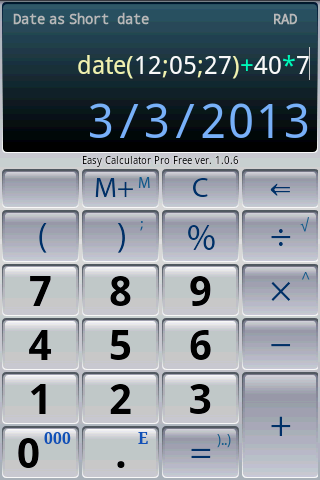
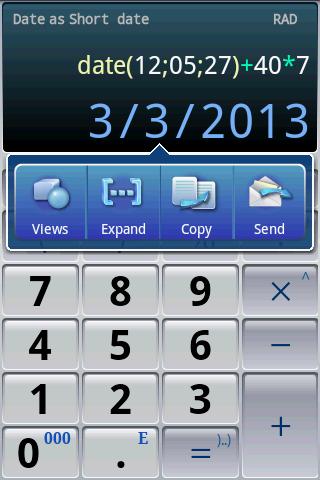
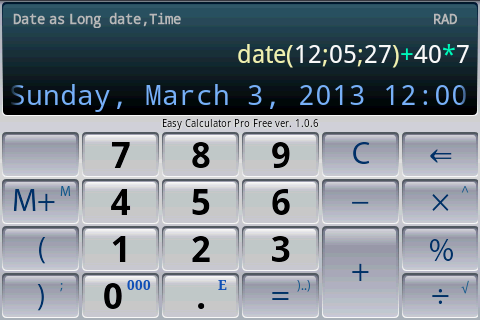
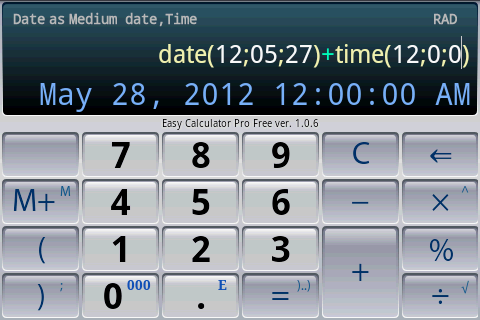
• Date & time arithmetic: Calculate intervals, offsets, and durations directly in expressions.
• Built-in scientific constants and tactile vibration feedback.
• Session recovery: Automatically saves your workspace and inputs between app launches.
Practical Examples:
• Tips & Taxes: 7*2 + 1.5*4 + 10%
• Physics & Constants: √(G*Me/g)
• Date Offsets: date(12; 05; 15) + 40*7
• Geometry & Trigonometry: 40 / tan(37°23')
• Probability: C(4; 2) / C(50; 2)
What’s new
The legendary calculator is back! We have completely rebuilt the app to meet modern smartphone standards.
What's updated:
- New Options Menu (3 dots): Quick and easy access to history, extended layout modes, and application settings.
- Modern Optimization: Full compatibility with current Android versions, improved stability, and faster calculations.