
View antivirus results
| Antivirus | Status |
|---|---|
| McAfee | Clean |
| FSecure | No result |
Needs further review: this scanner has not returned a result for this version of the app. | |
| Symantec | Clean |
| ClamAv | Clean |
| Kaspersky | Clean |
| Eset | Clean |
| DrWeb | Clean |
| Comodo | Clean |
| ZonerMobileSecurity | Clean |
| GooglePlayProtect | Clean |
App screenshots
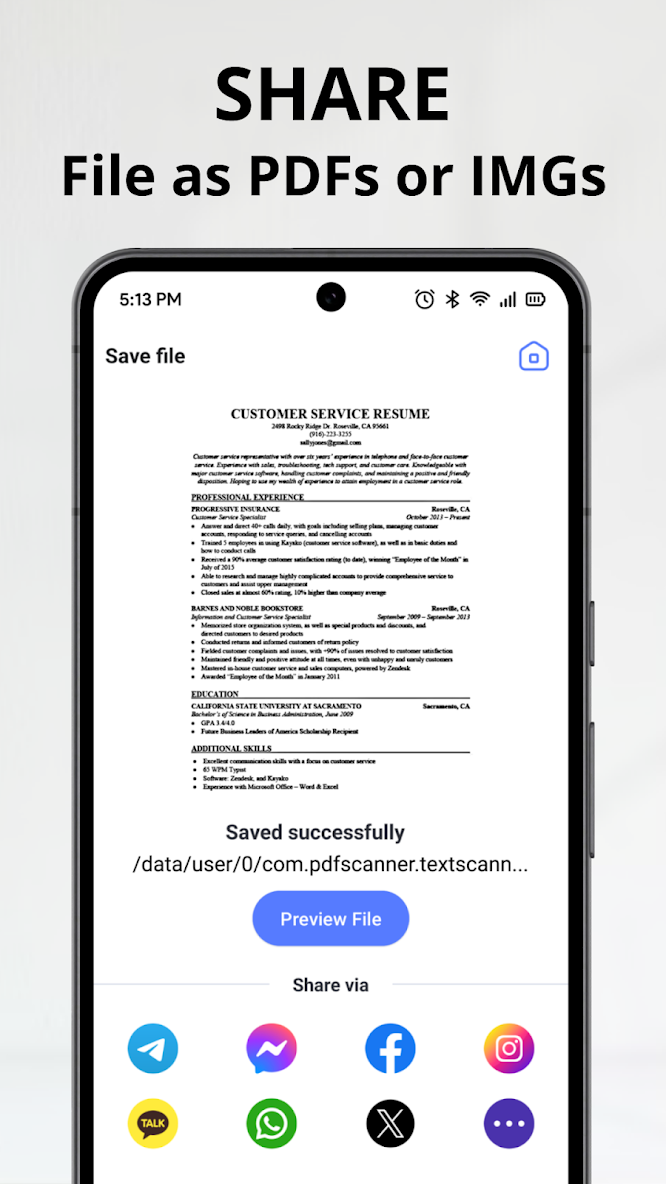
About this app
Looking for an advanced and reliable document scanner?
Try OCR: PDF Scanner, Image to text now! It is an all-in-one scanner app. It turns your mobile device into a powerful scanner that recognizes text (AI-powered OCR) and improves your productivity to save your time.
Features of OCR: PDF Scanner, Image to text:
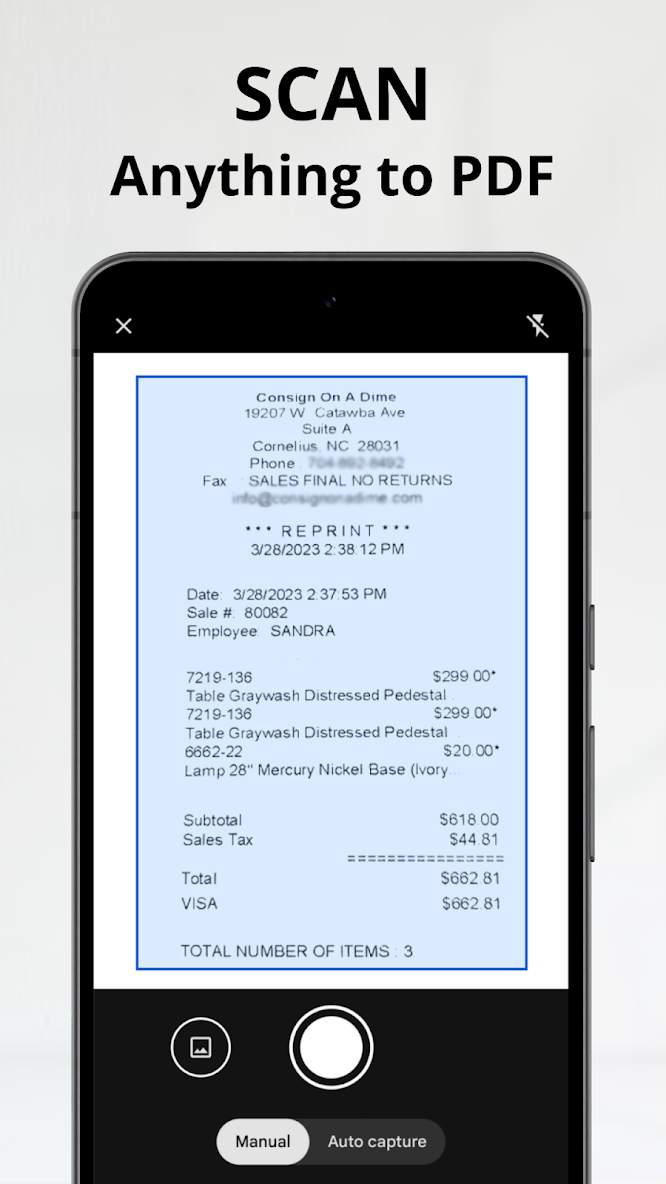
* Scan documents easily
With OCR Scanner, you can scan documents of all types and sizes with ease. The application uses advanced image processing algorithms to ensure that your scans are always sharp, clear and easy to read. You can even scan multiple pages into a single PDF document, making it easy to store and share your documents.
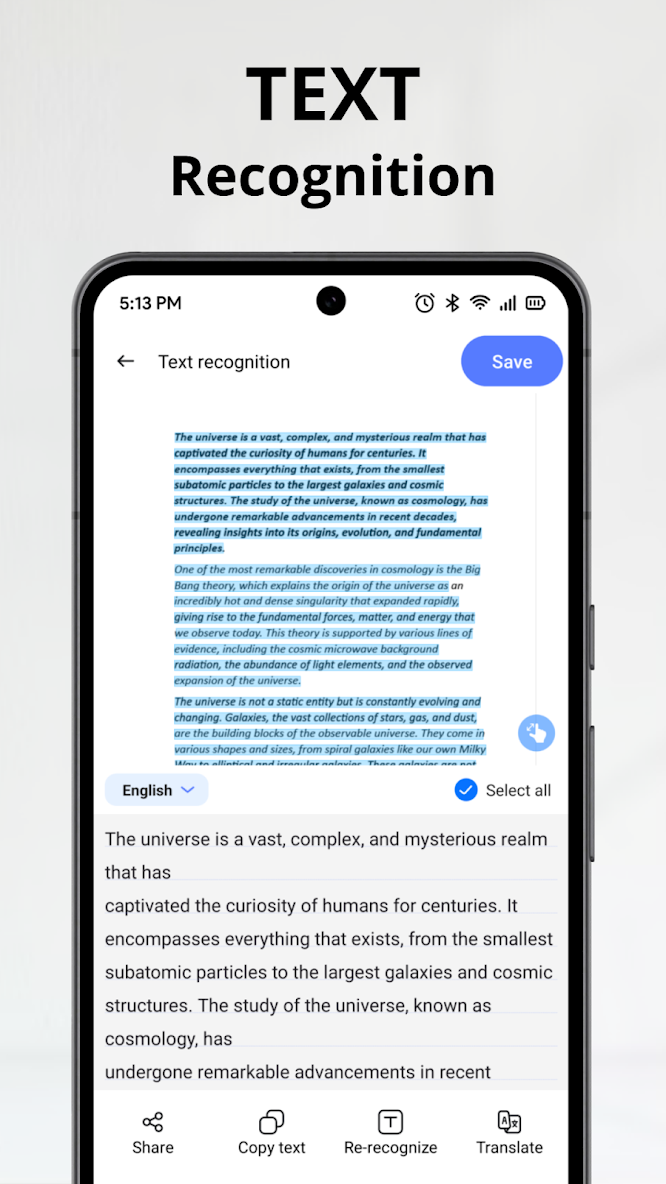
* OCR
OCR Scanner has advanced OCR technology that allows you to convert scanned documents into editable text. This means you can easily copy and paste text from your scanned documents into other applications, such as email or word processing software.
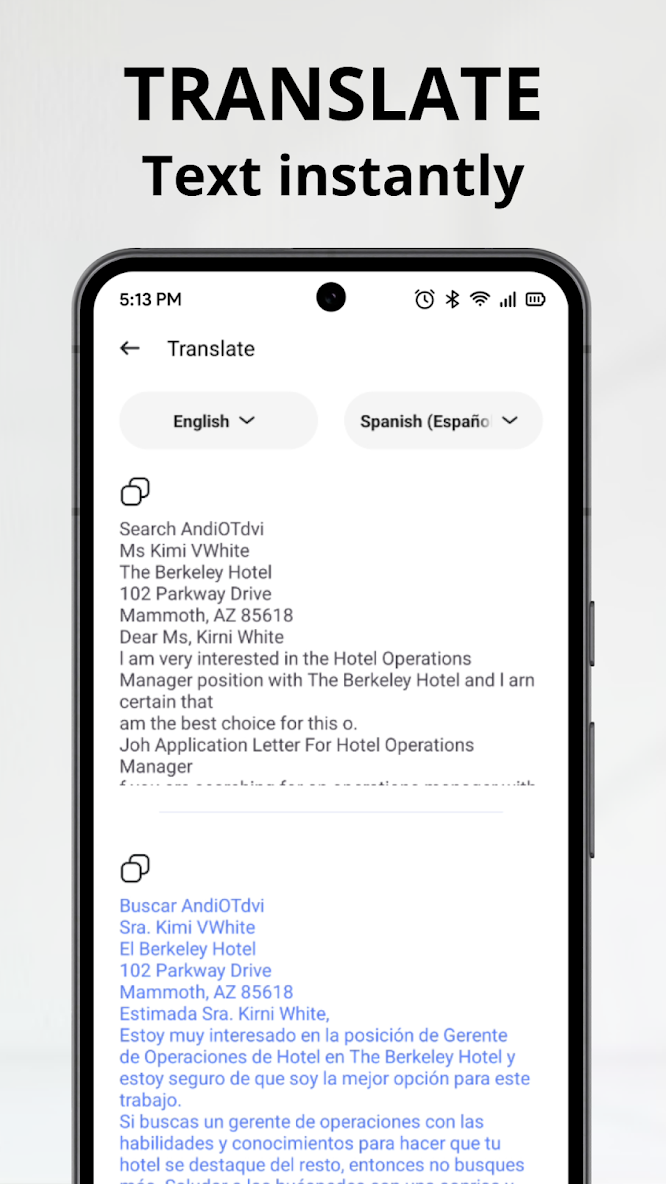
* Translate
With OCR Scan, after you scan documents and select language, the text automatically translated. The translated text can be viewed on your device, copied or share as needed.
Start using the OCR: PDF Scanner, Image to text now and enjoy unlimited photo-to-text conversion!


