
View antivirus results
| Antivirus | Status |
|---|---|
| Comodo | Clean |
| ZonerMobileSecurity | No result |
Needs further review: this scanner has not returned a result for this version of the app. | |
| Symantec | Clean |
| Eset | Clean |
| Kaspersky | No result |
Needs further review: this scanner has not returned a result for this version of the app. | |
| FSecure | No result |
Needs further review: this scanner has not returned a result for this version of the app. | |
| DrWeb | Clean |
| ClamAv | Clean |
| GooglePlayProtect | No result |
Needs further review: this scanner has not returned a result for this version of the app. | |
| McAfee | Clean |
App screenshots
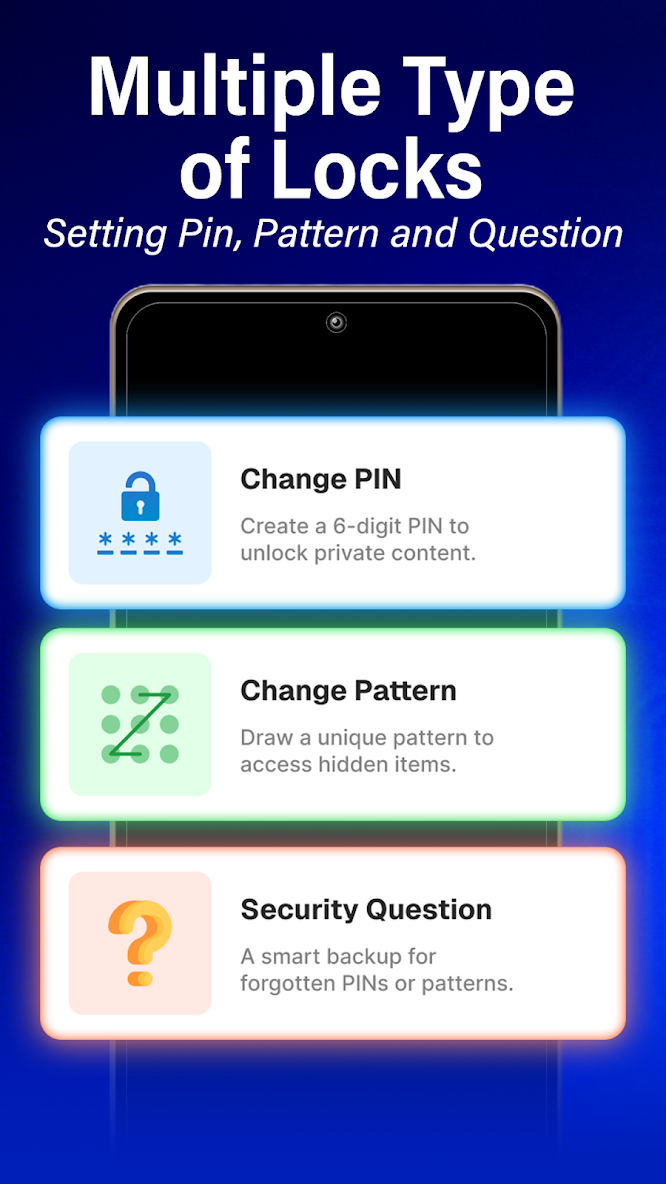
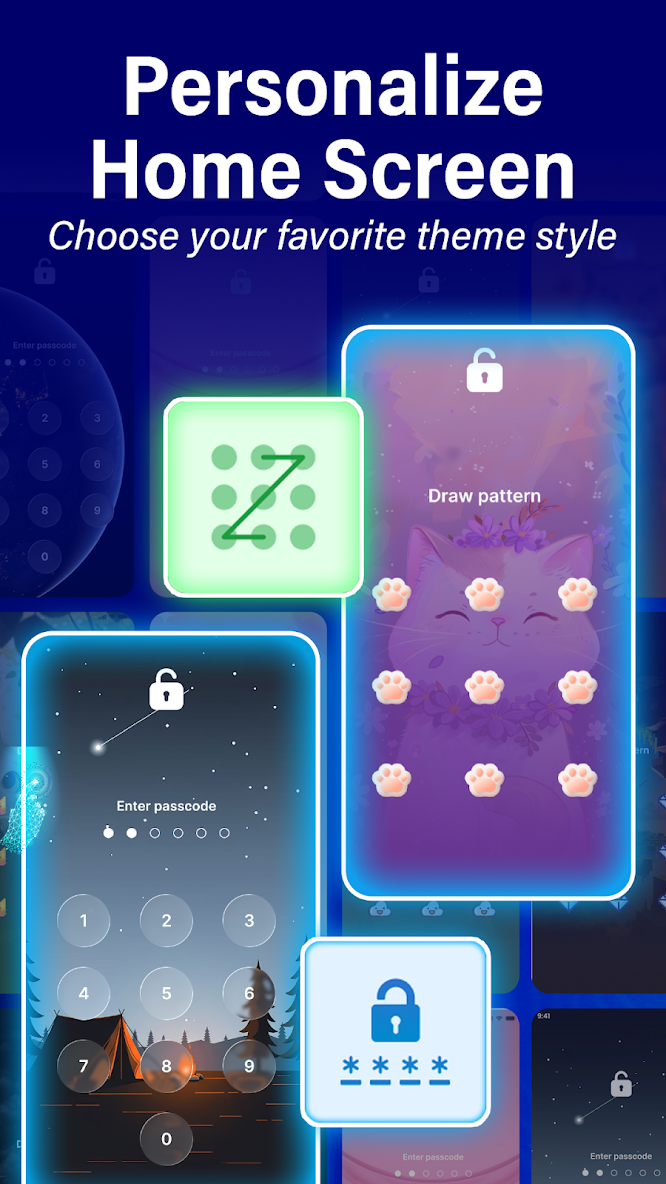
About this app
😧 Worried about prying eyes on your phone?
ShieldMe is your personal digital guardian, making it easy to lock your apps, hide sensitive photos and videos, and take back control of your privacy. Secure your digital life and enjoy peace of mind in just a few taps.
🤩 Key Features You'll Love:
Lock Any App
From social media and messaging apps to your gallery and contacts, lock any application you choose with secure types of locks. Keep your conversations and personal data safe from unauthorized access.
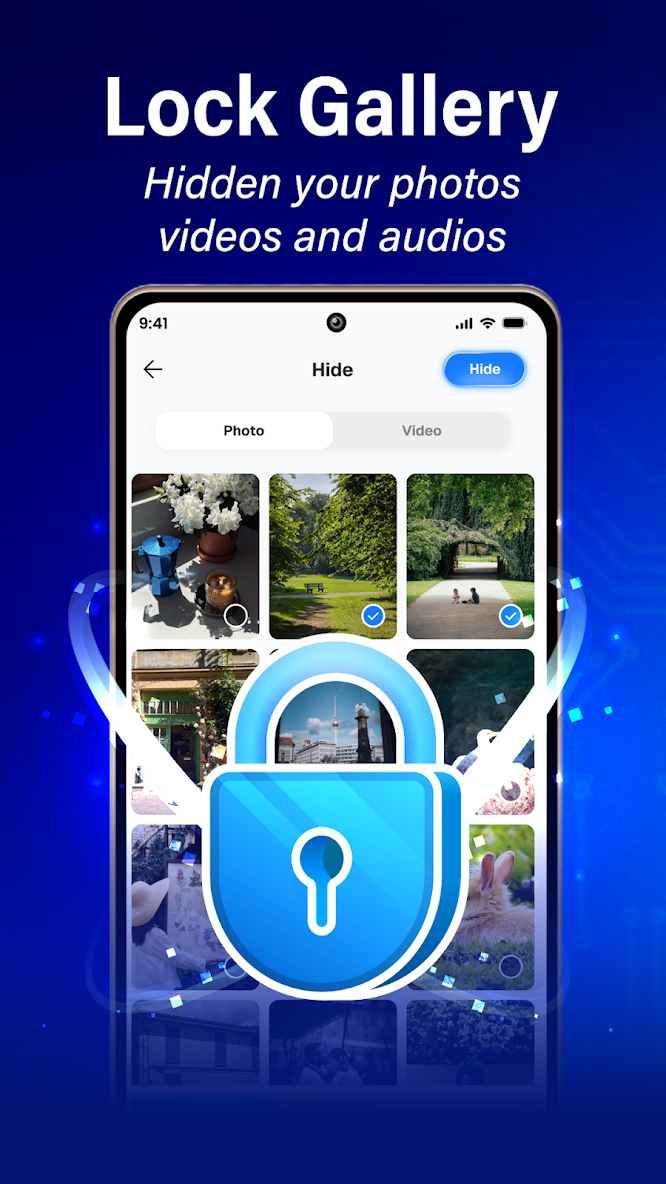
Hide Photos & Videos (Photo Vault)
Keep your personal memories for your eyes only. Import photos and videos into our secure vault, where they disappear from your public gallery and can only be accessed with your password.
Customize Your Lock Screen
Make your lock screen your own! Choose from a variety of beautiful themes and wallpapers to personalize the look and feel of your secure space.
Advanced Security Options
Secure your vault with multiple lock options, including PIN/Pattern. You can also set up a security question for easy password recovery if you ever forget your code.
🔒 Permissions & Transparency
• Display over other apps — shows the lock screen securely on top of other apps (only after you enable it in Settings).
• Photos & media — allows the app to read images and videos you select on your device so you can import them into the Vault and restore selected items back to your gallery.
• Storage (Android 12 & below) — read/write access to import or save Vault items on older devices.
• All files access — required to deliver the core Secure File Manager and Photo/Video Vault features. It enables full-scope, in-app browsing and user-initiated management of files across device storage, including selecting media from any folder to move into the Vault. The permission is granted manually in Android Settings and can be revoked at any time.
• Notifications (optional) — status and reminders; you can turn these off anytime in Settings.
• Internet — for updates, diagnostics, and/or ads.
AccessibilityService disclosure
Used only when you enable App Lock: listens to window/package change events to detect apps you selected in the foreground and show the lock screen. It does not read on-screen text, keystrokes, or passwords, does not perform taps, and does not send data off-device. You can turn this permission off anytime in Android Settings. (Not used for call recording or changing system settings.).
Download ShieldMe - App Lock Manager and give your phone the privacy it deserves!
❗ Important Notice
• ShieldMe protects access on your own device; it is not antivirus or system security.
• Vault stores copies in app-private space; uninstalling the app may delete Vault items — export/backup before uninstalling.
• We are not affiliated with any other apps shown on your device.


