View antivirus results
| Antivirus | Status |
|---|---|
| ZonerMobileSecurity | Clean |
| McAfee | Clean |
| GooglePlayProtect | Clean |
| Symantec | Clean |
| FSecure | No result |
Needs further review: this scanner has not returned a result for this version of the app. | |
| DrWeb | Clean |
| Comodo | Clean |
| Eset | Clean |
| ClamAv | Clean |
| Kaspersky | Clean |
App screenshots


About this app
📞 Custom Caller Screen Dialer
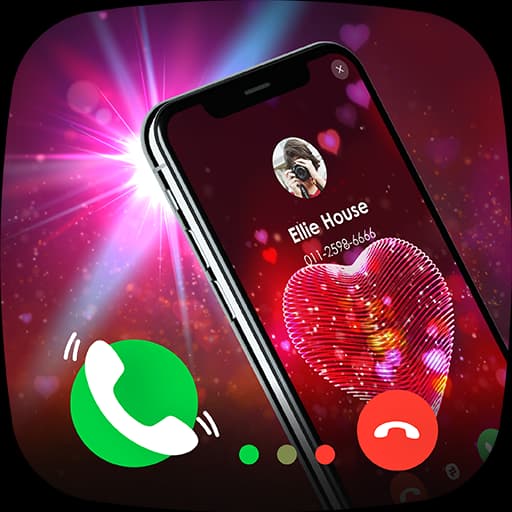
Personalize your calling experience with a beautiful custom incoming call screen and a modern smart dialer.
This app lets you replace the default call screen with a full-screen caller UI, allowing you to see calls in a clean, stylish, and user-friendly interface.
🌟 KEY FEATURES
🎨 Custom Incoming Caller Screen
• Full screen call UI
• Stylish call buttons
• Clean and modern design
📞 Smart Dialer
• Easy and fast dialing
• Smooth call handling
• Simple contact access
🖼️ Photo Caller Screen
• Show caller photo on incoming calls
• Large and clear caller details
🔐 Privacy Friendly
• No spam claims
• No data selling
• Permissions used only for calling features
⚡ Lightweight & Fast
• Low battery usage
• Smooth performance
• Simple setup
🔧 HOW IT WORKS
Install the app
Set Custom Caller Screen Dialer as your default phone app
Enjoy a new custom incoming call experience
🔐 PERMISSIONS DISCLOSURE (IMPORTANT – POLICY SAFE)
This app requires:
Phone permission to make and receive calls
Contacts permission to display caller information
👉 We do NOT collect, store, or share personal data.
⭐ WHY CHOOSE US
✔ Clean & simple UI
✔ No fake spam detection claims
✔ No misleading features
✔ Designed for daily use
Download now and give your phone calls a fresh new look!