

View antivirus results
| Antivirus | Status |
|---|---|
| ClamAv | Clean |
| ZonerMobileSecurity | Clean |
| DrWeb | Clean |
| Eset | Clean |
| FSecure | No result |
Needs further review: this scanner has not returned a result for this version of the app. | |
| Symantec | Clean |
| McAfee | Clean |
| Comodo | Clean |
| Kaspersky | No result |
Needs further review: this scanner has not returned a result for this version of the app. | |
| GooglePlayProtect | No result |
Needs further review: this scanner has not returned a result for this version of the app. | |
App screenshots

About this app
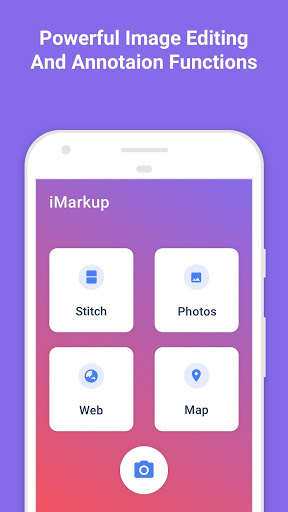
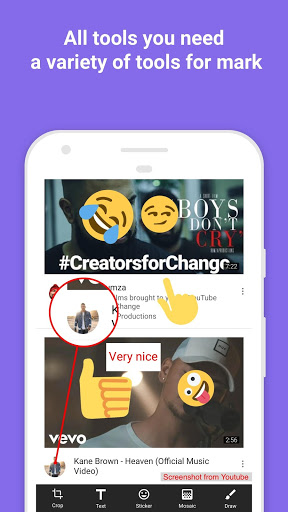
iMarkup is a free, easy-to-use and powerful photo markup tool. iMarkup provides a variety of annotation features such as crop, add text, pixelated image, draw arrow, rect, circle and more. Lets you easily edit and markup your photos and quickly share them with your friends!
━━━━━━━━━━━━━━━━━
✨ Why iMarkup?
━━━━━━━━━━━━━━━━━
🔹 Compact — Less than 10MB install size
🔹 Totally Free — No usage restrictions
🔹 High Quality — Lossless save, PNG format supported
🔹 Feature Rich — A variety of image annotation tools
🔹 Flexible Storage — Save photos to external SD card
► Key Features
🖌️ Photo Markup
• Crop and rotate: rectangle, round, star, triangle and more shapes
• Spotlight: highlight key info with the Spotlight tool
• Blur: pixelate areas you don't want to show
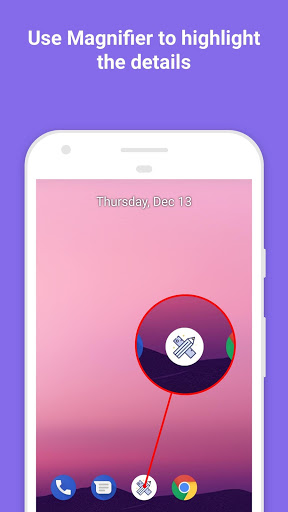
• Magnifier: zoom into your selected section
• Emoji stickers: make pictures lively and interesting
• Custom text: color, background, shadow, stroke, style, size
• Annotation tools: arrows, rectangles, circles, lines, pen
• Large images can be annotated directly without cropping first
• Import from gallery, save in HD, share with friends
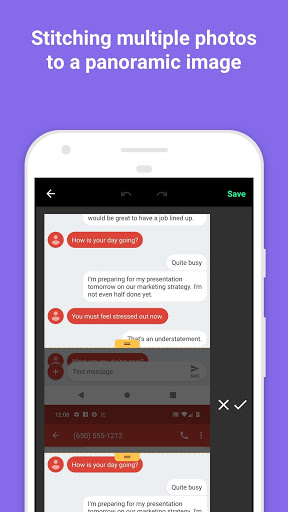
🧩 Photo Stitching
Stitch multiple photos into a panoramic image, horizontal or vertical
✂️ Long Image Split 🆕
Split a long screenshot or image into multiple pieces, easier to share or archive
• Horizontal / vertical split for different image orientations
• Equal split: divide evenly with one tap
• Manual split: set custom split positions precisely
📄 Image to PDF 🆕
Combine one or more images into a single PDF document, in order
• Batch import images
• One-tap PDF generation, perfect for email or print
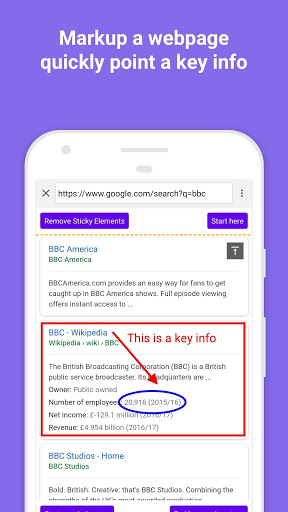
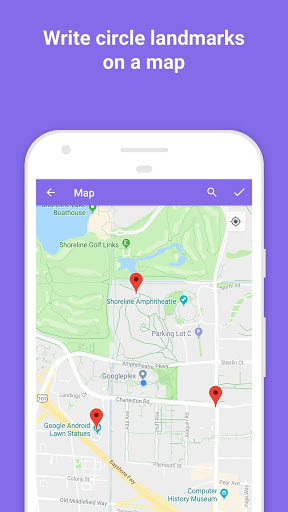
🌐 Webpage & Map Annotation
Easily mark up web pages and maps, share with friends to show your ideas
────────────────
If you have any comments or suggestions on iMarkup, please contact us at dev.winterso@gmail.com. We appreciate your feedback!
What’s new
Stability improvements and bug fixes.


