

- Install
- <100
- Category
- Personalization
- Last updated
- 2023 August 31
- Size
- 4 MB
View antivirus results
checking the app
App screenshots
About this app
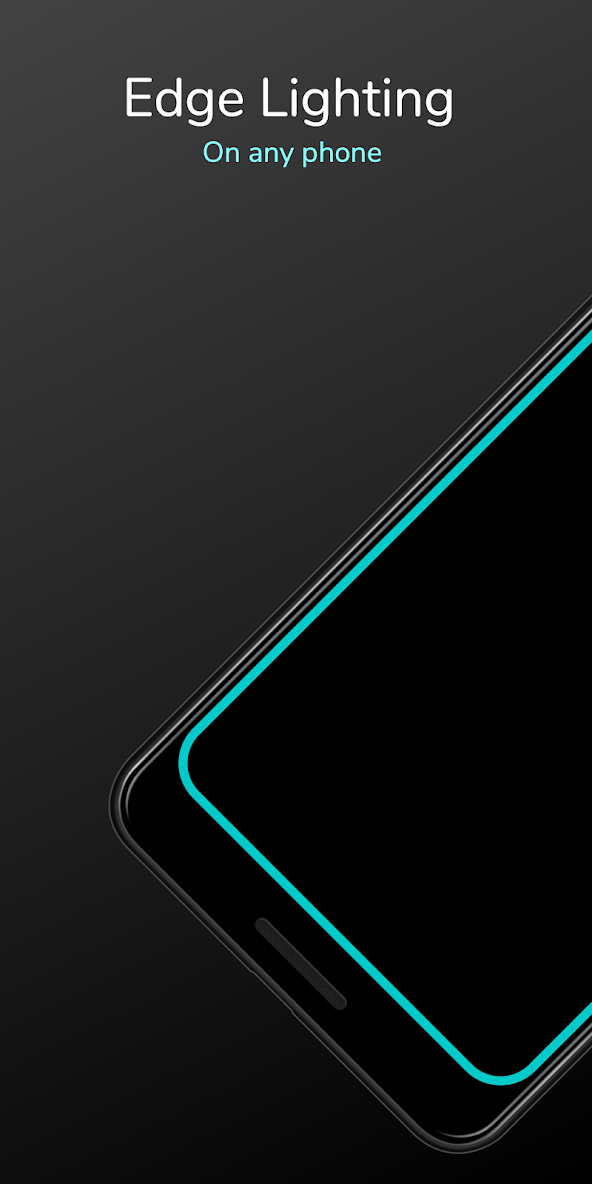
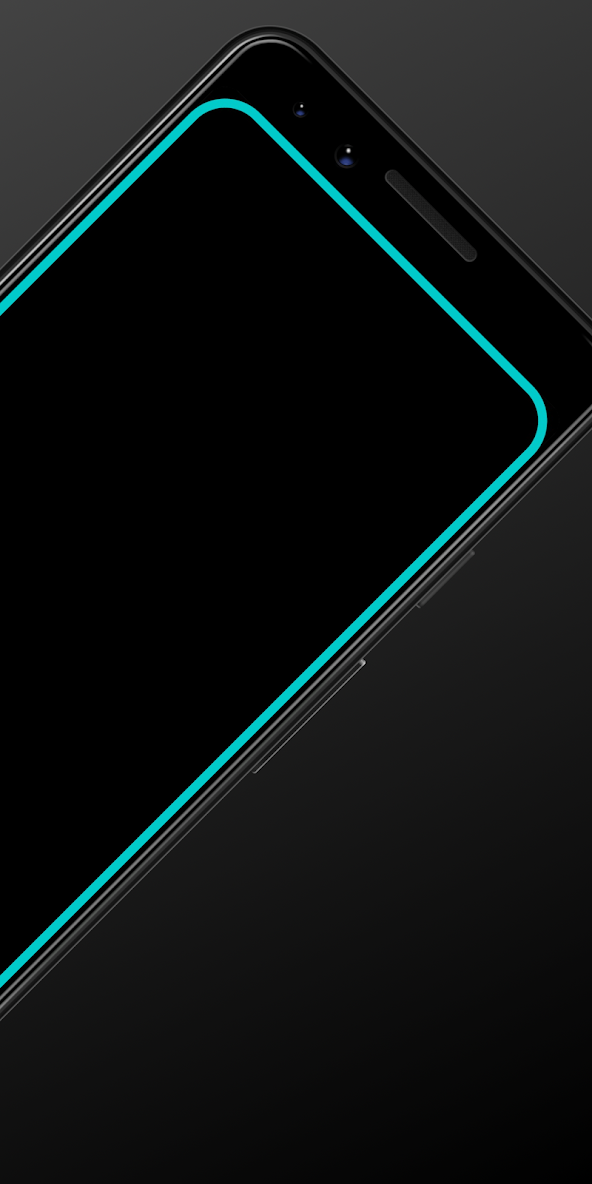
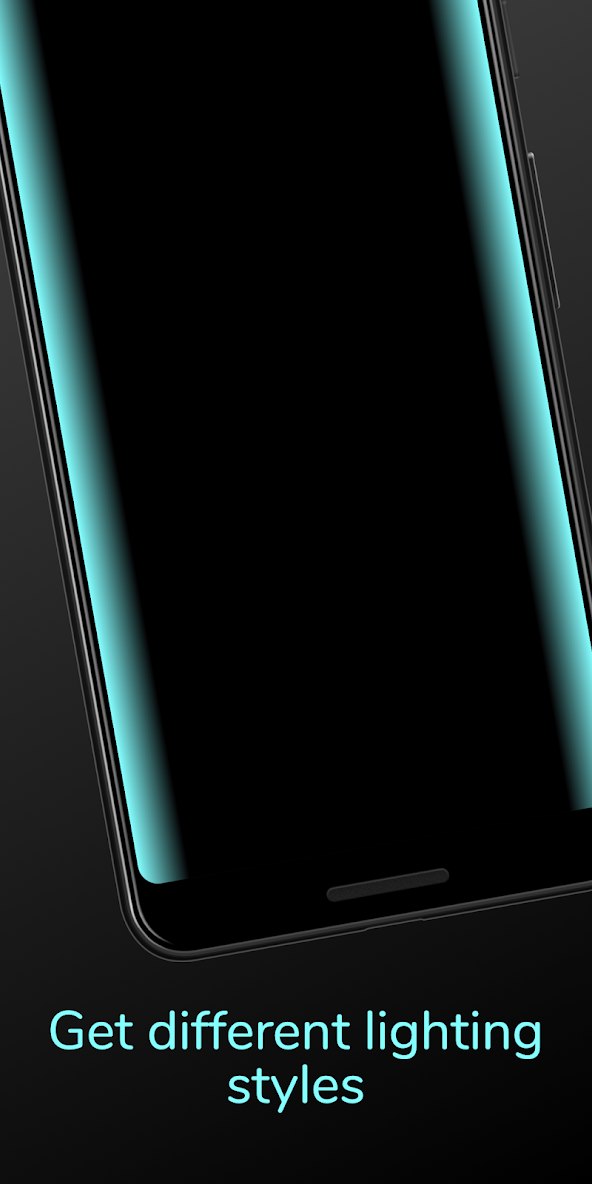
As a lot of phones have AMOLED display whenever a desired notification comes the app brings in a black screen with edge lighting.
To use it:
1. Disable any battery optimisation for the app.
2. Give notification access permission.
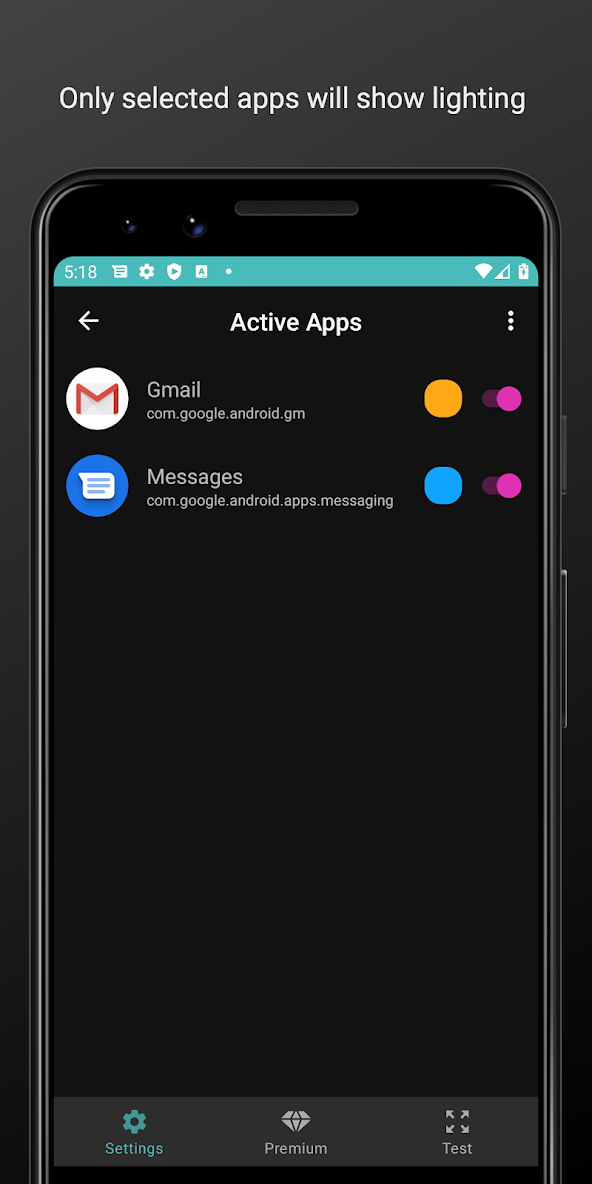
3 Select apps you want notifications for, by choosing a color
Thats it😇.
For MIUI 11 devices make sure that AutoStart is enabled in App Info. Also check "Show on lock screen" permission in other settings.
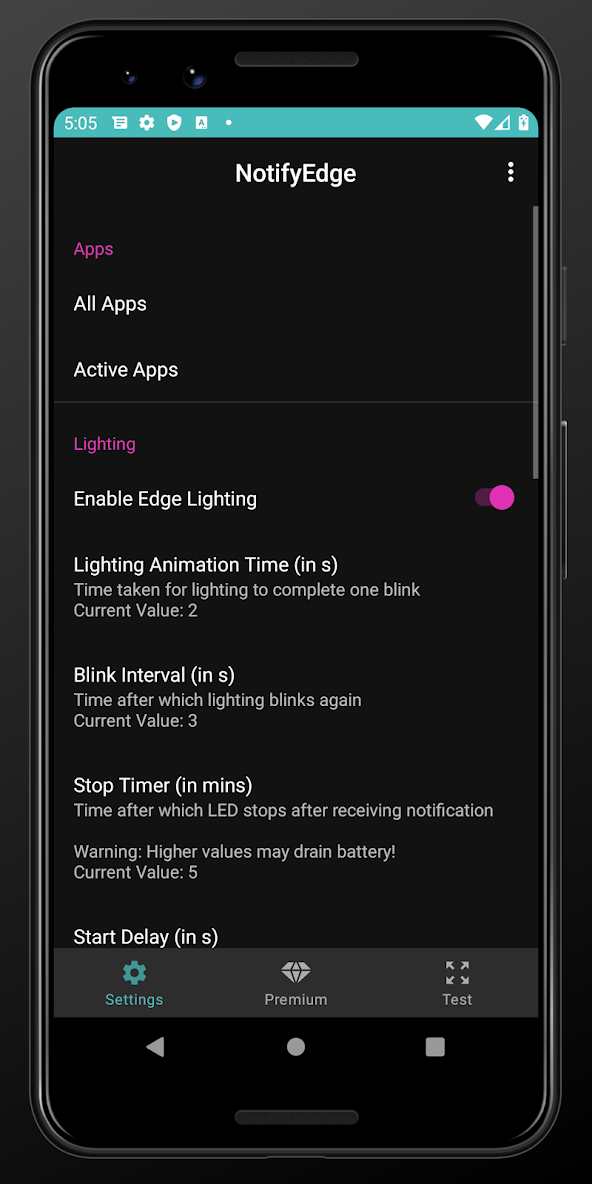
Settings image: https://drive.google.com/folderview?id=1yxrLd5u7kLSGBwviKhXYqM21YLC8Dhiv
Additional Features:
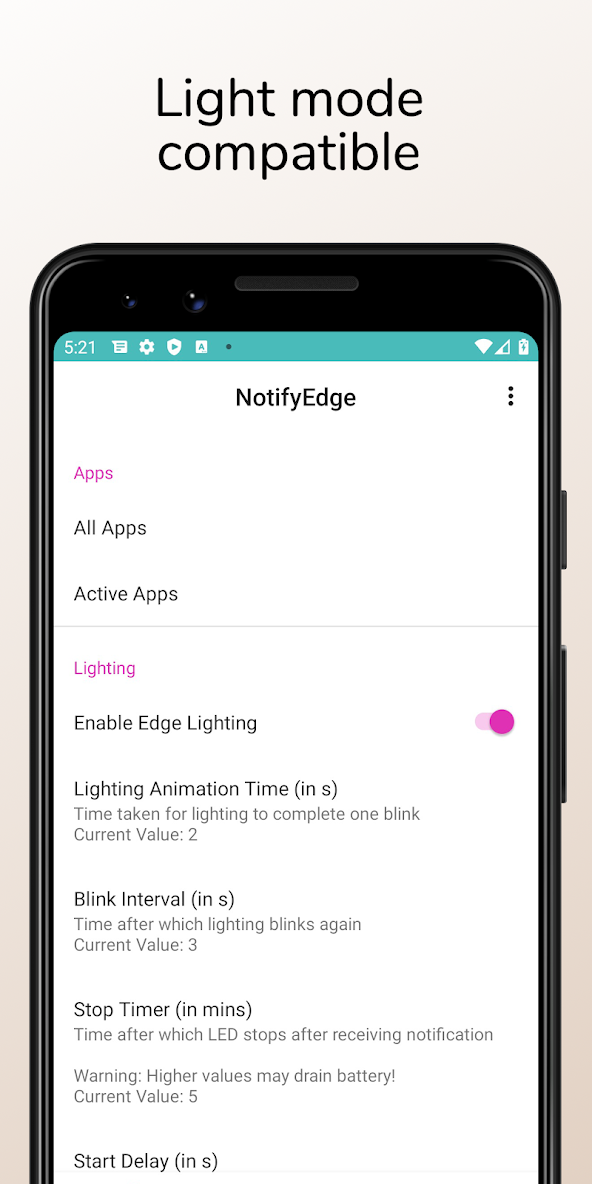
1. Change blink animation time.
2. Change edge colours.
3. Notify for missed calls.
4. Change edge radius to fit various screens
5. Add Downtime
What’s new
Minor bug fixes and improvements


