View antivirus results
| Antivirus | Status |
|---|---|
| ZonerMobileSecurity | No result |
Needs further review: this scanner has not returned a result for this version of the app. | |
| Symantec | Clean |
| DrWeb | Clean |
| McAfee | Clean |
| ClamAv | Clean |
| FSecure | No result |
Needs further review: this scanner has not returned a result for this version of the app. | |
| Kaspersky | No result |
Needs further review: this scanner has not returned a result for this version of the app. | |
| GooglePlayProtect | No result |
Needs further review: this scanner has not returned a result for this version of the app. | |
| Comodo | Clean |
| Eset | Clean |
App screenshots


About this app
[How to use]
- Set the reminder song.
- Connect the charging cable.
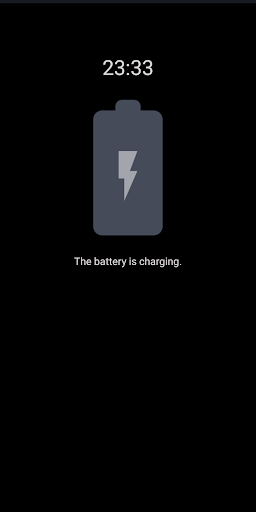
- You do not need to run the app when charging. It will automatically notify you when charging is complete.
- Disconnect the power cable when charging is completed or close the window to close the notification song automatically.
[function]
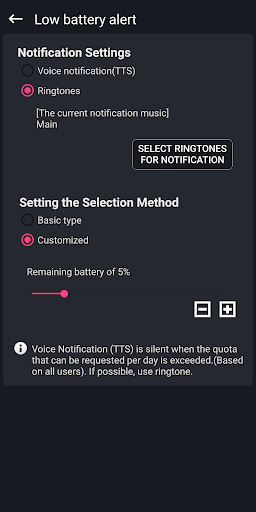
- Notification song setting (with ringtone)
- Battery alert level setting
- Volume control
- Vibration
- Set the 'Do Not Disturb' time.
- Voice notification (TTS).
- Battery status warning
- Battery level display function at the top of the screen.
- Earphone detection (replaced with PUSH notification when earphone is in use)
- Battery charge history
[Troubleshooting]
If the app does not work, refer to the link below.
https://ddolcatmaster.tistory.com/187
[Directions for Access Permission]
Here are instructions on access privileges used by apps:
■ Essential access permissions
- none
■ Optional access rights
- Storage space
Use to search for music files and set them as reminders with photos, media, and file access permissions on the device.
What’s new
- Added a "Stop" button for the alarm sound on the notification screen.