

View antivirus results
checking the app
App screenshots
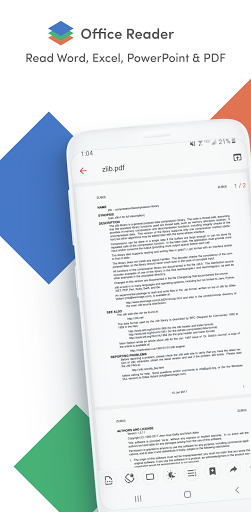
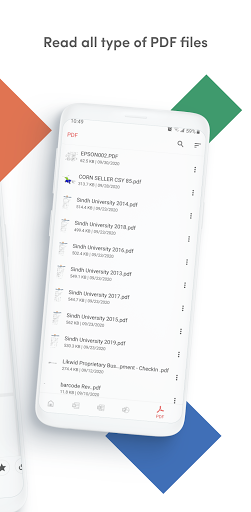
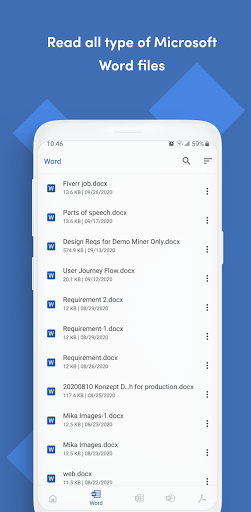
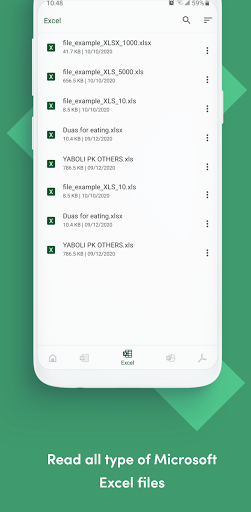
About this app
Office Reader – All-in-One Document Viewer
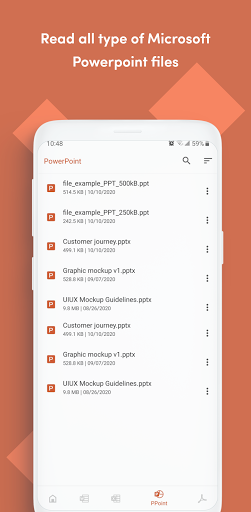
Read, view, and manage all your documents in one free app. Open Word, Excel, PowerPoint, PDF, eBooks, and more—anytime, anywhere, even offline.
✨ Key Features
• All Document Formats Supported
Open DOC, DOCX, XLS, XLSX, PPT, PPTX, ODT, ODP, HWP, HWPX, PDF, RTF, TXT, CSV, HTML, MD, EPUB, MOBI, FB2, DJVU, AZW, EML, MSG, IPYNB, PGN, MML, CBZ, CBR and source codes (Java, Python, C++, etc.).
• Password-Protected Files
Securely view locked PDF, DOC/DOCX, XLS/XLSX, PPT/PPTX, and HWP files.
• File Conversion
Convert Word, Excel, PowerPoint, PDF, RTF, HTML, Markdown, Emails, and even source codes into PDF or text.
• Productivity Tools
📷 Doc Scan – scan documents into PDF.
📂 Folder Navigation – easily manage files.
⏱️ Quick Access – long press app icon to see recent files.
🚀 Why Choose Office Reader?
• Fast & lightweight
• 100% free, no hidden cost
• Works offline – perfect for travel or study
• Clean & simple design for easy navigation
Whether it’s business documents, study notes, eBooks, or source codes, Office Reader makes file viewing simple, fast, and secure.
What’s new
• Added editors for RTF, HTML/XHTML, TXT, code, CSV/TSV, and Jupyter notebooks.
• Improved tablet file previews and added two-page view for CBZ/CBR.
• Added support for password-protected ODT and ODP files, and improved merged cells and links.
• Fixed bugs and improved overall performance and stability.


