View antivirus results
checking the app
App screenshots
About this app
PDF Utils is a complete PDF toolkit that runs entirely on your phone — no subscription, no account, no uploads. Sign a lease, combine tax documents, shrink a PDF for email or black out private info in seconds.
WHY PDF UTILS
• No subscription, ever — use it free, or remove ads with a one-time purchase
• Private by design — files are processed on your device, never uploaded to a server
• Works offline — on a plane, on the train, anywhere
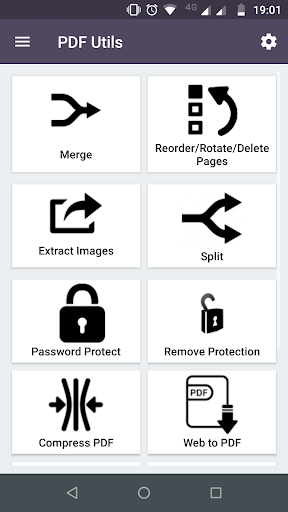
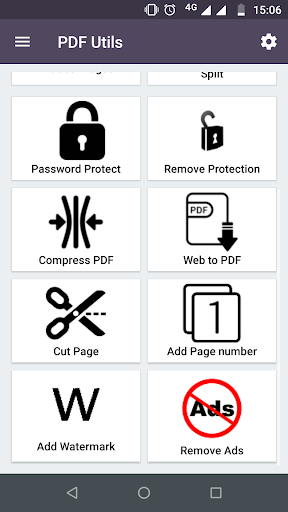
• 20+ PDF tools in one small app
SIGN & MARK UP
• Sign PDF — draw your signature once and place it on any page; drag to position it before saving
• Annotate & highlight — draw, highlight and mark up pages, with full undo
• Add page numbers — pick the position and style (1, Page 1, 1 of 10)
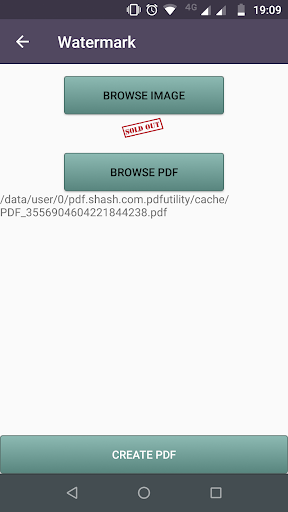
• Watermark — text or image with live preview: center, tile or corners, any color and opacity
MERGE, SPLIT & ORGANIZE
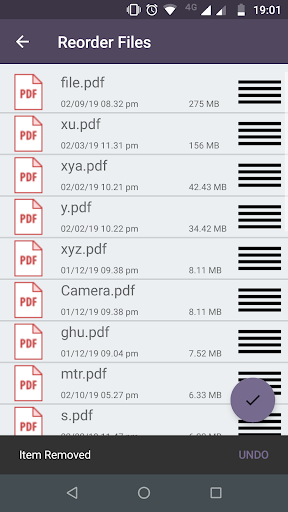
• Merge PDF — combine PDFs and photos into one file; drag to set the order
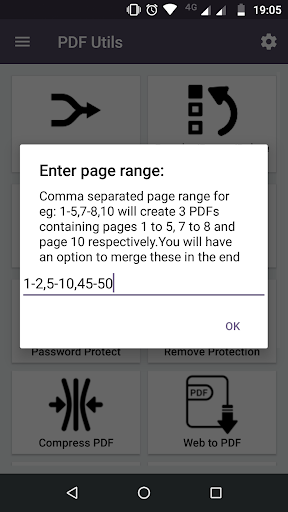
• Split PDF — every page, every N pages, or exact page ranges
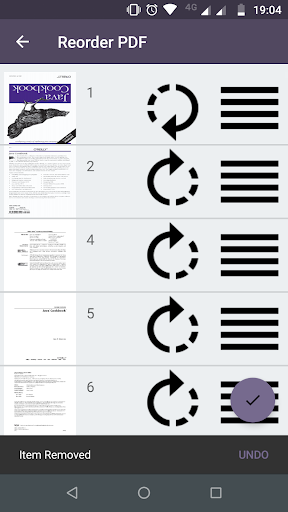
• Reorder, rotate & delete pages — drag and drop, tap to rotate, swipe to delete
• Cut pages — split a scanned two-page spread into separate pages
• Crop pages with a visual overlay
COMPRESS
• Shrink a PDF to a target size — 200 KB, 500 KB, 1 MB or your own — to fit email attachment and upload limits
• Or simply pick a quality level
PRIVACY & SECURITY
• Redact PDF — black out SSNs, account numbers and other personal details. The content is removed for good, not just covered with a box
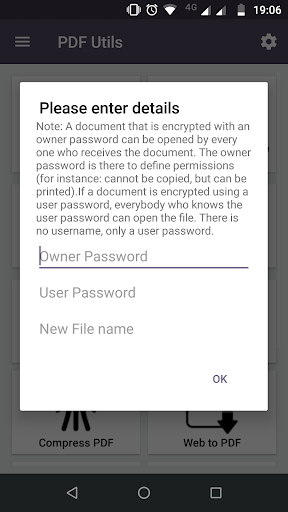
• Password protect — encrypt a PDF, or remove a password you know
SCAN & CONVERT
• Document scanner — scan receipts, IDs and paperwork to PDF with edge detection and perspective correction
• PDF to Text (OCR) — copy text from scanned PDFs and photos, or make them searchable. English and other Latin-script languages
• Word to PDF — open .docx files from email, Google Drive or Files and save them as PDF
• Image to PDF — JPG, PNG and more
• PDF to Image — save pages as JPG or PNG
• Extract images from any PDF
• Text to PDF and Web page to PDF
READ
• Fast PDF reader with night mode and go to page — it reopens where you left off
GREAT FOR
• Renters & homebuyers — sign leases and disclosures, then merge them into one file
• Tax season — combine W-2s, 1099s and receipts; redact your SSN before sharing
• Job seekers — turn your Word resume into a PDF that fits upload limits
• Students — merge assignments, annotate lecture notes, compress before submitting
• Small business — sign contracts, watermark drafts, scan receipts
Works with Google Drive and OneDrive — share any file to PDF Utils to get started.
Questions or ideas? pdfutils.shash9989@gmail.com
What’s new
• More privacy: PDF Utils no longer asks for access to your photos. Pick files with Android's own picker – the app only sees the files you choose.
• Stability improvements and bug fixes.