

- Install
- 230
- Category
- Tools
- Last updated
- 2026 September 15
- Size
- 16 MB
View antivirus results
| Antivirus | Status |
|---|---|
| ClamAv | Clean |
| FSecure | No result |
Needs further review: this scanner has not returned a result for this version of the app. | |
| Kaspersky | No result |
Needs further review: this scanner has not returned a result for this version of the app. | |
| McAfee | Clean |
| ZonerMobileSecurity | No result |
Needs further review: this scanner has not returned a result for this version of the app. | |
| GooglePlayProtect | No result |
Needs further review: this scanner has not returned a result for this version of the app. | |
| Eset | Clean |
| DrWeb | Clean |
| Comodo | Clean |
| Symantec | Clean |
App screenshots




About this app
Translate text in photos instantly with Camera OCR. 🚀
Point, scan, and understand menus, signs, documents, and screenshots in seconds. 📷
✔️ Camera translator for real-world text: menus, road signs, labels, receipts, documents
✔️ Photo translator (OCR): import photos & screenshots to extract and translate text fast
✔️ Clear on-image results so you can compare original vs translation easily 📲
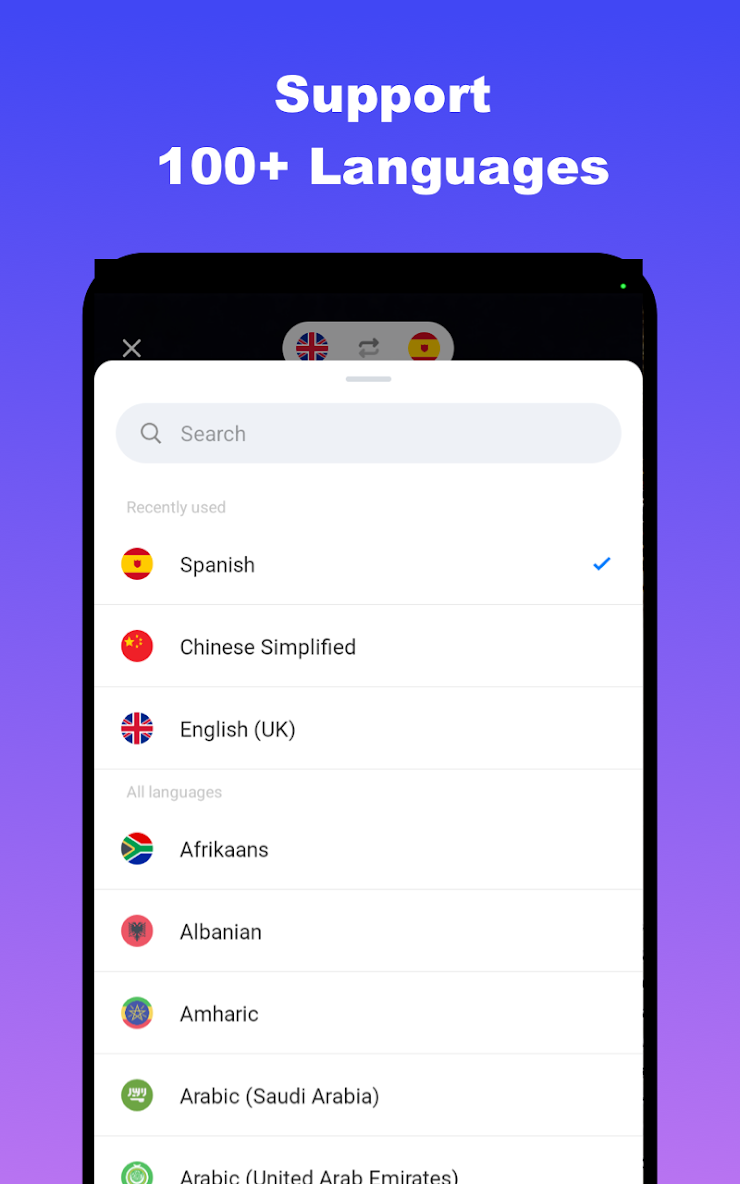
✔️ Auto language detection + quick switching for your next translation 🌍
✔️ Copy, share, and save history to revisit translations anytime
1️⃣ Open the camera or import a photo from your gallery
2️⃣ Tap Translate to detect text and get results instantly
3️⃣ Save to history, copy, or share your translation anywhere
✔️ Helpful notes
✔️ For best OCR results, use bright lighting and keep text sharp and centered 💡
✔️ Screenshots and clear photos translate more accurately than blurry images
✔️ Camera and storage permission may be required for scanning and importing photos
Translations are for reference; accuracy may vary by image quality, typography, and context.
An internet connection may be required for translation depending on your language and settings.
What’s new
1. Improved translation accuracy and stability.
2. Optimized camera translation experience.


