- Install
- 190
- Category
- Tools
- Last updated
- 2023 November 16
- Size
- 3 MB
View antivirus results
checking the app
App screenshots
About this app
PDF tool
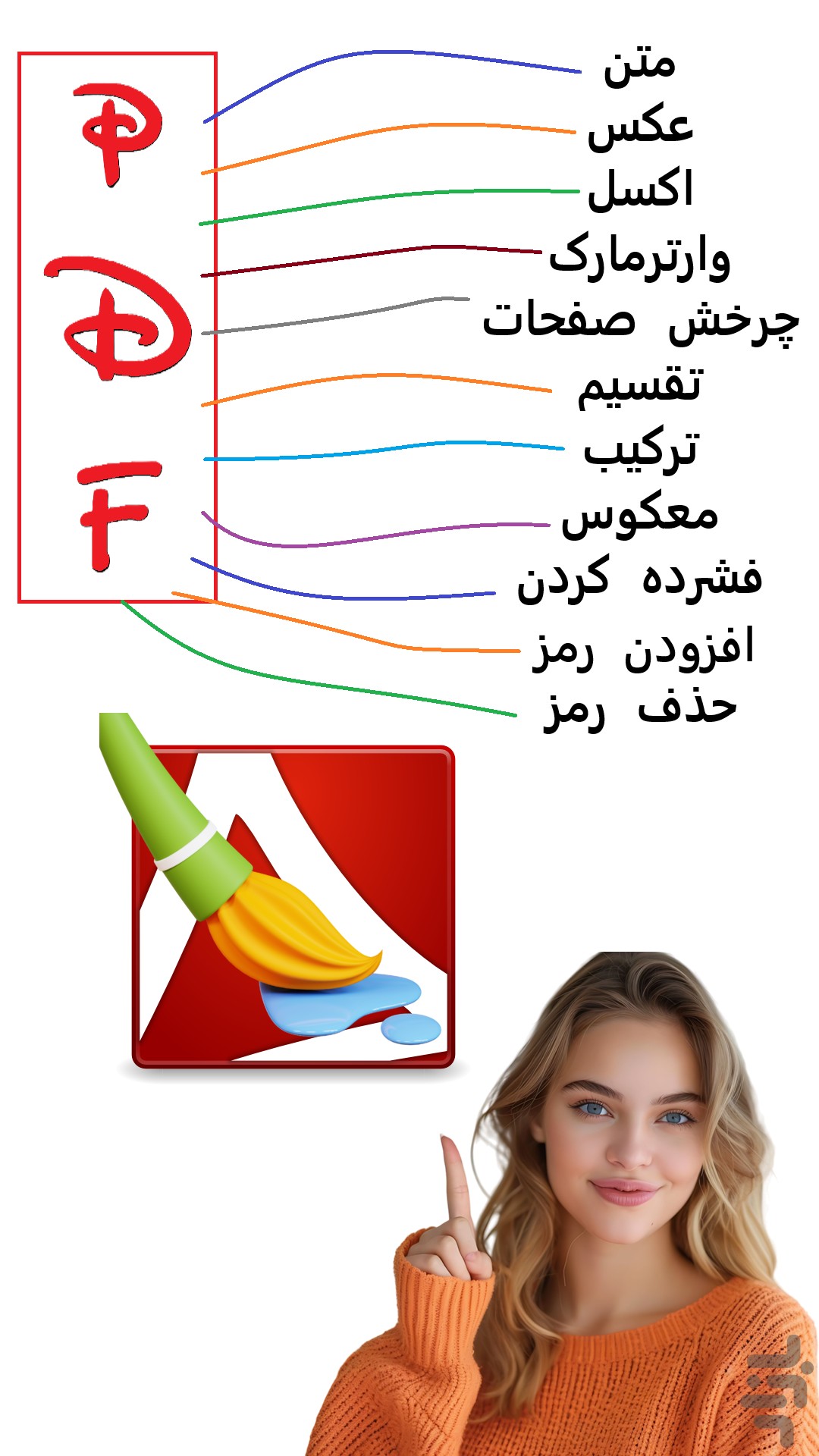
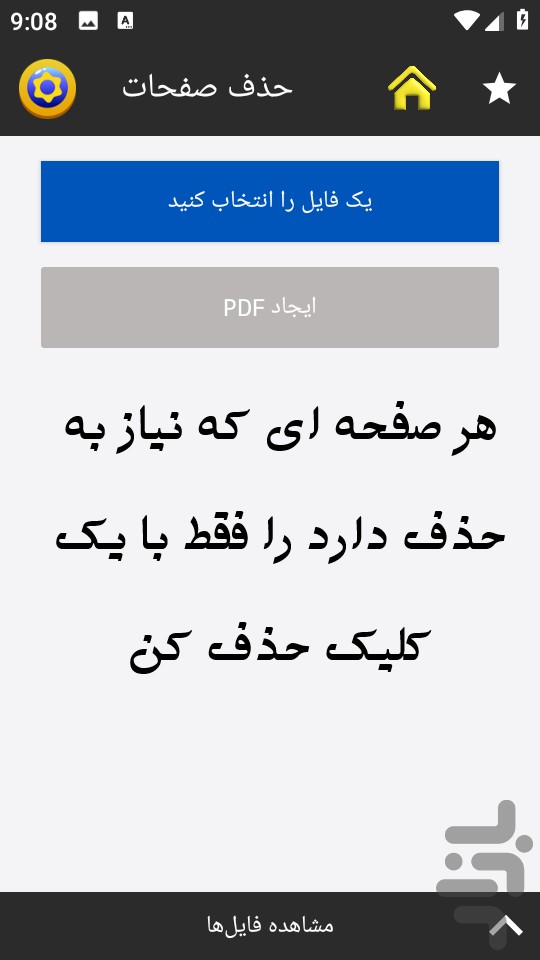
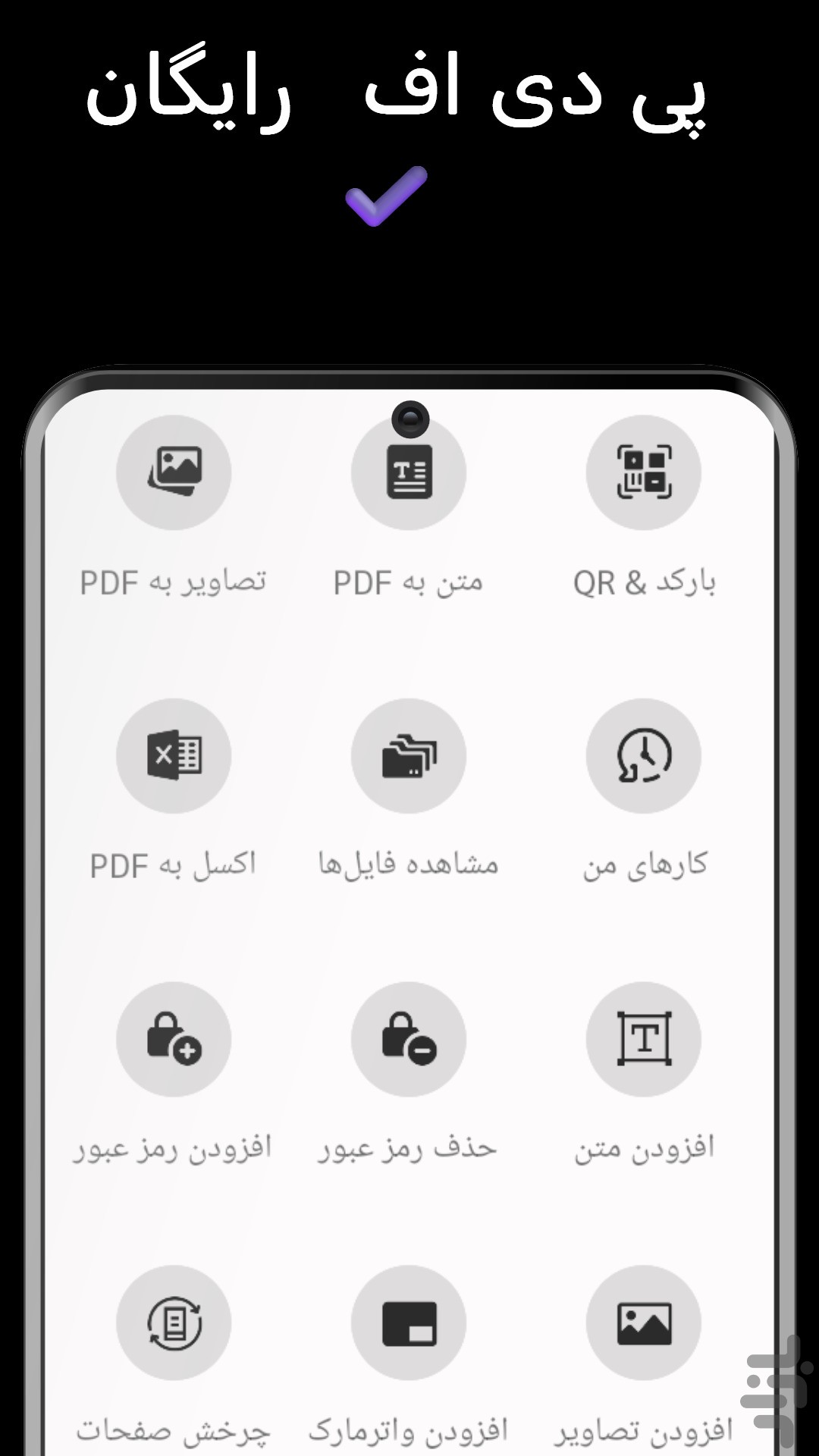
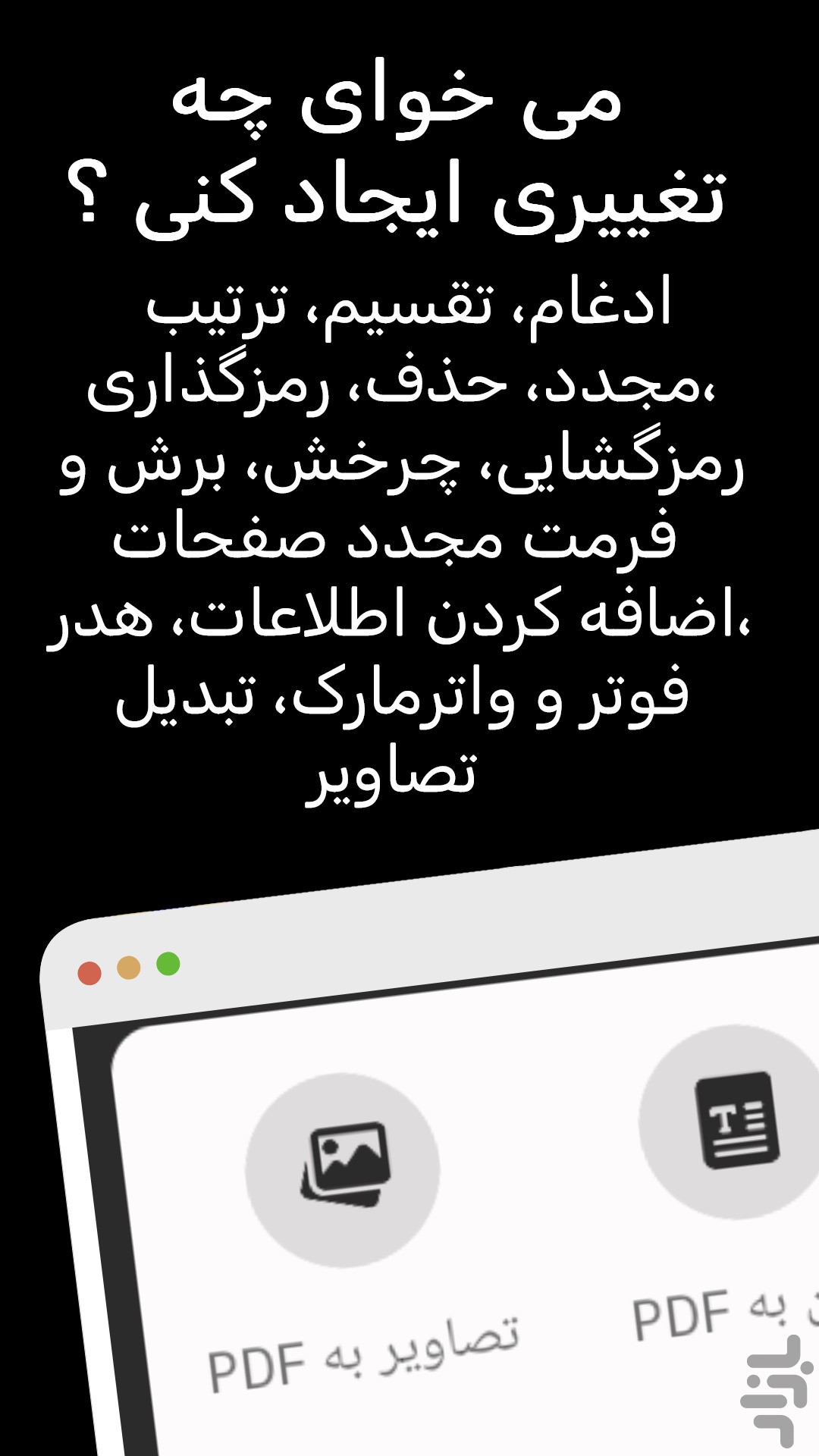
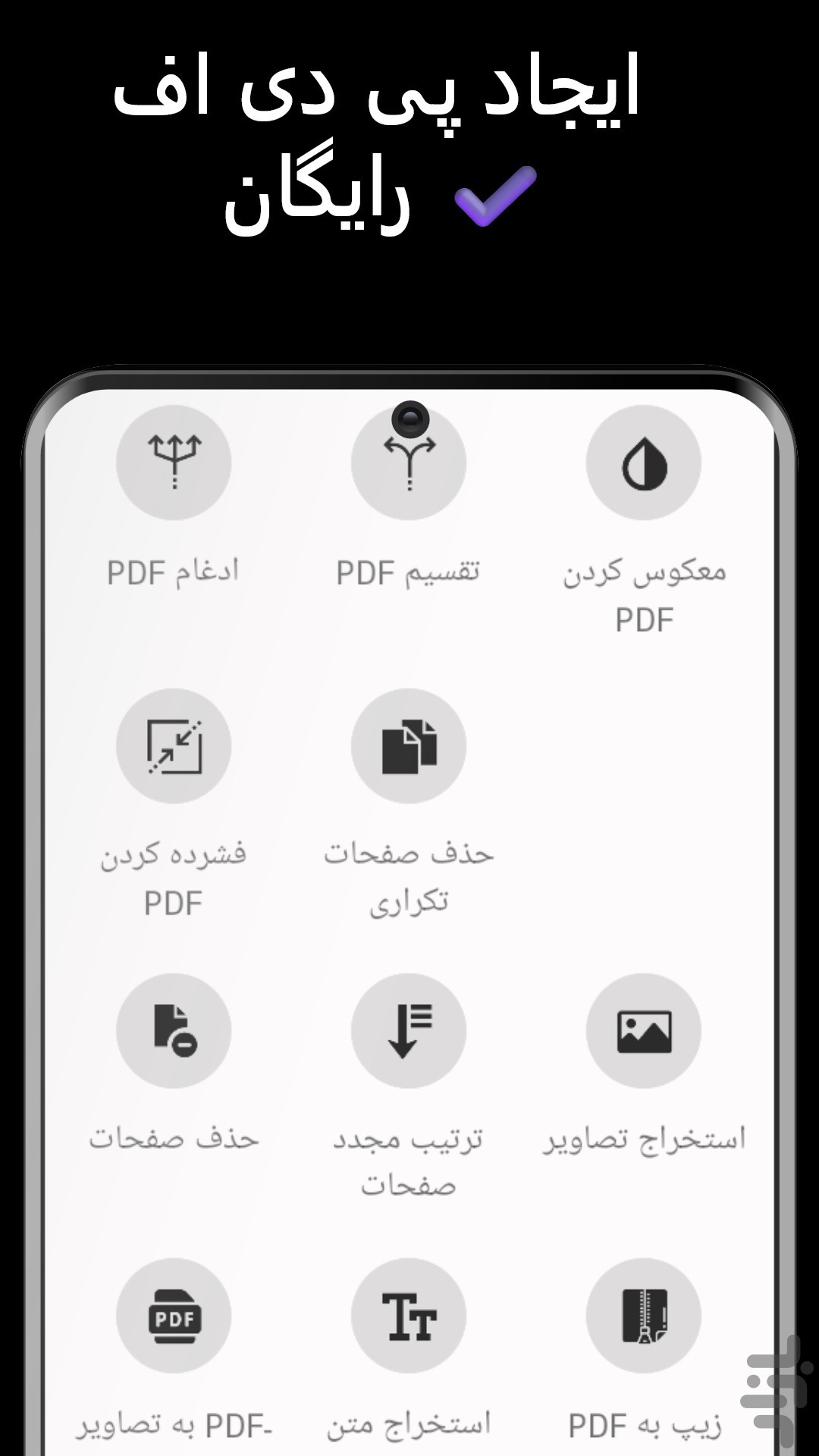
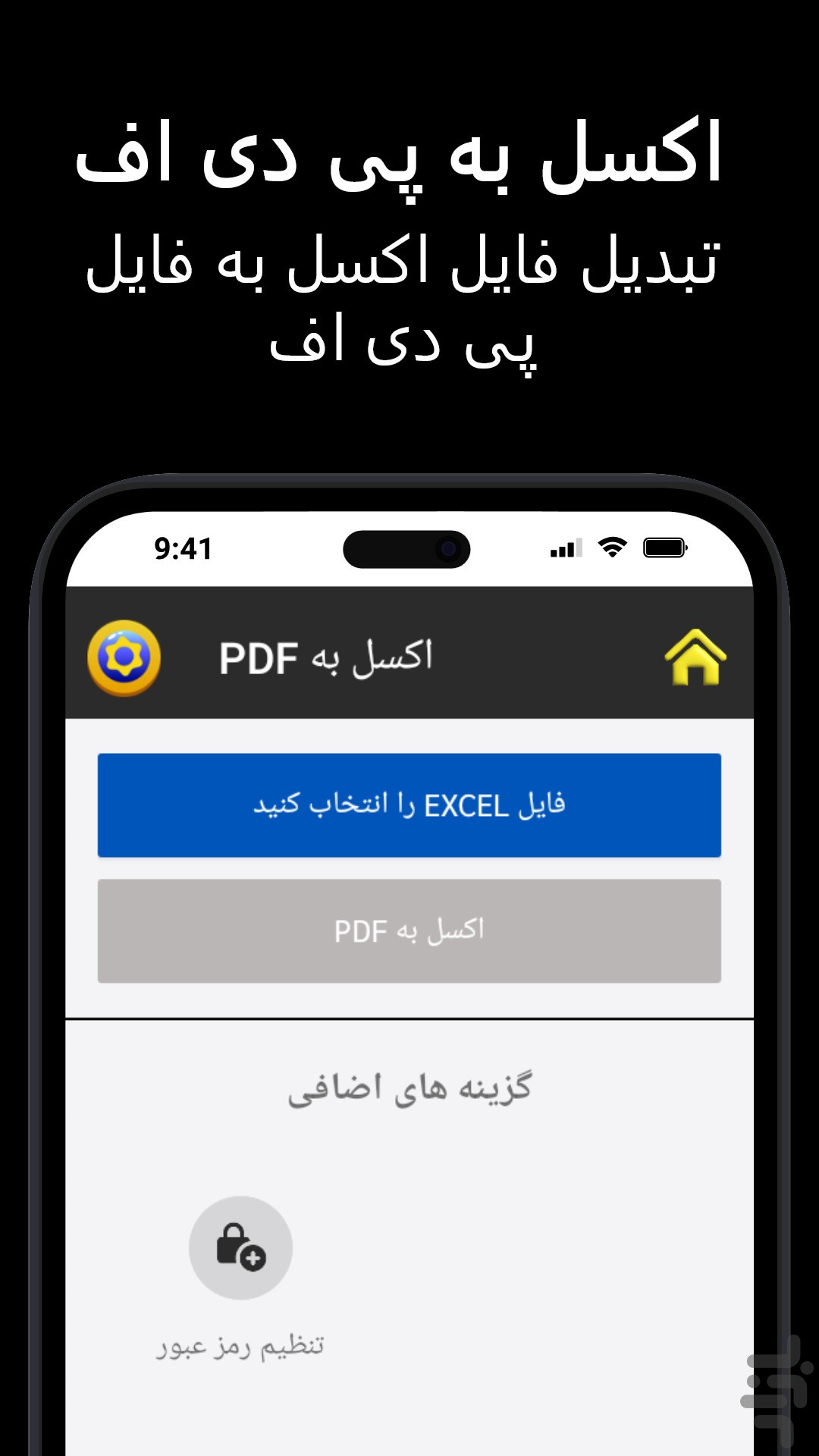
allows you to merge, split, rearrange, delete, encrypt, decrypt, rotate, crop and reformat PDF pages, add information, header, footer and watermark, convert images to PDF, PDF to images. To delete, flatten and list form fields, scan to pdf, create transparent image and more.
✔️ Tool set
PDF Tools provides you with a set of tools that you can use to work with PDFs and other files.
✔️ 100% free
You can use all the features of the PDF tool for free and without any restrictions.
✔️ Easy to use
The PDF tool has been developed to be as easy to use as possible.
✔️ Merge - merge or combine two or more PDF files into a single PDF file.
✔️ Split, Rearrange or Delete - Split, extract, rearrange or delete PDF pages from one PDF file into a new file
✔️ Encrypt and Decrypt with Security Options - Encrypt or decrypt PDF documents (master password or user password may be required). Password protect PDF files and prevent PDF files from being printed, copied, modified, filled, extracted, signed, assembled or merged
✔️ Rotate and Crop - Rotate a PDF page by 0, 90, 180 and 270 degrees. Crop a page to change its print or display layout by specifying its borders.
✔️ Reformat - put multiple pages on one page to save paper and ink when printing hard copies. Add note lines for the booklet.
✔️ Headers and Footers - Add headers and footers to provide information such as date, time, page number or document title, at the top or bottom of a document.
✔️ Watermark by text - add stamp - text
Add watermark with image using image file (bmp, jpg, gif, png, tiff, and wmf).
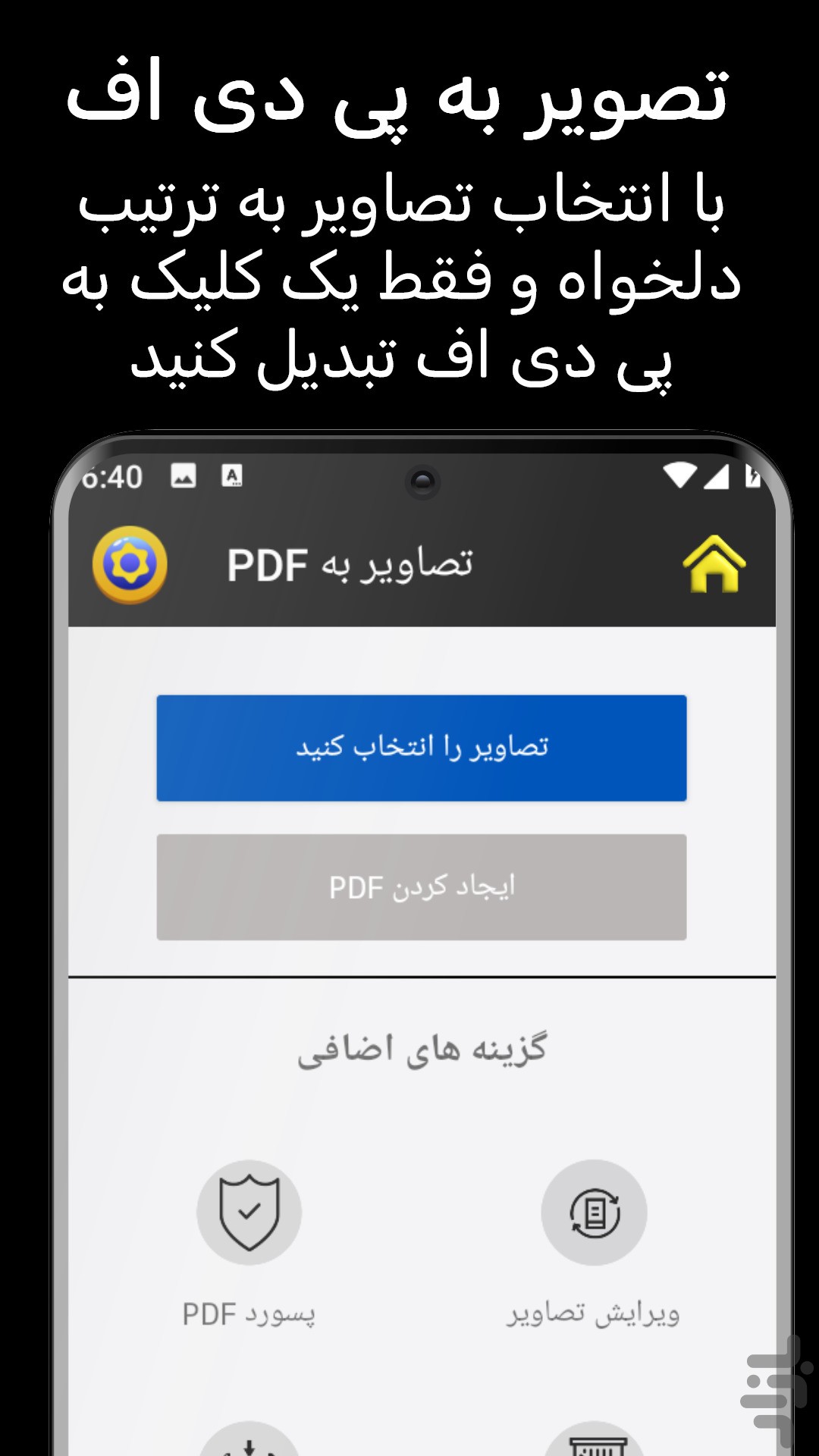
✔️ Convert images to PDF - Convert images (bmp, jpg, gif, png, tiff, and wmf) to a PDF file with layout options.
✔️ Convert PDF to Images - Save PDF pages to images (png, jpg, bmp and tiff) with DPI options.
✔️ PDF Form Fields: Remove, Flatten, List Remove, flatten or list PDF form fields in a PDF file.
✔️ Free scanner or scan your photo as an image file (PNG, JPG, BMP, TIF, GIF) or a PDF file.
With Image to PDF - PDF Maker, you can:
Import images or scan paper files with your camera and convert them to PDFs - notes, receipts, invoices, forms, business cards, certificates, whiteboards, ID cards, etc. , all supported.
Resize, crop, doodle, and rotate the images as you like. Optimize images for better PDF output.
Automatically sort images and PDF files by name, size, created date, modified date, etc. Of course, you can sort manually if you want.
You can set passwords to protect your PDF files, and encrypt confidential files to be shared to prevent others from peeking at them.
Support to reduce PDF size through compression. Set the image quality - low, medium, high, and original as needed.
No need to send data to the cloud, easily convert your images to PDF offline.
Easily send and share converted PDF files via social media, Bluetooth, Email, quick share, etc.
Want to convert picture to pdf? The powerful features make this app an ultimate pdf creator for your device to convert jpg to pdf. You can convert jpg to pdf from gallery or take photos with the camera, and then convert photo to pdf. It's quite easy, right? Have a try!
Convert image to pdf easily and safely! You can use a password to protect pdf with this pdf creator (also can be regarded as a pdf editor). With a user-friendly interface design, this free pdf converter app makes it easy for you to convert photo to pdf. You can merge multiple pictures to a single pdf file and share it as you like.
Your first choice pdf maker. Easily convert your picture to pdf. All features are free and there is no limitation to convert jpg to pdf. You can convert all formats of photos to pdf by our app. Try this awesome pdf maker and convert your photos to pdf in no time!
We now present you this handy app to convert photos to pdf! You only need to select the document you want to convert to pdf, and the conversion will be done in seconds! We also support resizing images, auto sorting & compressing pdf files! Enjoy the great experience with this convert to pdf app!