View antivirus results
checking the app
App screenshots


About this app
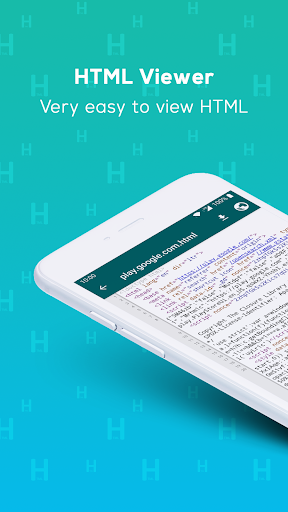
HTML Viewer opens HTML files, web page source code, PDFs, Word documents, saved web pages (MHT and MHTML) and more than a dozen other text and code formats on your phone. Read a file, search inside it, edit it, or preview how it renders. No account needed.
LEARN HTML, FREE
- 25 short lessons: HTML, then CSS, then a little JavaScript
- Try it: change every example and see the result live
- 8 templates to start from: landing page, form, pricing table, portfolio and more
WHAT YOU CAN OPEN
Web: HTML, HTM, XHTML, MHT, MHTML, CSS, JS, MJS, SVG
Data: JSON, XML, YAML, YML, CSV, TSV
Documents: PDF, DOC, DOCX, Markdown (MD), TXT, LOG
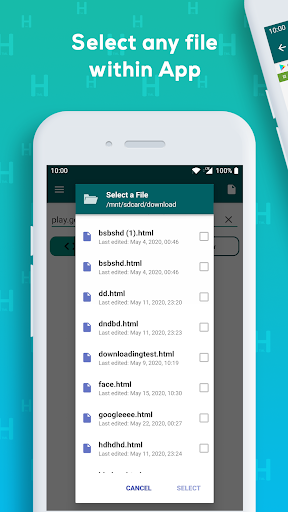
Tap a file in any file manager, or share it to HTML Viewer from another app, and it opens here.
VIEW AND READ
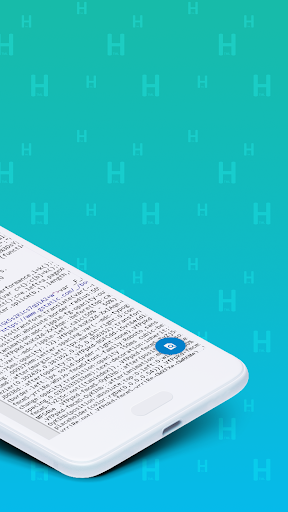
- Source view with syntax highlighting for HTML, CSS and JavaScript
- Rendered preview, so you can flip between the code and the page it makes
- Saved web pages in MHT and MHTML format open with their images and styling
- Element Inspector: tap anything on the rendered page to see the element behind it
- Find text inside a file, with next and previous navigation
- PDF and Word viewing with pinch zoom
- Source stats for the file you are reading
BROWSE THE WEB AND READ ANY SITE'S SOURCE
- Built-in browser with history and URL autocomplete
- View the source code of any page you visit
- Switch between the mobile and desktop version of a site
- Scan a QR code to open its link and read its source
- Searchable browsing history
EDIT AND BUILD (premium)
- Code editor with syntax highlighting and multi-file projects
- Create a new HTML, CSS or JavaScript file and preview it live
- Save projects and reopen them later
- Export or share your work
PDF TOOLS (premium)
- Merge several PDFs into one
- Extract or split pages by range, for example 1-3, 5, 7-10
- Add text, drawings, stamps and a signature to a page
- Crop and rotate pages
Opening a PDF, saving it and sharing it are free.
QUICK ACCESS
- Home screen widget
- Quick Settings tile, so the app is one swipe away
ABOUT PREMIUM
Opening files, reading them, searching inside them and browsing the web are free. The code editor, the project tools and the PDF editing tools are part of the premium subscription, which also removes ads. You can use the app as a viewer for as long as you like without paying.
OFFLINE
Local files open with no network connection. The browser tab needs one.
LANGUAGES
English by default, and also in Hindi, Indonesian, Portuguese, Spanish, French, German, Russian, Ukrainian, Turkish, Korean and Hebrew: choose yours in Settings.
SUPPORT
Questions, a bug, or a format you wish we handled? Write to contact@yh-mobile.com and we will reply.
If HTML Viewer is useful to you, a rating helps other people find it.
What’s new
• Private mode: browse and open files without saving them to History or Recent
• History now lists the files you opened as well as websites
• Smoother pinch zoom in the code views
• Fixes for websites that failed to load, like Facebook, and other bug fixes