

View antivirus results
checking the app
App screenshots


About this app
Broken volume buttons? No problem. With a single tap, instantly display Android's native volume controls and adjust your volume without using the hardware buttons.
That's exactly what this app does: simple, lightweight, and effective.
Want more? Use the floating control to adjust the volume directly, add a Quick Settings tile, or put a widget on your home screen.
Privacy-friendly
• No data collection
• No ads
• Everything is free. An optional one-time "Support the app" purchase simply removes the occasional reminder.
Floating Volume Control
• Show a floating volume control over other apps
• Drag it anywhere on the screen or have it snap to the screen edges
• Tuck it to the edge of the screen after a few seconds (optional)
• Choose what a tap, double-tap or long-press does: show the volume panel, mute, open a menu, or open Settings
• Show it only while sound is playing (optional)
• Show the volume level as a percentage or number (optional)
Widgets
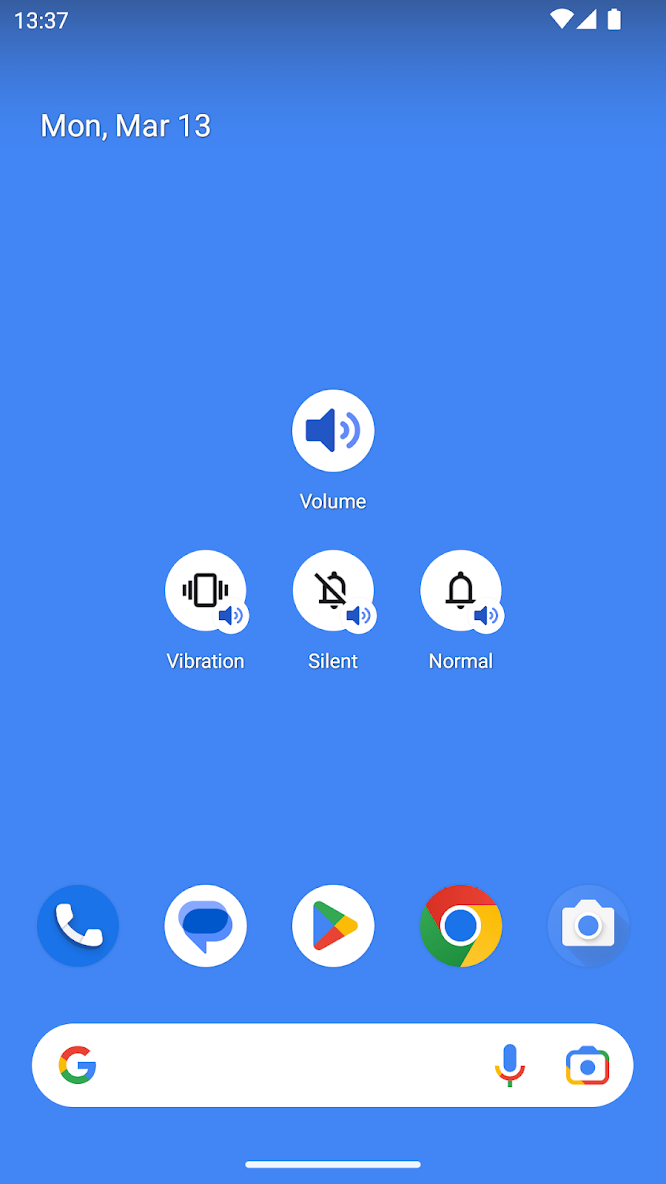
• Add a home screen widget for quick volume control
• 6 styles to choose from: volume buttons, a slider with pop-up, mute, volume up, volume down, and a ringer mode widget with buttons in the order you prefer
• Can be used on the lock screen (Android 16+)
Quick Settings Tile (Android 7+)
• Add a Quick Settings tile for instant access
• Display volume controls directly from the notification shade
Notification
• Control the volume from a notification
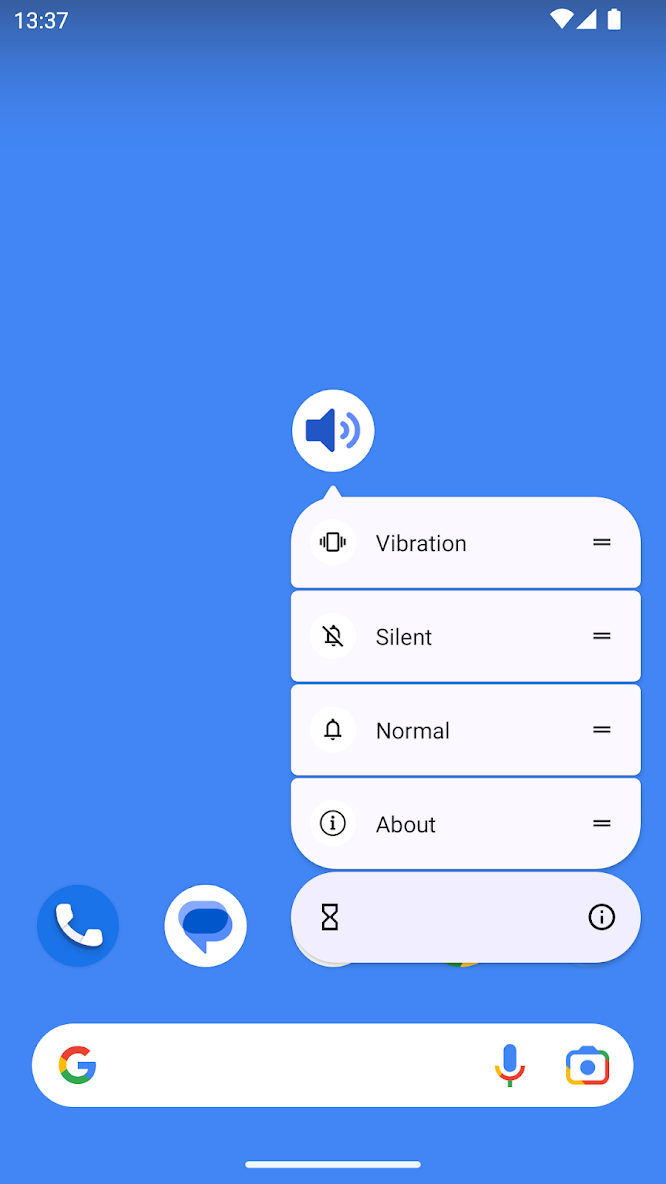
App Shortcuts (Android 7.1+) - long-press the app icon to quickly switch ringer modes:
• Normal
• Vibrate
• Silent
Also
• Light and dark themes
• Available in 40 languages
Perfect for devices with faulty volume buttons or anyone who wants faster access to volume controls.
What’s new
• Dark mode colors fixed – selected floating button color now stays the same in dark mode.
• Volume buttons option – Tap again to quickly show volume controls, mute, or open settings while the buttons are hidden.
• Settings improved – "What it shows" now appears before "Actions" for a more intuitive setup experience.
NOTE
This app is not a virus. Some antivirus apps may mistakenly flag it as harmful. If this happens, please mark it as safe.


