View antivirus results
| Antivirus | Status |
|---|---|
| Eset | Clean |
| ClamAv | Clean |
| Comodo | Clean |
| DrWeb | Clean |
| Kaspersky | No result |
Needs further review: this scanner has not returned a result for this version of the app. | |
| Symantec | Clean |
| ZonerMobileSecurity | Clean |
| GooglePlayProtect | No result |
Needs further review: this scanner has not returned a result for this version of the app. | |
| McAfee | Clean |
| FSecure | No result |
Needs further review: this scanner has not returned a result for this version of the app. | |
App screenshots

About this app
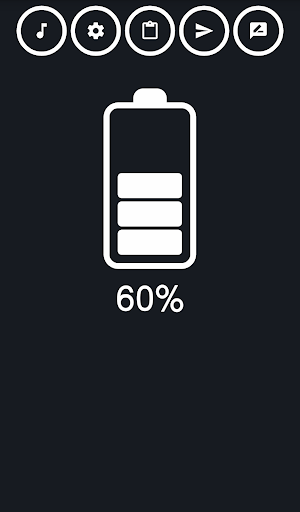
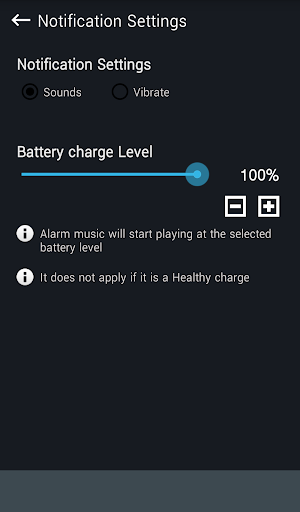
You can use music of your choice for the notification.
[How to use]
1. Connect your phone to the charging cable.
2. When charging is complete, the set song is played.
3. Unplug the charging cable to stop the song being played.
[Function]
- Music stops when the charge cable is separated.
- You can control volume of the music.
- Cable connection will be notified by the default phone ring tone.
- You can set 'Do Not Disturb'(Silent Time)
- You can use voice notification feature.
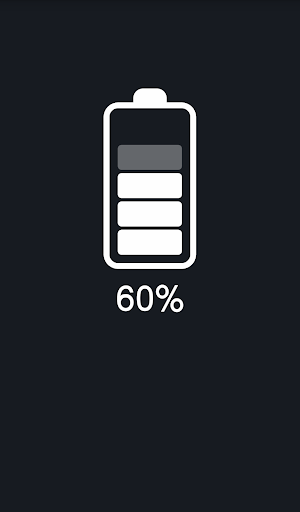
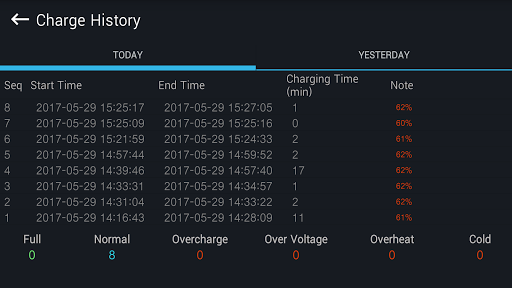
- You can check the battery charge on the top of the screen. (Checking this is show remaining Battery life on indicator)
What’s new
- The audio volume issue has been fixed.