- Install
- 140
- Category
- Tools
- Last updated
- 2025 May 28
- Size
- 23 MB
View antivirus results
checking the app
App screenshots



About this app
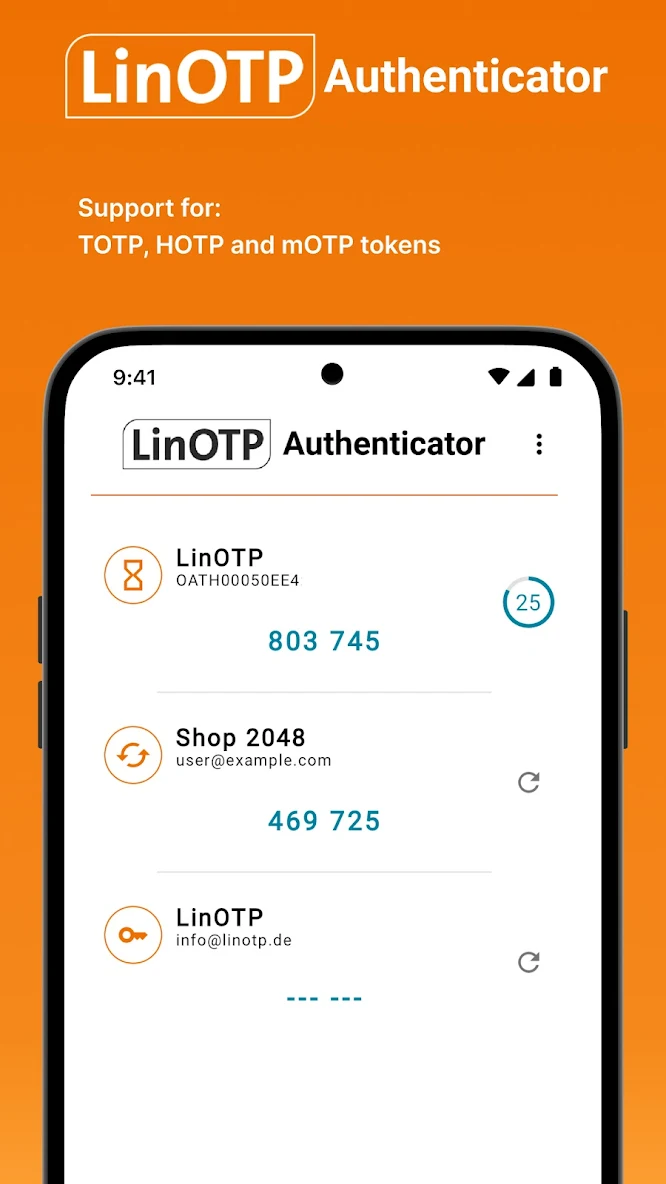
Use LinOTP Authenticator to secure your accounts with two-step authentication by generating verification codes to access your accounts.
Two-step authentication provides an extra level of security for your accounts because every new verification code generated by LinOTP Authenticator is uniquely valid for a single sign in request only.
LinOTP Authenticator is compatible with most of your accounts already as it supports standard TOTP and HOTP security algorithms. However, it works best with LinOTP, the enterprise-level 2FA solution. See https://linotp.de for more information.
Features:
* Generate verification codes offline
* Edit your verification accounts
* LinOTP Authenticator works with most providers and accounts
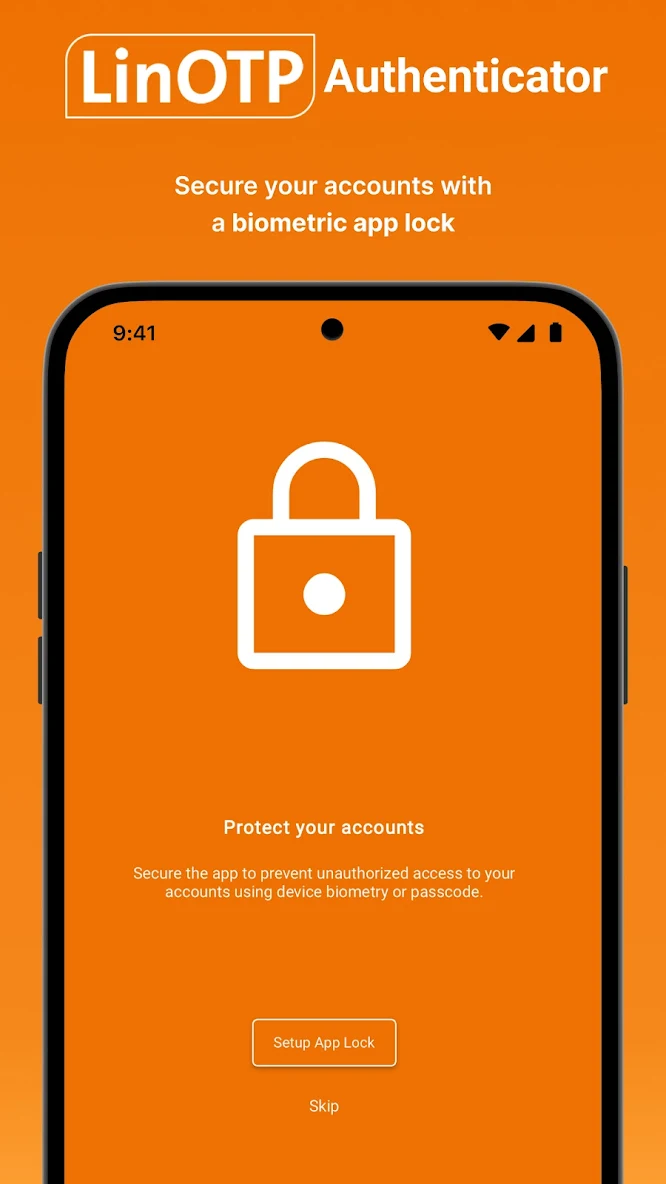
* Biometric app lock
* Simple QR code setup
Permission notice:
Camera: LinOTP Authenticator will ask you for the camera permission if you want to add accounts using the QR code scanner functionality.
What’s new
* LinOTP QR Token now supports various options for Offline-OTP Mode.
* You have the option to always show the Offline-OTP for QR-Tokens
* Screenshot prevention - configurable
* Enhanced error handling
* Support for repairing Push-Token notifications when an internal device identifier changes
* Various UI fixes and enhancements