View antivirus results
| Antivirus | Status |
|---|---|
| Comodo | Clean |
| McAfee | Clean |
| ZonerMobileSecurity | No result |
Needs further review: this scanner has not returned a result for this version of the app. | |
| ClamAv | Clean |
| Kaspersky | No result |
Needs further review: this scanner has not returned a result for this version of the app. | |
| DrWeb | Clean |
| Symantec | Clean |
| FSecure | No result |
Needs further review: this scanner has not returned a result for this version of the app. | |
| Eset | Clean |
| GooglePlayProtect | No result |
Needs further review: this scanner has not returned a result for this version of the app. | |
App screenshots



About this app
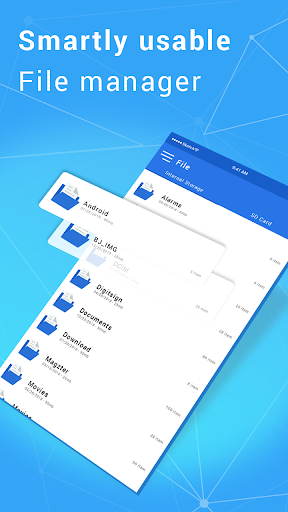
File Explorer allows you to browse your SD card, create directories, rename, copy, move, and delete files. File Explorer is a tool that lets you manage the content on your SD card more easily from your Android terminal.
File Manager: Manage your files with cut, copy, paste, rename, and compress operations.
ES File Explorer
File Manager smart categories for different types of content, images gallery and music player for pre-listening your music or play it in the background
Hocket File Manager - explorer, clean & transfer.
File Explorer (File Manager) allows you to copy, move, rename, delete or share files to and from any of your storages.
What’s new
File explorer